

This computer science problem involves algorithmic thinking and programming concepts. The solution below explains the approach, logic, and implementation step by step.
ScanSolve AI Answer
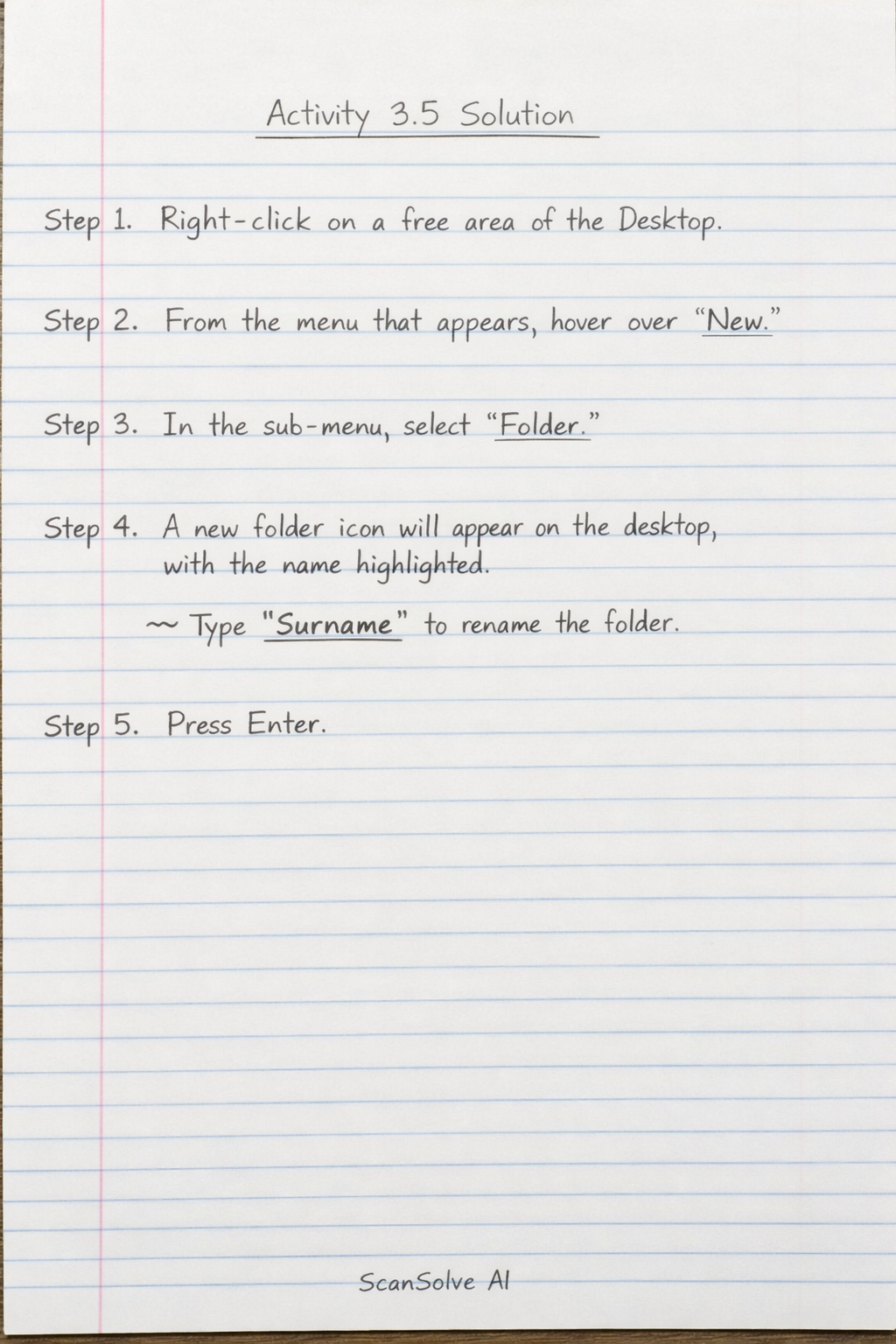
You're on a roll — Here are the instructions for the activities: Activity 3.4: This activity instructs you to right-click a free area on your computer's Desktop. The rest of the instruction is unreadable due to the image quality, but it likely asks you to select a specific option from the context menu that appears (e.g., "Display settings," "Personalize," or a view option). Activity 3.5: This activity guides you through creating a new item on your desktop. Step 1: Right-click a free area on your Desktop. This will open a context menu. Step 2: From the context menu, hover your mouse over the "New" option. This will open a sub-menu. Step 3: From the "New" sub-menu, select "Folder" (this is the most common item created this way, though the image is blurry after "New"). Step 4: A new folder icon will appear on your desktop, with its name highlighted. Type "Surname" (using your actual surname) to rename the folder. Step 5: Press Enter. The folder will now be named with your surname. Your observation should be a sketch of your desktop showing the newly created folder named with your surname. As an AI, I cannot perform this physical action or create a sketch.