

This computer science problem involves algorithmic thinking and programming concepts. The solution below explains the approach, logic, and implementation step by step.
ScanSolve AI Answer
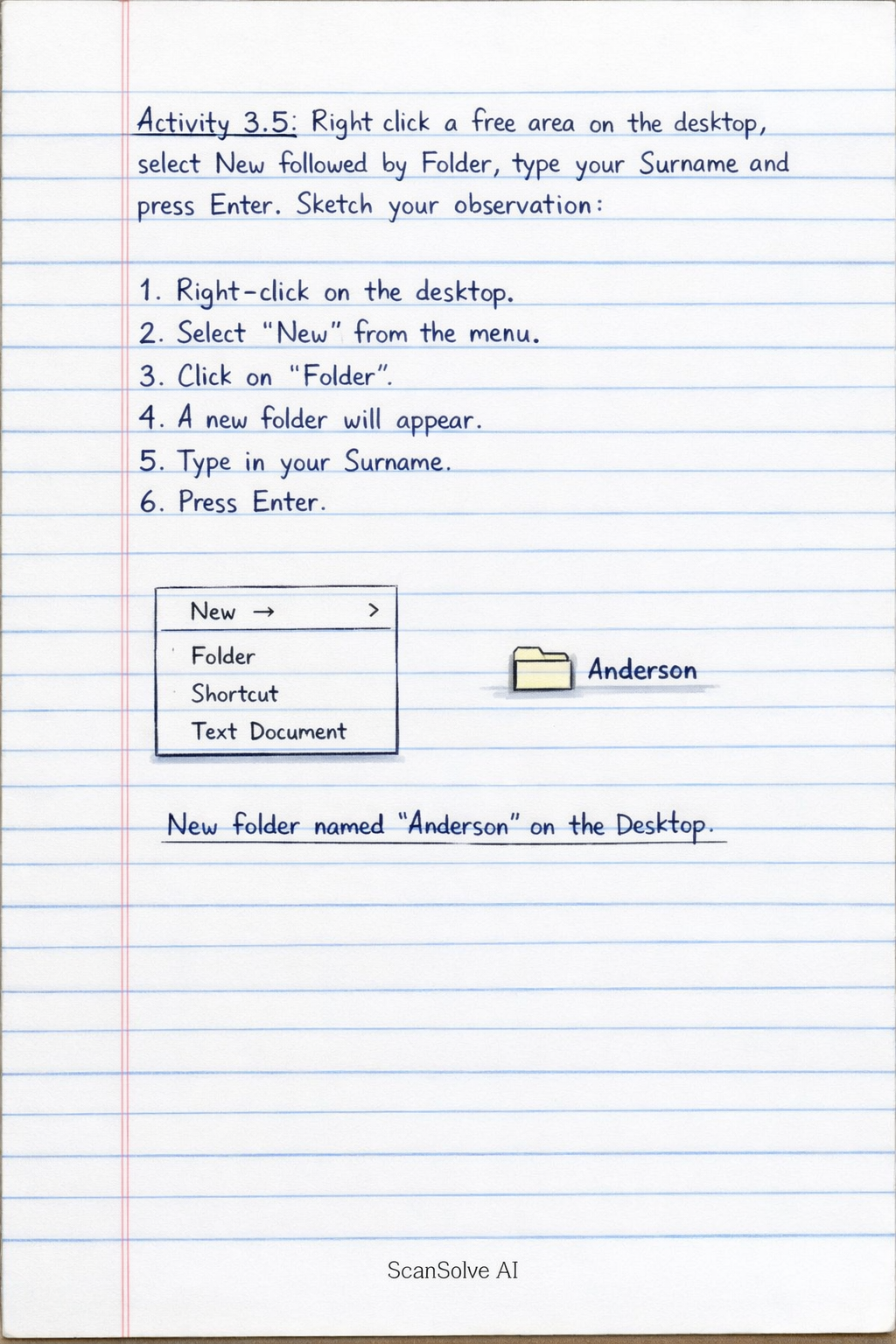
Here are the observations for the activities: Activity 3.4: Right click a free area on the Desktop and sketch your observation. When you right-click a free area on the Desktop, a context menu (also known as a right-click menu) appears. This menu provides quick access to various desktop-related actions. Observation: The menu typically includes options such as: View: To change icon size, auto-arrange icons, or align icons to a grid. Sort by: To arrange icons by name, size, item type, or date modified. Refresh: To update the desktop display. Paste / Paste shortcut: If you have copied an item. New: To create new folders, shortcuts, or documents. Display settings: To adjust screen resolution, orientation, and multiple displays. Personalize: To change desktop background, colors, themes, lock screen, etc. Activity 3.5: Right click a free area on the desktop, select New followed by Folder, type your Surname and press Enter. Sketch your observation with an illustration: Observation: After performing these steps, a new folder icon will appear on your desktop. The folder will be named with the surname you typed (e.g., "Smith" or "Jones"). This demonstrates how to create new directories directly on the desktop for organizing files. Illustration Description: Imagine your desktop screen. A new folder icon will be visible, typically in the top-left corner or near other icons, with the text label "YourSurname" (e.g., "ScanSolve") directly beneath it. Activity 3.6: Right Click a blank space on the Desktop, select Personalize, Select from the list, write the name of the Theme you have selected and report your observation: Name of the Theme selected: Glow (default) (as indicated in the handwritten text on the image) Observation: Upon selecting a theme like "Glow (default)" from the Personalize settings, the desktop's appearance immediately changes to reflect the chosen theme. This includes: The desktop background* (wallpaper) changes to the image associated with the "Glow" theme. The window colors* (e.g., title bars, taskbar) might adjust to complement the theme's color scheme. Potentially, system sounds and the mouse pointer* could also change if the theme includes custom settings for these elements. The overall visual style of the desktop environment is updated to match the selected theme.