
Teach me with examples all the different sql commands I can use in Ms Access
ScanSolve AI Answer
Step-by-step solution
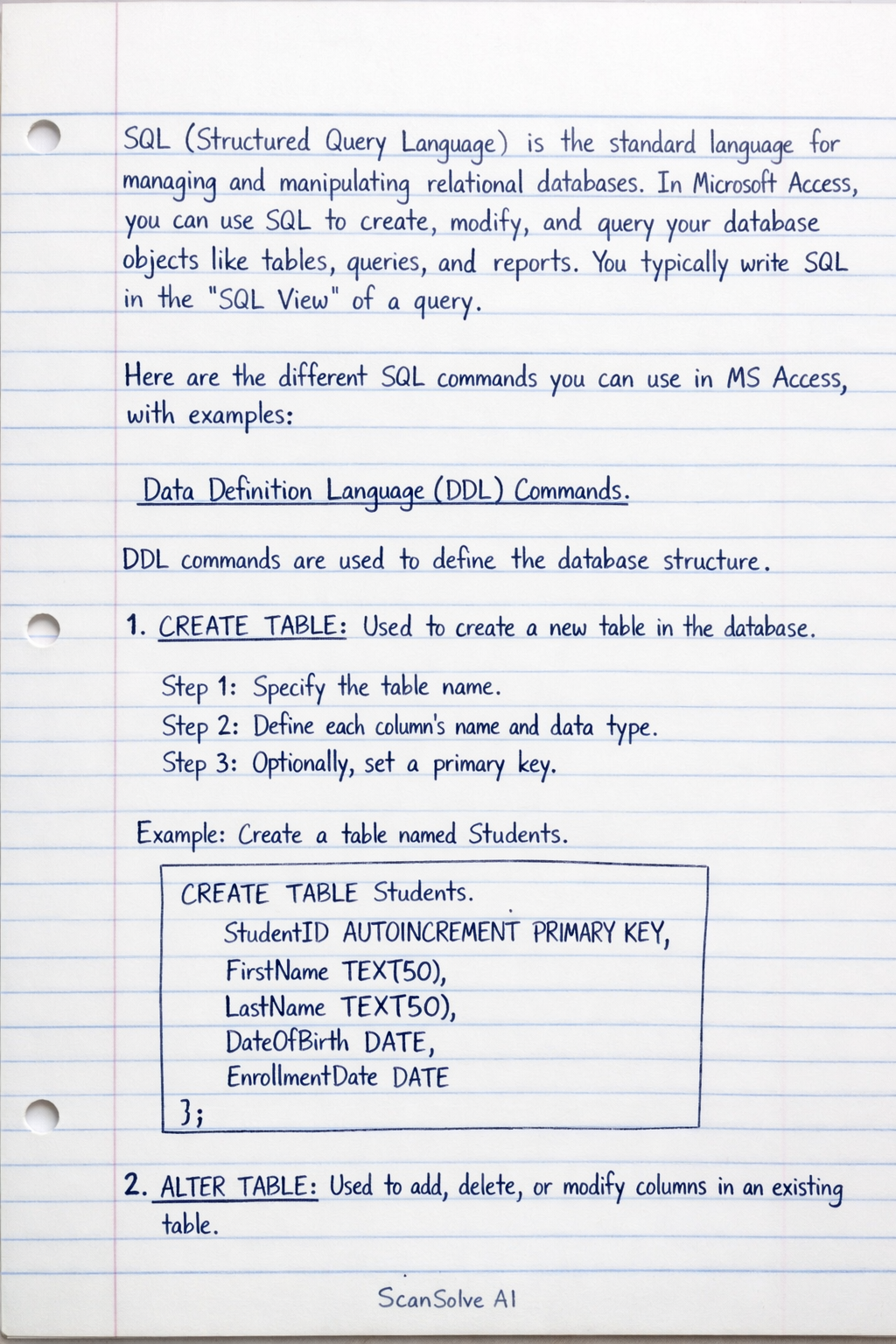
24 stepsSQL (Structured Query Language) is the standard language for managing and manipulating relational databases. In Microsoft Access, you can use SQL to create, modify, and query your database objects like tables, queries, and reports. You typically write SQL in the "SQL View" of a query.
Here are the different SQL commands you can use in MS Access, with examples:
Data Definition Language (DDL) Commands
DDL commands are used to define the database structure.
CREATE TABLE: Used to create a new table in the database.
Specify the table name.
Define each column's name and data type.
Optionally, set a primary key.
Example: Create a table named `Students`. $$ \boxed{\textbf{ CREATE TABLE Students ( StudentID AUTOINCREMENT PRIMARY KEY, FirstName TEXT(50), LastName TEXT(50), DateOfBirth DATE, EnrollmentDate DATE ); }} $$2.
ALTER TABLE: Used to add, delete, or modify columns in an existing table.Specify the table name.
Use
ADD COLUMNto add a new column,DROP COLUMNto remove one, orALTER COLUMNto modify.Example: Add a new column `Email` to the `Students` table. $$ \boxed{\textbf{ ALTER TABLE Students ADD COLUMN Email TEXT(100); }} $$3.
DROP TABLE: Used to delete an existing table from the database.Specify the table name to be deleted.
Example: Delete the `Students` table. $$ \boxed{\textbf{ DROP TABLE Students; }} $$Data Manipulation Language (DML) Commands
DML commands are used to manage data within the database objects.
INSERT INTO: Used to add new rows (records) to a table.
Specify the table name.
List the columns you are inserting data into (optional, but good practice).
Provide the values for each column in the order specified.
Example: Insert a new student record into the `Students` table. $$ \boxed{\textbf{ INSERT INTO Students (FirstName, LastName, DateOfBirth, EnrollmentDate, Email) VALUES ('Alice', 'Smith', #2000-01-15#, #2018-09-01#, 'alice.smith@example.com'); }} $$ *Note: Dates in MS Access SQL are enclosed in hash symbols (`#`).*2.
SELECT: Used to retrieve data from one or more tables. This is the most frequently used SQL command.Specify the columns you want to retrieve, or
*for all columns.Specify the table(s) from which to retrieve data.
Optionally, use
WHEREto filter rows,ORDER BYto sort results,GROUP BYto aggregate data, etc.Example a: Select all columns from the `Students` table. $$ \boxed{\textbf{ SELECT * FROM Students; }} $$ Example b: Select `FirstName` and `LastName` for students enrolled after 2019. $$ \boxed{\textbf{ SELECT FirstName, LastName FROM Students WHERE EnrollmentDate > #2019-01-01#; }} $$ Example c: Select all students, ordered by `LastName` alphabetically. $$ \boxed{\textbf{ SELECT * FROM Students ORDER BY LastName ASC; }} $$3.
UPDATE: Used to modify existing data in a table.Specify the table name.
Use
SETto specify the column(s) to update and their new values.Use
WHEREto specify which rows to update.*Caution: Omitting
WHEREwill update all rows.Example: Update Alice Smith's email address. $$ \boxed{\textbf{ UPDATE Students SET Email = 'alice.s@newmail.com' WHERE FirstName = 'Alice' AND LastName = 'Smith'; }} $$4.
DELETE FROM: Used to remove existing rows from a table.Specify the table name.
Use
WHEREto specify which rows to delete.*Caution: Omitting
WHEREwill delete all rows.Example: Delete the student named 'Alice Smith'. $$ \boxed{\textbf{ DELETE FROM Students WHERE FirstName = 'Alice' AND LastName = 'Smith'; }} $$Advanced DML Concepts
JOIN: Used to combine rows from two or more tables based on a related column between them.INNER JOINis the most common type.
Specify the
SELECTcolumns.Specify the first table.
Use
INNER JOINwith the second table.Use
ONto define the join condition (the common column).Example: Assume you have a `Courses` table and a `StudentCourses` table linking students to courses. $$ \boxed{\textbf{ SELECT Students.FirstName, Students.LastName, Courses.CourseName FROM Students INNER JOIN StudentCourses ON Students.StudentID = StudentCourses.StudentID INNER JOIN Courses ON StudentCourses.CourseID = Courses.CourseID; }} $$2.
GROUP BYwith Aggregate Functions: Used to group rows that have the same values in specified columns into a summary row, often with aggregate functions likeCOUNT(),SUM(),AVG(),MAX(),MIN().Specify the columns to select, including the aggregate function.
Specify the table.
Use
GROUP BYon the column(s) you want to group by.Example: Count the number of students enrolled each year. $$ \boxed{\textbf{ SELECT YEAR(EnrollmentDate) AS EnrollmentYear, COUNT(StudentID) AS NumberOfStudents FROM Students GROUP BY YEAR(EnrollmentDate); }} $$
Still stuck on this one?
Ask a follow-up, and the answer starts from this question.
More Computer Science Questions
Handwritten Step-by-Step Solution
Get this as a handwritten image on WhatsApp — like a tutor wrote it for you.
Try on WhatsApp