
We read your photo as:
What are the default and maximum sizes for a text field in Access, and what are the methods to create a new table in MS-Access?
ScanSolve AI Answer
Answer
Here are the answers to the questions:
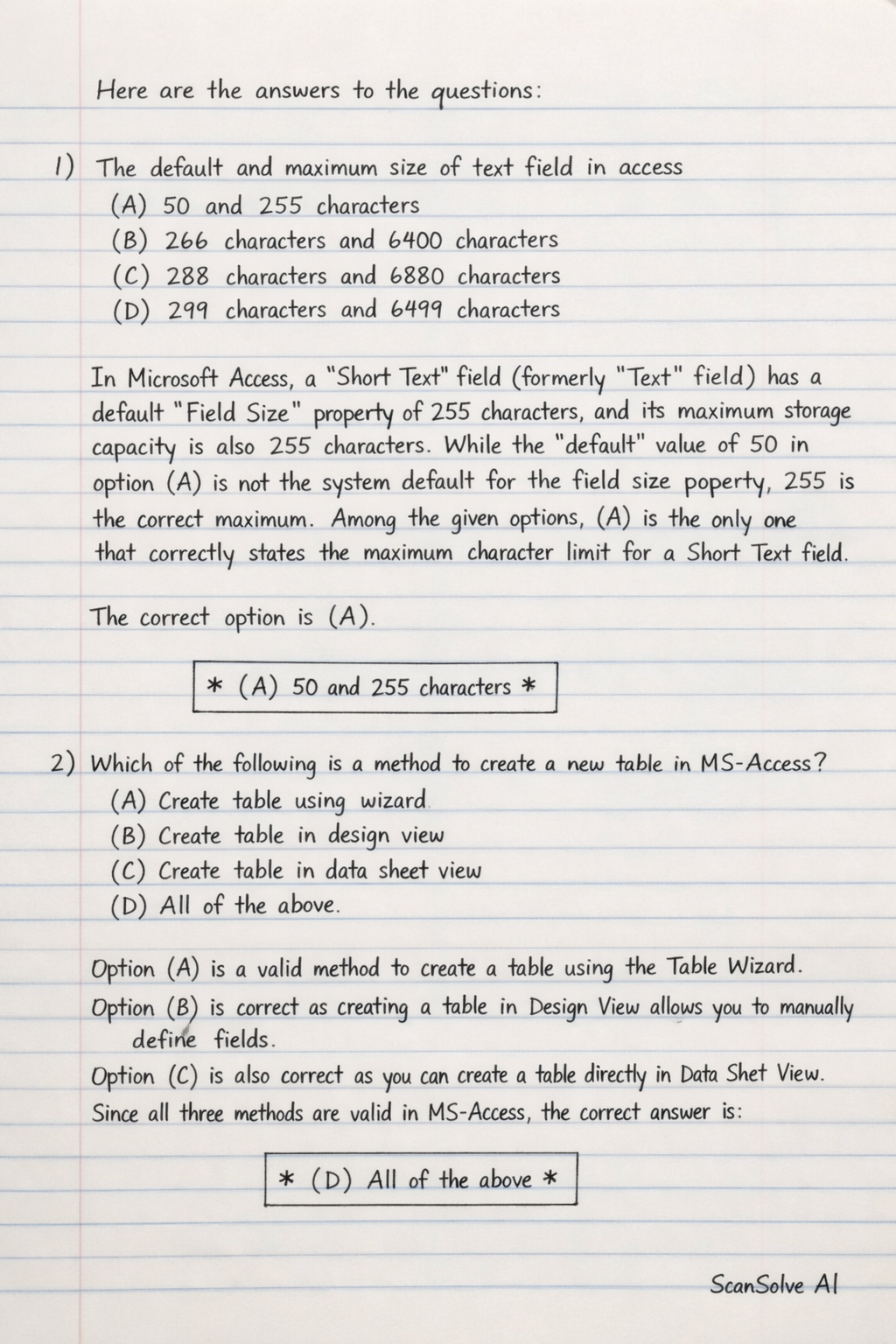
1) The default and maximum size of text field in access
(A) 50 and 255 characters
(B) 266 characters and 6400 characters
(C) 288 characters and 6880 characters
(D) 299 characters and 6499 characters
In Microsoft Access, a "Short Text" field (formerly "Text" field) has a default Field Size property of 255 characters, and its maximum storage capacity is also 255 characters. While the "default" value of 50 in option (A) is not the system default for the field size property, 255 is the correct maximum. Among the given options, (A) is the only one that correctly states the maximum character limit for a Short Text field.
The correct option is (A).
2) Which of the following is a method to create a new table in MS-Access?
(A) Create table using wizard
(B) Create table in design view
(C) Create table in data sheet view
(D) All of the above
Microsoft Access provides multiple ways to create new tables:
- You can use the Table Wizard to guide you through the process.
- You can create a table in Design View, where you manually define field names, data types, and properties.
- You can create a table in Datasheet View by directly entering data, and Access will automatically create fields and infer data types. Since all these methods are valid, option (D) is the correct choice.
The correct option is (D).
3) Special effects used to
The question is incomplete. Please provide the full text of the question for a complete answer.
Try one yourself
A new problem that tests the same skill.
Still stuck on this one?
Ask a follow-up, and the answer starts from this question.
More Computer Science Questions
Handwritten Step-by-Step Solution
Get this as a handwritten image on WhatsApp — like a tutor wrote it for you.
Try on WhatsApp