
We read your photo as:
What is the first step to create a new database in MS Access?
ScanSolve AI Answer
Answer
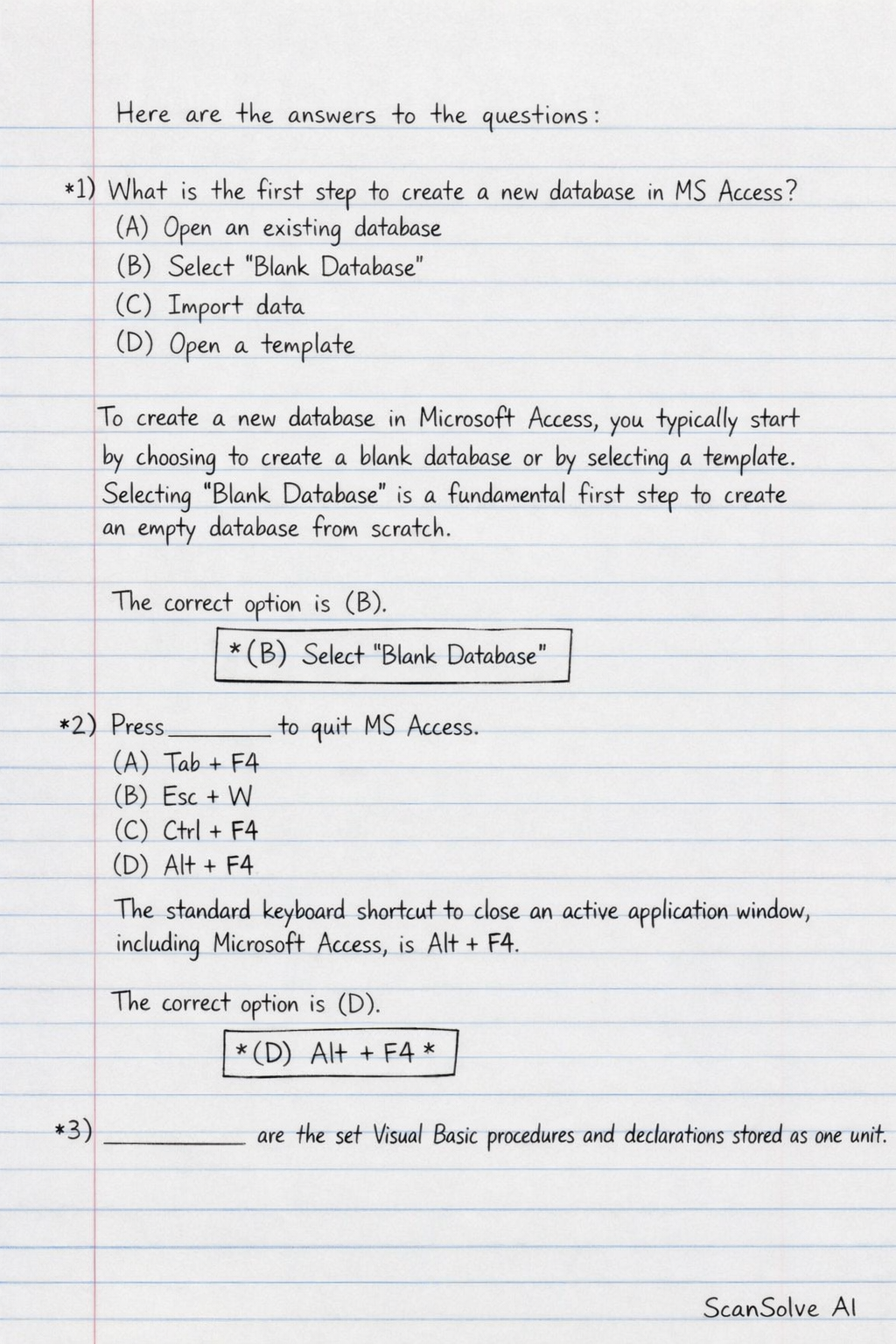
Here are the answers to the questions:
1) What is the first step to create a new database in MS Access?
(A) Open an existing database
(B) Select 'Blank Database'
(C) Import data
(D) Open a template
To create a new database in Microsoft Access, you typically start by choosing to create a blank database or by selecting a template. Selecting 'Blank Database' is a fundamental first step to create an empty database from scratch.
The correct option is (B).
2) Press ____ to quit MS Access.
(A) Tab + F4
(B) Esc + W
(C) Ctrl + F4
(D) Alt + F4
The standard keyboard shortcut to close an active application window, including Microsoft Access, is Alt + F4.
The correct option is (D).
3) ____ are the set Visual Basic procedures and declarations stored as one unit.
The options for this question are not visible in the image. However, based on the description, the term that fits is a Module. In Visual Basic for Applications (VBA), a module is a container for a collection of procedures (Sub and Function procedures) and declarations (Dim, Const, Type statements) that are stored together as a single unit.
The answer is Module.
Try one yourself
A new problem that tests the same skill.
Still stuck on this one?
Ask a follow-up, and the answer starts from this question.
More Computer Science Questions
Handwritten Step-by-Step Solution
Get this as a handwritten image on WhatsApp — like a tutor wrote it for you.
Try on WhatsApp