
We read your photo as:
Explain six database objects that can be created and used in MS Access.
ScanSolve AI Answer
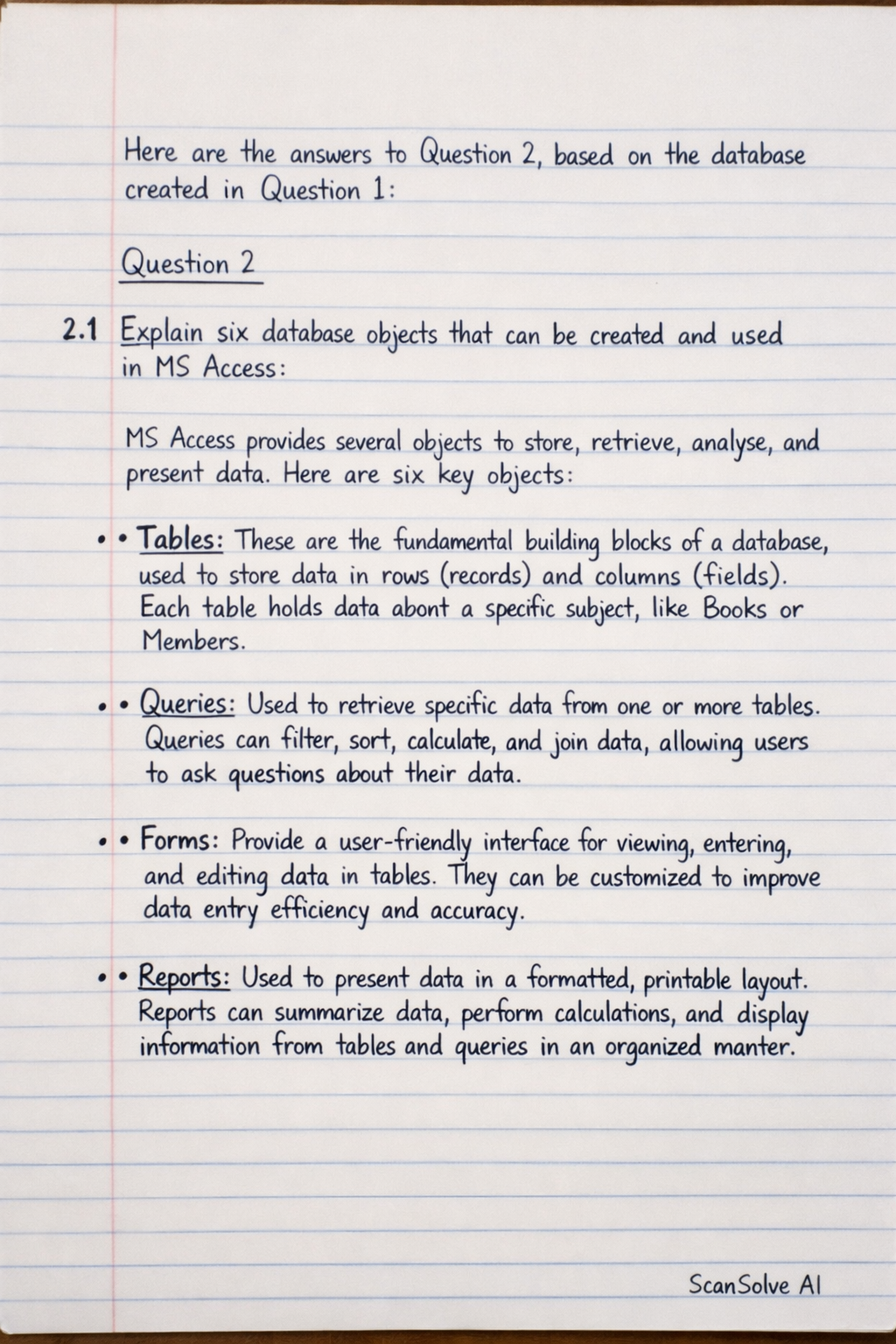
Here are the answers to Question 2, based on the database created in Question 1:
Question 2
2.1 Explain six database objects that can be created and used in MS Access.
MS Access provides several objects to store, retrieve, analyze, and present data. Here are six key objects:
- Tables: These are the fundamental building blocks of a database, used to store data in rows (records) and columns (fields). Each table holds data about a specific subject, like
BooksorMembers. - Queries: Used to retrieve specific data from one or more tables. Queries can filter, sort, calculate, and join data, allowing users to ask questions about their data.
- Forms: Provide a user-friendly interface for viewing, entering, and editing data in tables. They can be customized to improve data entry efficiency and accuracy.
- Reports: Used to present data in a formatted, printable layout. Reports can summarize data, perform calculations, and display information from tables and queries in an organized manner.
- Macros: Automate common tasks in Access. A macro is a set of actions that can be run with a single command, such as opening a form, running a query, or printing a report.
- Modules: Contain Visual Basic for Applications (VBA) code. Modules are used for more complex automation and custom functions that cannot be achieved with macros.
2.2 There are three different methods for creating a table from the Tables group on the Ribbon. Name and explain each method.
The three methods for creating a table from the Tables group on the Ribbon in MS Access are:
- Datasheet View: This is the quickest way to create a table. You start by entering data directly into a blank table, and Access automatically defines the field data types based on the data you enter. You can then rename the default fields.
- Design View: This method provides precise control over table structure. You define each field's name, data type, and properties (like primary key, field size, input mask, validation rules) before entering any data. This is ideal for planning the table structure in detail.
- Table Templates/Application Parts: Access offers pre-designed table templates (e.g., Contacts, Tasks) or Application Parts (pre-built database components) that you can add to your database. These provide ready-to-use tables with predefined fields and properties, which can be customized further.
2.3 Create a relationship diagram linking the three tables, ensuring referential integrity.
To create the relationship diagram:
- Go to the
Database Toolstab on the Ribbon. - Click
Relationshipsin theRelationshipsgroup. - If the tables are not already visible, click
Show Tableand addBooks,Members, andLoans. - Drag the
BookIDfield from theBookstable to theBookIDfield in theLoanstable. In theEdit Relationshipsdialog box, checkEnforce Referential Integrityand clickCreate. - Drag the
MemberIDfield from theMemberstable to theMemberIDfield in theLoanstable. In theEdit Relationshipsdialog box, checkEnforce Referential Integrityand clickCreate. - Save the relationships layout.
The relationship diagram would visually show the Books, Members, and Loans tables. A line would connect Books.BookID to Loans.BookID, and another line would connect Members.MemberID to Loans.MemberID. Each line would have a '1' on the primary key side and an infinity symbol () on the foreign key side, indicating one-to-many relationships, with referential integrity enforced.
Screenshot of Relationship Diagram (conceptual)
2.4 Create a query showing all Loans, with results sorted by LoanDate in descending order.
To create this query:
- Go to the
Createtab on the Ribbon. - Click
Query Designin theQueriesgroup. - In the
Show Tabledialog box, add theLoanstable and close the dialog. - Double-click on
LoanID,BookID,MemberID,LoanDate, andReturnDatefrom theLoanstable field list to add them to the query design grid. - In the
Sortrow for theLoanDatefield, selectDescending. - Run the query by clicking
Runon theDesigntab. - Save the query (e.g.,
AllLoansSortedByDate).
The query result would display all records from the Loans table, with the most recent LoanDate appearing first.
Screenshot of Query Results (conceptual)
2.5 Create a tabular form for the Members table with the form title in Arial Black, size 20.
To create this form:
- Select the
Memberstable in the Navigation Pane. - Go to the
Createtab on the Ribbon. - Click
Formin theFormsgroup. Access will automatically create a form. - Switch to
Layout VieworDesign View. - Click on the form title (usually "Members") at the top of the form.
- In the
Property Sheet(if not visible, press F4), locate theFormattab. - Change the
Font Nameproperty toArial Black. - Change the
Font Sizeproperty to20. - Save the form (e.g.,
MembersTabularForm).
The form would display Members data in a tabular layout, with the title "Members" formatted in Arial Black, size 20.
Screenshot of Tabular Form (conceptual)
2.6 Create a report for the Books table with no grouping levels.
To create this report:
- Select the
Bookstable in the Navigation Pane. - Go to the
Createtab on the Ribbon. - Click
Report Wizardin theReportsgroup. - In the first step of the wizard, select all available fields from the
Bookstable and move them to theSelected Fieldslist. ClickNext. - In the grouping levels step, ensure no grouping levels are added. Click
Next. - In the sort order step, you can optionally sort by
TitleorAuthor. ClickNext. - Choose a layout (e.g.,
Tabular) and orientation (e.g.,Portrait). ClickNext. - Enter a title for the report (e.g.,
Books Report). ClickFinish.
The report would display all Books data in a simple list format, without any sections for grouping.
Screenshot of Final Report (conceptual)
Still stuck on this one?
Ask a follow-up, and the answer starts from this question.
More Computer Science Questions
Handwritten Step-by-Step Solution
Get this as a handwritten image on WhatsApp — like a tutor wrote it for you.
Try on WhatsApp