
We read your photo as:
What are the key concepts of computer maintenance, including its definition, types, purpose, cleaning importance, and backup procedures?
ScanSolve AI Answer
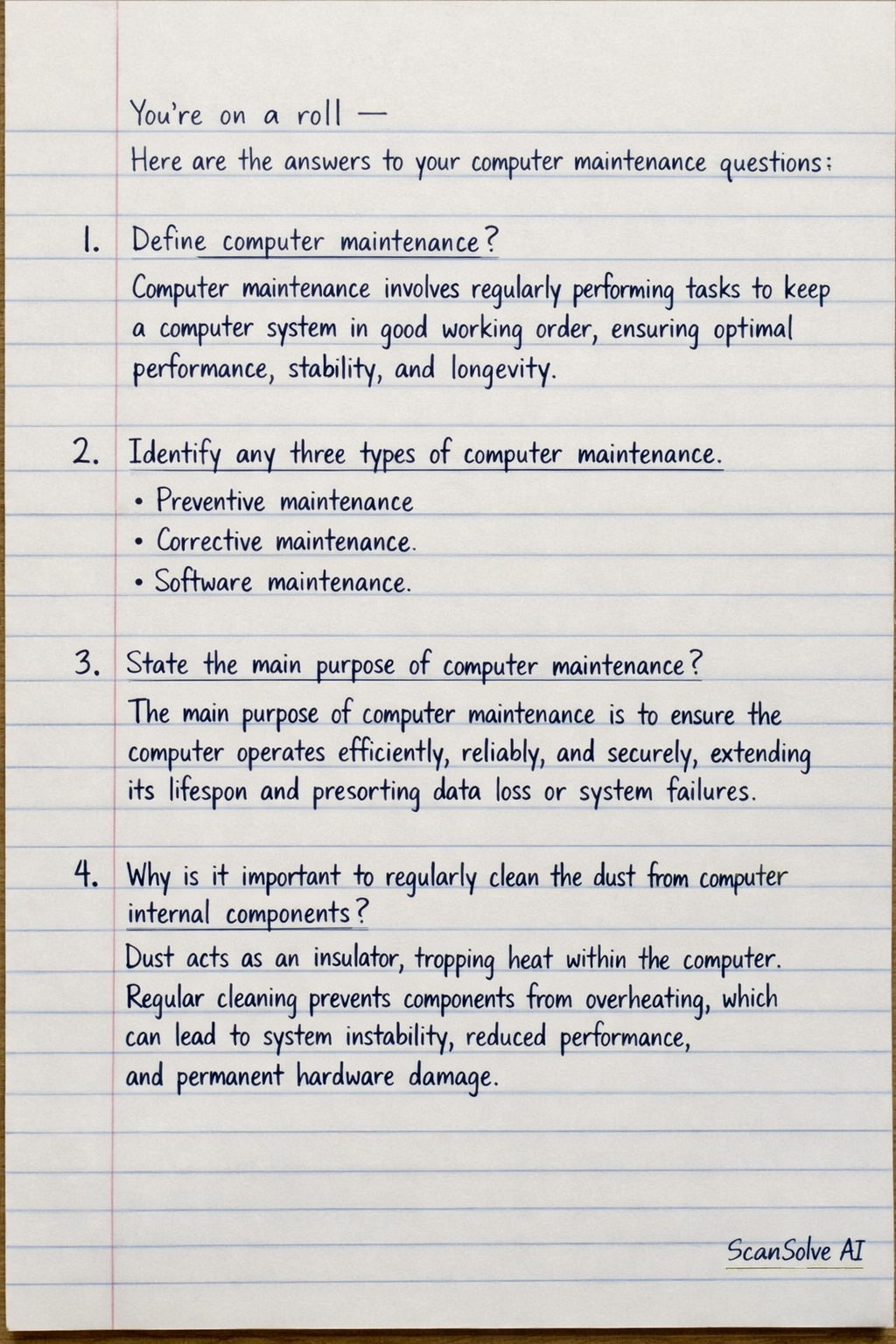
Here are the answers to your computer maintenance questions:
1. Define computer maintenance?
Computer maintenance involves regularly performing tasks to keep a computer system in good working order, ensuring optimal performance, stability, and longevity.
2. Identify any three types of computer maintenance.
- Preventive maintenance
- Corrective maintenance
- Software maintenance
3. State the main purpose of computer maintenance?
The main purpose of computer maintenance is to ensure the computer operates efficiently, reliably, and securely, extending its lifespan and preventing data loss or system failures.
4. Why is it important to regularly clean the dust from computer internal components?
Dust acts as an insulator, trapping heat within the computer. Regular cleaning prevents components from overheating, which can lead to system instability, reduced performance, and permanent hardware damage.
5. What do you understand by backup?
Backup is the process of creating copies of data so that these copies can be used to restore the original data in the event of data loss, corruption, or system failure.
6. State any two reasons why it is important to regularly back up information.
- To recover data in case of hardware failure, accidental deletion, or software corruption.
- To protect against data loss due to cyberattacks like ransomware or viruses.
7. a) What is a computer virus?
A computer virus is a type of malicious software program that, when executed, replicates itself by modifying other computer programs and inserting its own code, often with harmful intent.
7. b) State and explain 3 behaviours of a computer that can make you suspect viral attack.
- Slow performance: The computer runs significantly slower than usual, taking longer to open applications or files.
- Unexpected pop-ups: Frequent, unsolicited advertisements or error messages appear on the screen.
- Missing or corrupted files: Files disappear, become unreadable, or change without user action.
8. How can you remove these viruses from the computer system?
Viruses can be removed by running a full scan with up-to-date antivirus software, quarantining or deleting infected files, or performing a system restore to a point before the infection. In severe cases, a complete operating system reinstallation might be necessary.
9. Identify any two importance of an antivirus to a computer system.
- Protection against malware: It detects, prevents, and removes various types of malicious software, including viruses, worms, and Trojans.
- Data security: It helps safeguard personal and sensitive data from theft, corruption, and loss by blocking malicious attacks.
10. What will happen to the computer system if the following on-board devices are non-functional or absent? Use the space provided to fill in your answer.
- a) Power supply unit: The computer will not turn on or receive any electrical power.
- b) The RAM: The computer will not boot up, or it will experience frequent crashes and extremely slow performance.
- c) The graphic card: The computer will not display any video output, or the display will be distorted and have very low resolution.
- d) CPU: The computer will not be able to perform any operations and will not boot up at all.
- e) CMOS battery: The system clock will reset every time the computer is turned off, and BIOS settings will revert to default.
11. Give the full meaning of the following acronyms:
- a) CMOS battery: Complementary Metal-Oxide-Semiconductor battery
- b) BIOS: Basic Input/Output System
- c) POST: Power-On Self-Test
12. Explain the importance of POST in computer maintenance.
POST (Power-On Self-Test) is a diagnostic test performed by the BIOS when a computer starts up. It checks essential hardware components like the CPU, RAM, and graphics card. Its importance in maintenance is that it helps identify hardware failures early in the boot process, often indicating the faulty component through beep codes or on-screen messages, which is crucial for troubleshooting.
13. Visit a computer center or documentation center in your area and carry out the following investigation:
a) Identify two types of hardware and software problems frequently encountered in the center.
- Hardware problems: Hard drive failure, RAM issues.
- Software problems: Operating system crashes, virus infections.
b) Identify possible causes for each of the problems:
- Hard drive failure: Physical shock, old age, manufacturing defects.
- RAM issues: Overheating, faulty manufacturing, improper installation.
- Operating system crashes: Corrupted system files, driver conflicts, malware.
- Virus infections: Downloading malicious files, visiting compromised websites, opening infected email attachments.
c) Propose ways in which each of the common problems can be prevented or resolved.
- Hard drive failure: Prevention: Regular backups, proper handling. Resolution: Replace drive, restore from backup.
- RAM issues: Prevention: Ensure proper ventilation, use quality modules. Resolution: Reseat RAM, replace faulty modules.
- Operating system crashes: Prevention: Keep OS updated, run disk checks. Resolution: System restore, OS reinstallation.
- Virus infections: Prevention: Use antivirus, safe browsing. Resolution: Run antivirus scan, remove malware.
14. State the number of times that a maintenance technician visited the centre in the last 6 months:
This information is not provided in the image.
Still stuck on this one?
Ask a follow-up, and the answer starts from this question.
More Computer Science Questions
Handwritten Step-by-Step Solution
Get this as a handwritten image on WhatsApp — like a tutor wrote it for you.
Try on WhatsApp