
We read your photo as:
Type the provided text into a word processor, save it as 'Task 1', and format it according to the specified requirements.
ScanSolve AI Answer
This question asks you to perform several tasks related to word processing based on the provided text. Since I cannot directly interact with a word processor or images, I will explain how to achieve each step.
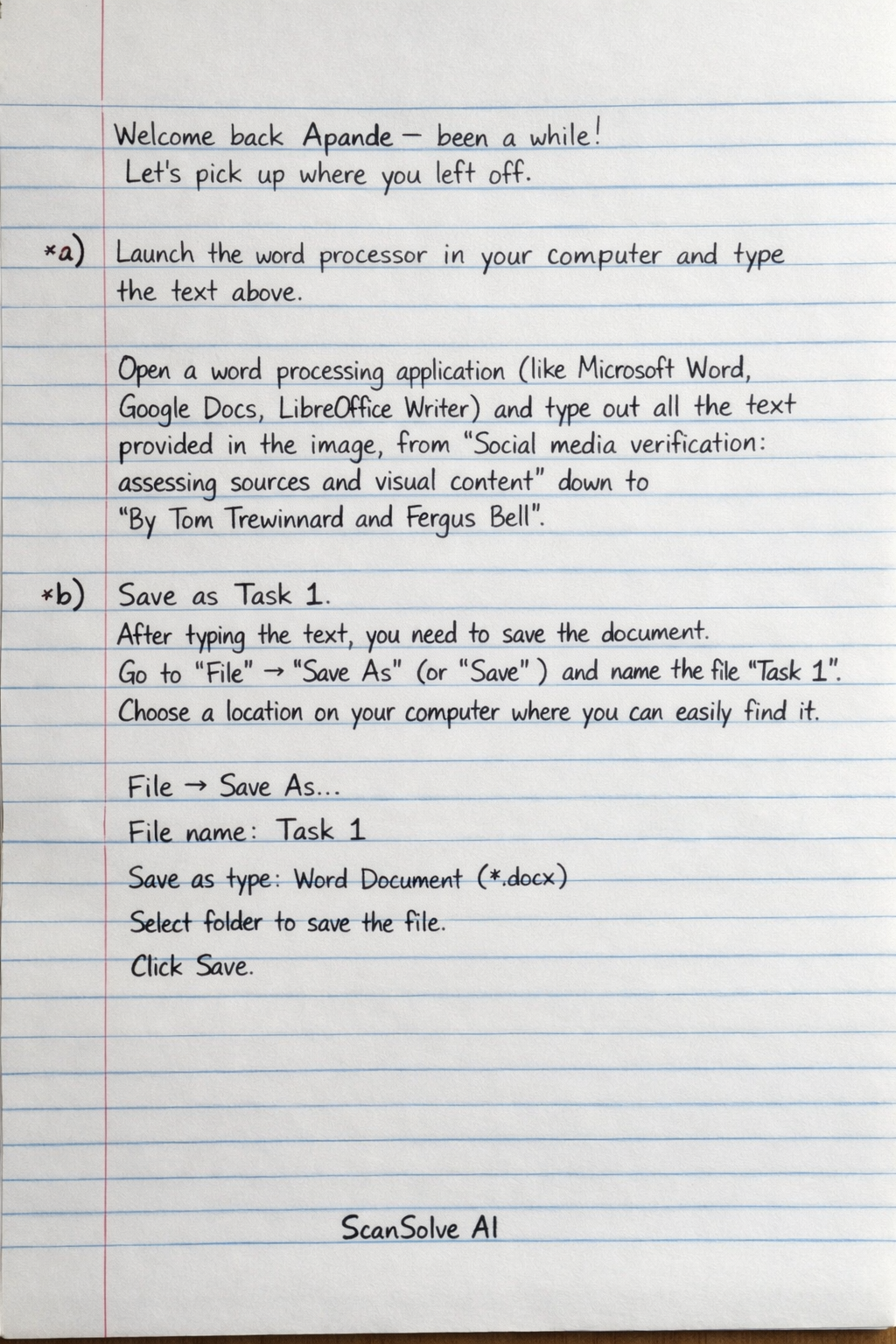
a) Launch the word processor in your computer and type the text above.
This step requires you to manually open a word processing application (like Microsoft Word, Google Docs, LibreOffice Writer) and type out all the text provided in the image, from "Social media verification: assessing sources and visual content" down to "By Tom Trewinnard and Fergus Bell".
b) Save as Task 1.
After typing the text, you need to save the document. Go to "File" -> "Save As" (or "Save") and name the file "Task 1". Choose a location on your computer where you can easily find it.
c) Format the text as follows:
-
Use bold and a 20 points sans serif font for the title. The title is "Social media verification: assessing sources and visual content". Select this text, then apply bold formatting. Change the font size to 20 points and choose a sans serif font (e.g., Arial, Calibri, Helvetica).
-
Use full text justification, a 12 points Times New Roman or a similar serif font, and a line spacing of 1.5 for the paragraphs. Select all the paragraph text (everything except the title and the author names). Apply full justification (align text to both left and right margins). Change the font to 12 points Times New Roman (or a similar serif font like Georgia). Set the line spacing to 1.5.
-
Format the four superscript numbers (166 – 169) as indicated in the text. Locate the numbers "166", "167", "168", and "169" in the text. Select each number individually and apply superscript formatting (usually found in the font section of the word processor, often denoted by an icon).
-
Use bullets to list out the last three lines as shown. The last three lines are:
-
The proliferation of camera-enabled smart and feature phones around the world
-
Increased access to inexpensive (and in some places, free) mobile data
-
The rise of global social networks and social messaging platforms on which anyone can publish content and build an audience Select these three lines and apply a bullet point list format.
d) Insert the image UN.jpg before the title of the document.
Place your cursor at the very beginning of the document, before the title "Social media verification...". Go to "Insert" -> "Picture" (or "Image") and navigate to where the file "UN.jpg" is saved. Select it and insert it into the document.
e) Print Task 2.
This instruction seems to have a typo, as the previous task was saved as "Task 1". Assuming it means to print the document you just created (Task 1), you would go to "File" -> "Print" and follow your printer's instructions to print the document. If there is a separate "Task 2" mentioned elsewhere in the exam paper, you would need to refer to that specific task.
Still stuck on this one?
Ask a follow-up, and the answer starts from this question.
More Computer Science Questions
Handwritten Step-by-Step Solution
Get this as a handwritten image on WhatsApp — like a tutor wrote it for you.
Try on WhatsApp