
We read your photo as:
Using the provided labels (I-VII), identify and describe how to insert various visual elements in a document, including pictures from different sources and specific object types.
ScanSolve AI Answer
Step-by-step solution
8 stepsa)
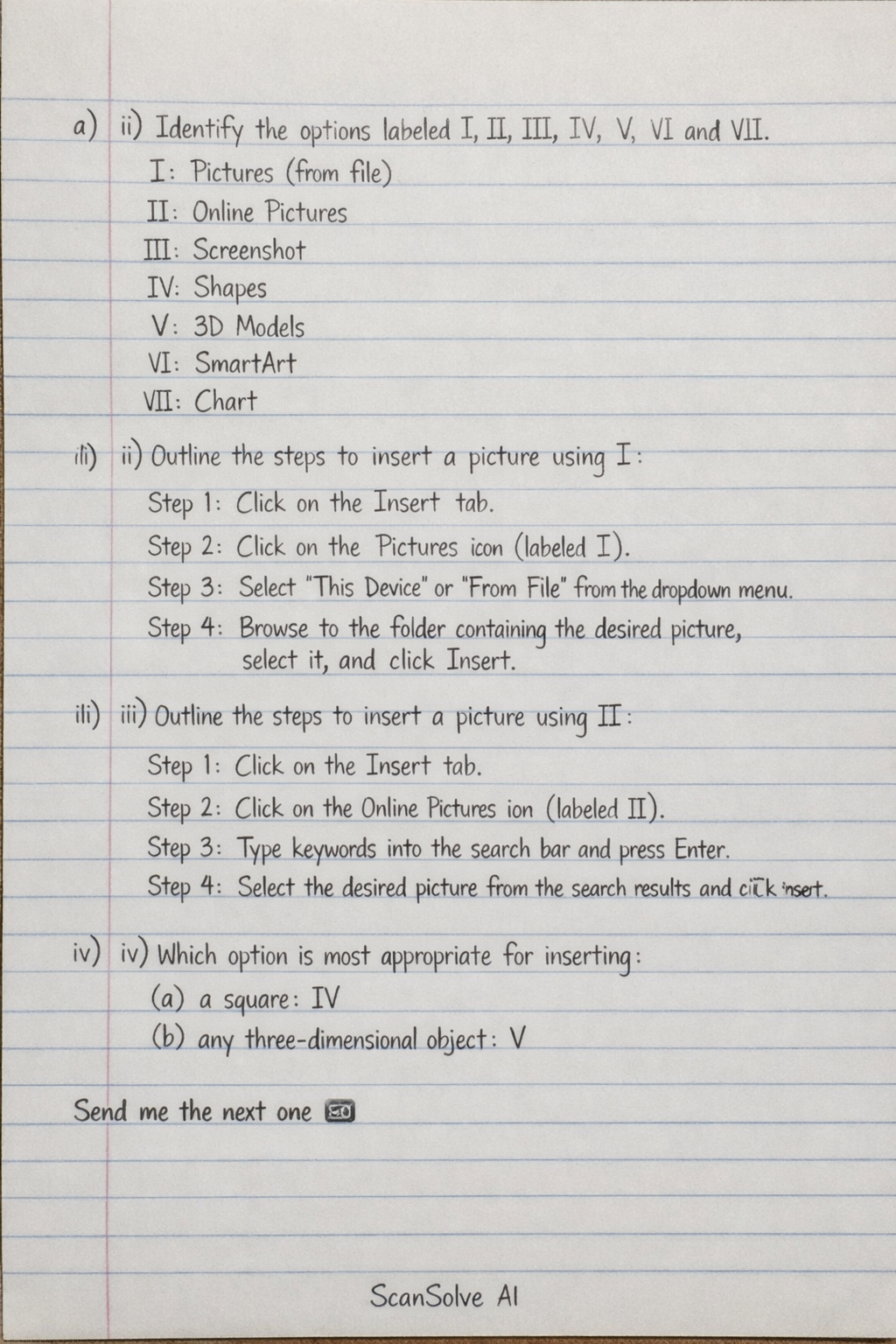
(i) Identify the options labeled I, II, III, IV, V, VI and VII.
I: Pictures (from file)
II: Online Pictures
III: Screenshot
IV: Shapes
V: 3D Models
VI: SmartArt
VII: Chart
(ii) Outline the steps you would take to insert a picture using the part labeled I.
Click on the Insert tab.
Click on the Pictures icon (labeled I).
Select This Device or From File from the dropdown menu.
Browse to the folder containing the desired picture, select it, and click Insert.
(iii) Outline the steps you would take to insert a picture using the part labeled II.
Click on the Insert tab.
Click on the Online Pictures icon (labeled II).
Type keywords into the search bar to find a picture and press Enter.
Select the desired picture from the search results and click Insert.
(iv) Which of the labeled options would be most appropriate for inserting:
(a) a square: IV
(b) any three-dimensional object: V
Still stuck on this one?
Ask a follow-up, and the answer starts from this question.
More Computer Science Questions
Handwritten Step-by-Step Solution
Get this as a handwritten image on WhatsApp — like a tutor wrote it for you.
Try on WhatsApp