

This computer science problem involves algorithmic thinking and programming concepts. The solution below explains the approach, logic, and implementation step by step.
ScanSolve AI Answer
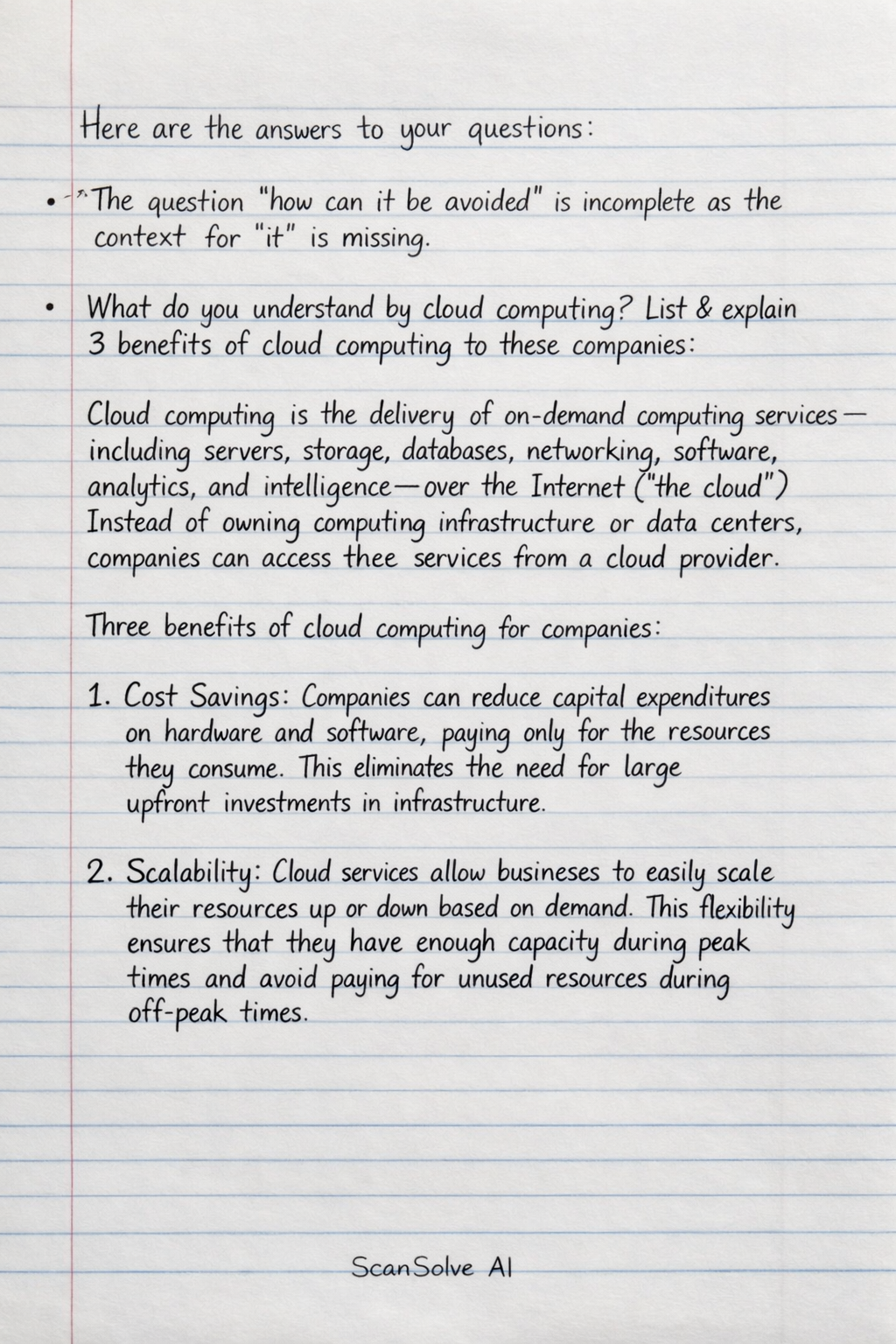
Here are the answers to your questions: The question "how can it be avoided" is incomplete as the context for "it" is missing. What do you understand by cloud computing? List & explain 3 benefits of cloud computing to these companies. Cloud computing* is the delivery of on-demand computing services—including servers, storage, databases, networking, software, analytics, and intelligence—over the Internet ("the cloud"). Instead of owning computing infrastructure or data centers, companies can access these services from a cloud provider. Three benefits of cloud computing for companies: 1. Cost Savings: Companies can reduce capital expenditures on hardware and software, paying only for the resources they consume. This eliminates the need for large upfront investments in infrastructure. 2. Scalability: Cloud services allow businesses to easily scale their resources up or down based on demand. This flexibility ensures that they have enough capacity during peak times and avoid paying for unused resources during off-peak times. 3. Reliability and Disaster Recovery: Cloud providers often offer robust backup and disaster recovery solutions, distributing data across multiple redundant servers. This enhances data protection and ensures business continuity even in the event of local failures. Define the following Operating System types: a) Operating System (OS): An operating system* is system software that manages computer hardware and software resources and provides common services for computer programs. It acts as an intermediary between the user and the computer hardware. b) Batch Operating System: A batch operating system* processes jobs in batches without direct user interaction. Users submit jobs, and the OS collects similar jobs and executes them together, typically in a first-come, first-served manner. c) Real-time Operating System (RTOS): A real-time operating system* is designed to process data and events with strict time constraints. It guarantees that critical operations will be completed within a specified deadline, making it suitable for applications like industrial control systems or medical devices. d) Distributed Operating System (DOS): A distributed operating system* manages a group of independent computers and makes them appear as a single coherent system to the user. It allows resources and processing power to be shared across multiple machines, enhancing performance and fault tolerance. a) Define a term flowchart write any two advantage of a flowchart A flowchart* is a diagram that visually represents the sequence of steps and decisions in a process, algorithm, or workflow. It uses standardized symbols to depict different types of operations and the flow of control. Two advantages of a flowchart: 1. Improved Communication: Flowcharts provide a clear, visual representation of a process, making it easier for people to understand complex logic or workflows, regardless of their technical background. 2. Problem Analysis and Debugging: They help in analyzing a problem by breaking it down into smaller, manageable steps. This visual aid can quickly highlight potential bottlenecks, inefficiencies, or errors in a system or program logic, aiding in debugging. b) explain the term syntax as used in programming In programming, syntax* refers to the set of rules that define the combinations of symbols that are considered to be correctly structured statements or expressions in a particular programming language. It dictates how code must be written, including keywords, operators, and punctuation, for the compiler or interpreter to understand it. a) Differentiate between half-duplex & Full-duplex transmission modes Half-duplex transmission* allows data to flow in both directions, but only one direction at a time. Devices must take turns sending and receiving. An example is a walkie-talkie. Full-duplex transmission* allows data to flow simultaneously in both directions. Both devices can send and receive data at the same time. An example is a telephone conversation. List & explain 3 things to consider when choosing a network topology Three things to consider when choosing a network topology: 1. Cost: This includes the cost of cabling, network devices (hubs, switches, routers), and installation. Some topologies, like mesh, require extensive cabling and more devices, leading to higher costs. 2. Reliability/Fault Tolerance: How resilient is the network to failures? A topology like mesh offers high fault tolerance because multiple paths exist, whereas a bus topology is highly vulnerable to a single cable break. 3. Scalability: How easily can the network be expanded to include more devices or cover a larger area? Star and tree topologies are generally more scalable than bus or ring topologies. Explain 5 basic components in a communication system Five basic components in a communication system: 1. Sender (Source): The device or entity that originates the message or data to be transmitted. 2. Encoder: A device that converts the message into a form suitable for transmission over the communication channel, often by digitizing or modulating it. 3. Transmission Medium (Channel): The physical path or link through which the encoded message travels from the sender to the receiver (e.g., cables, fiber optics, airwaves). 4. Decoder: A device that converts the transmitted signal back into its original form or a form understandable by the receiver. 5. Receiver (Destination): The device or entity that receives the decoded message or data. b) what is an array? An array* is a data structure that stores a collection of elements of the same data type in contiguous memory locations. Each element can be accessed using an index or a subscript. d) differentiate between a queue & a Stack A queue is a linear data structure that follows the First-In, First-Out (FIFO) principle, meaning the first element added is the first one to be removed. Operations are typically enqueue (add to rear) and dequeue* (remove from front). A stack is a linear data structure that follows the Last-In, First-Out (LIFO) principle, meaning the last element added is the first one to be removed. Operations are typically push (add to top) and pop* (remove from top). Differentiate the following: b) Serial and parallel transmissions Serial transmission* sends data one bit at a time over a single communication channel. It is slower but requires fewer wires and is suitable for long distances. Parallel transmission* sends multiple bits simultaneously over multiple communication channels (wires). It is faster but requires more wires and is typically used for short distances. c) Synchronous and asynchronous transmissions Synchronous transmission* sends data in blocks or frames, synchronized by a shared clock signal between the sender and receiver. It is efficient for large data transfers as it doesn't require start/stop bits for each byte. Asynchronous transmission* sends data one character or byte at a time, with each character framed by start and stop bits. It does not require a shared clock and is simpler to implement for intermittent data transfers.