
We read your photo as:
Your class has been selected to educate new students about the rules and regulations of Saint Joseph Technical Institute. Explain how you would design a PowerPoint presentation that is clear, attractive, and easy for the audience to understand.
ScanSolve AI Answer
Step-by-step solution
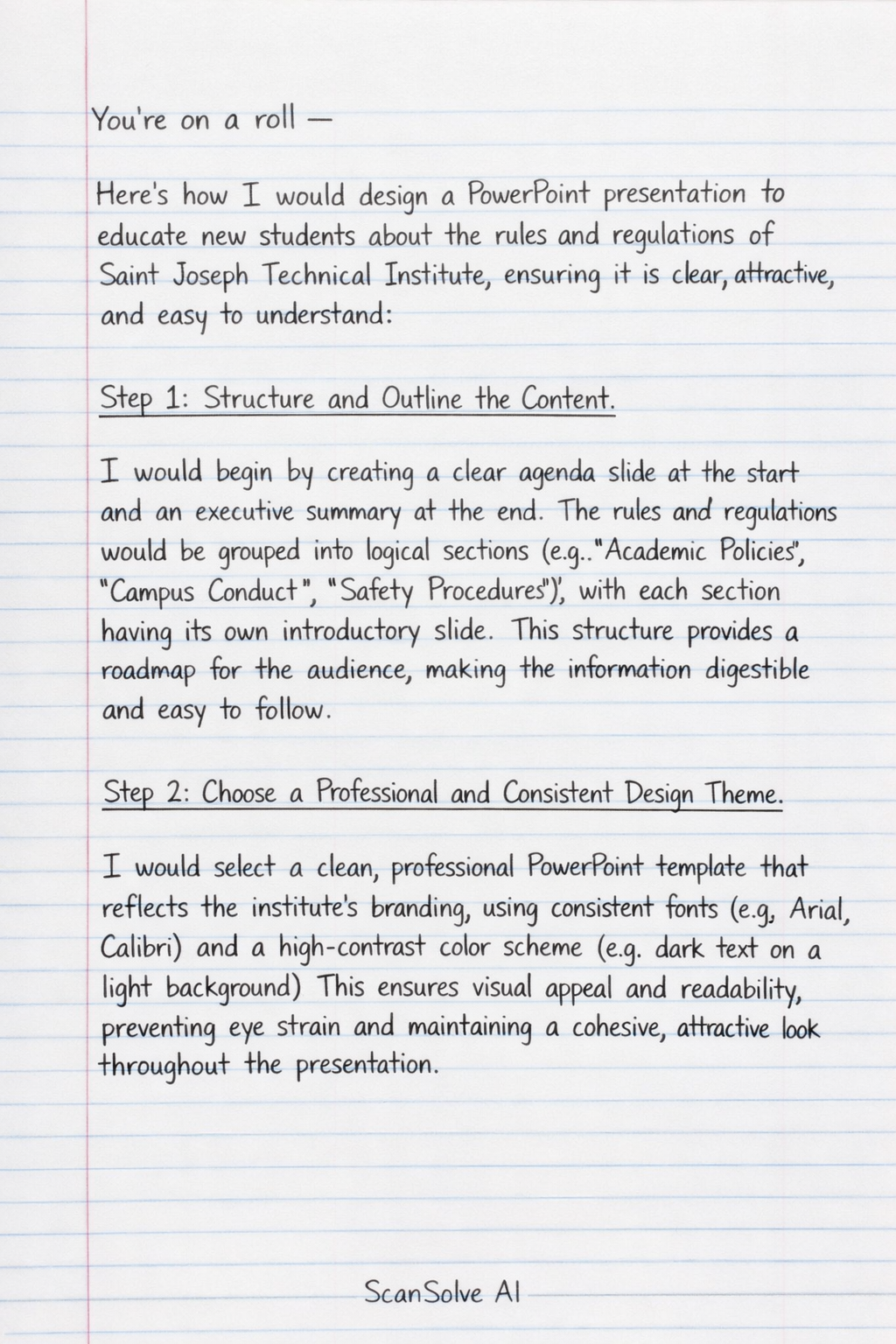
6 stepsHere's how I would design a PowerPoint presentation to educate new students about the rules and regulations of Saint Joseph Technical Institute, ensuring it is clear, attractive, and easy to understand:
Structure and Outline the Content*.
I would begin by creating a clear agenda slide at the start and an executive summary at the end. The rules and regulations would be grouped into logical sections (e.g., "Academic Policies," "Campus Conduct," "Safety Procedures"), with each section having its own introductory slide. This structure provides a roadmap for the audience, making the information digestible and easy to follow.
Choose a Professional and Consistent Design Theme*.
I would select a clean, professional PowerPoint template that reflects the institute's branding, using consistent fonts (e.g., Arial, Calibri) and a high-contrast color scheme (e.g., dark text on a light background). This ensures visual appeal and readability, preventing eye strain and maintaining a cohesive, attractive look throughout the presentation.
Keep Text Concise and Use Bullet Points*.
Each slide would contain minimal text, primarily using bullet points to highlight key rules and regulations. I would avoid long paragraphs, focusing on one main idea or a few related points per slide. This approach prevents information overload, making it easier for new students to quickly grasp and retain important details.
Incorporate Relevant Visuals and Multimedia*.
I would use high-quality images, icons, or simple diagrams to illustrate specific rules or concepts where appropriate. For example, an icon for "no smoking" or an image of a designated study area. Short, engaging video clips or animations could also be used to explain complex procedures. Visuals break up text, enhance understanding, and make the presentation more attractive and memorable.
Include Interactive Elements and Examples*.
To ensure understanding, I would incorporate short, simple quizzes or "true/false" questions after each major section. Real-life scenarios or examples of how rules apply would also be included. This encourages active participation, helps students relate to the rules, and reinforces learning in an engaging way.
Review, Proofread, and Practice Delivery*.
Before the presentation, I would thoroughly proofread all slides for any spelling or grammatical errors. I would also practice the presentation multiple times to ensure a smooth flow, appropriate timing for each slide, and clear articulation of the rules. This final check guarantees professionalism and confidence in delivery, making the information easy for the audience to understand.
Still stuck on this one?
Ask a follow-up, and the answer starts from this question.
More Computer Science Questions
Handwritten Step-by-Step Solution
Get this as a handwritten image on WhatsApp — like a tutor wrote it for you.
Try on WhatsApp