
We read your photo as:
How do I create a PowerPoint presentation about healthy living and study-life balance, including specific animations and content?
Computer Science
ScanSolve AI Answer
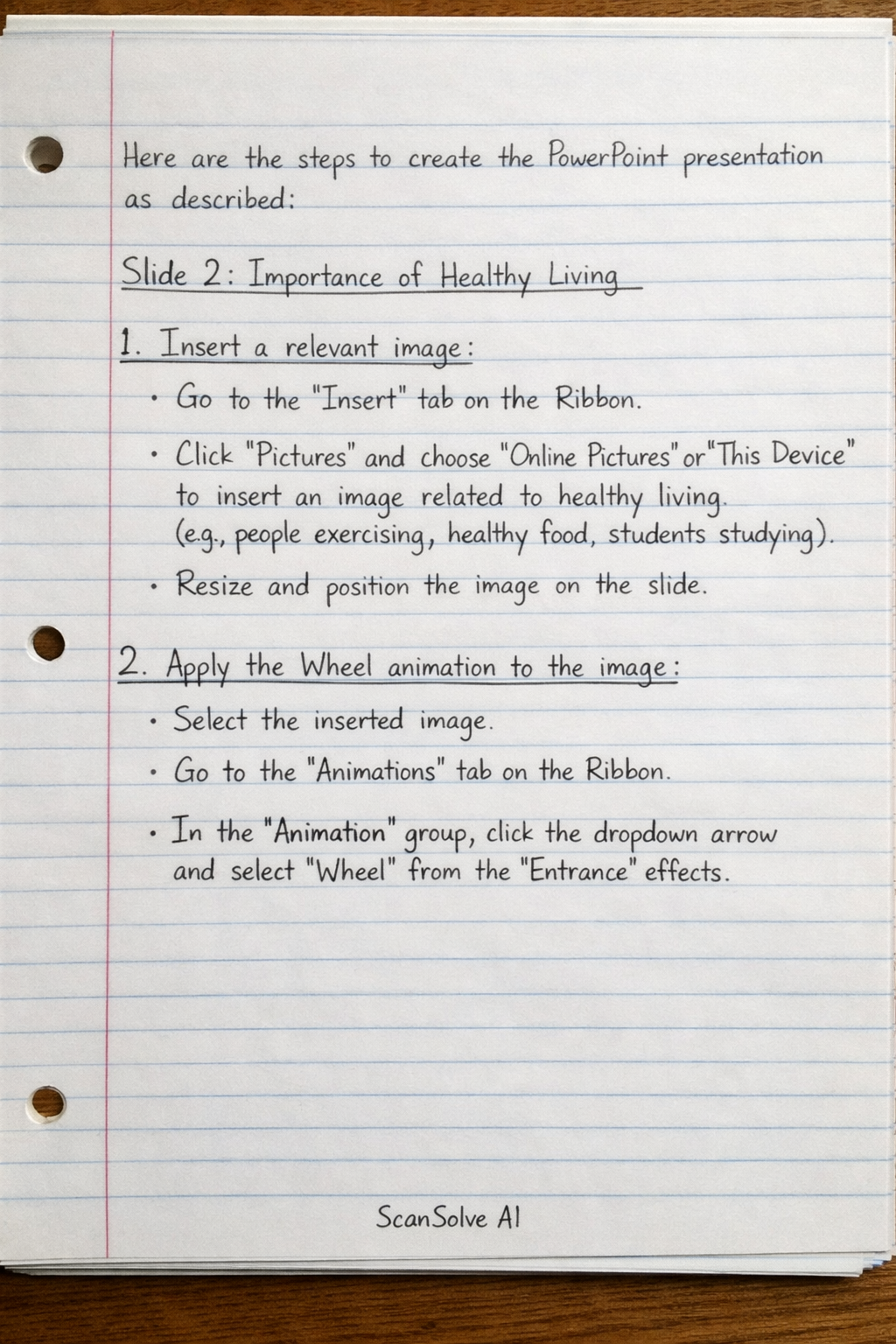
Here are the steps to create the PowerPoint presentation as described:
Slide 2: Importance of Healthy Living
-
Insert a relevant image:
- Go to the
Inserttab on the Ribbon. - Click
Picturesand chooseOnline PicturesorThis Deviceto insert an image related to healthy living (e.g., people exercising, healthy food, students studying). - Resize and position the image on the slide.
- Go to the
-
Apply the Wheel animation to the image:
- Select the inserted image.
- Go to the
Animationstab on the Ribbon. - In the
Animationgroup, click the dropdown arrow and selectWheelfrom theEntranceeffects.
-
Add a text box with a numbered list:
- Go to the
Inserttab on the Ribbon. - Click
Text Boxand draw a text box next to the image. - Type in five reasons healthy living is important for students.
- Select the text, go to the
Hometab, and click theNumberingbutton in theParagraphgroup to apply a numbered list. - Example reasons:
- Improved concentration and academic performance.
- Increased energy levels throughout the day.
- Stronger immune system, leading to fewer sick days.
- Better mood and reduced stress.
- Long-term health benefits and disease prevention.
- Go to the
Slide 3: Study-Life Balance Tips
-
Create a table (Medium Style 4 – Accent 1):
- Go to the
Inserttab on the Ribbon. - Click
Tableand selectInsert Table. Choose 2 columns and 4 rows (1 header row + 3 data rows). - With the table selected, go to the
Table Designtab. - In the
Table Stylesgroup, find and selectMedium Style 4 – Accent 1.
- Go to the
-
Add three "Good Habits" and three "Bad Habits" for students:
- In the first row, type "Good Habits" in the first column and "Bad Habits" in the second column.
- Populate the table with examples:
- Good Habits:
- Regular study schedule
- Adequate sleep (7-9 hours)
- Engaging in hobbies/social activities
- Bad Habits:
- Procrastination
- Excessive screen time
- Skipping meals
- Good Habits:
Slide 4: Healthy Eating Habits
-
Add a slide with a dark blue solid colour background change:
- Right-click on the slide thumbnail in the left pane and select
Format Background. - In the
Format Backgroundpane, selectSolid fill. - Click the
Colordropdown and choose a dark blue color. - Click
Apply to Allif you want it for all slides, or just close the pane if only for this slide.
- Right-click on the slide thumbnail in the left pane and select
-
Create a bullet list of four recommended foods for students:
- Go to the
Inserttab and clickText Box, or use an existing content placeholder. - Type in four recommended foods.
- Select the text, go to the
Hometab, and click theBulletsbutton in theParagraphgroup to apply a bullet list. - Example foods:
- Fruits (e.g., apples, bananas, berries)
- Vegetables (e.g., spinach, broccoli, carrots)
- Whole grains (e.g., oats, brown rice, whole wheat bread)
- Lean protein (e.g., chicken, fish, beans, lentils)
- Go to the
-
Add a slide transition of your choice:
- Go to the
Transitionstab on the Ribbon. - Select any transition effect from the
Transition to This Slidegroup (e.g.,Fade,Push,Wipe).
- Go to the
-
Insert a SmartArt graphic showing a simple meal plan (Breakfast, Lunch, Dinner):
- Go to the
Inserttab on the Ribbon. - Click
SmartArtin theIllustrationsgroup. - From the
Choose a SmartArt Graphicdialog box, select aProcessorCycletype (e.g.,Basic ProcessorContinuous Cycle). - Click
OK. - In the text pane that appears (or by clicking
[Text]in the graphic), enter:- Breakfast
- Lunch
- Dinner
- Go to the
Slide 5: Data Visualisation – Student Lifestyle Survey
- Create a Clustered Column Chart with the above data:
- Go to the
Inserttab on the Ribbon. - Click
Chartin theIllustrationsgroup. - In the
Insert Chartdialog box, selectColumnfrom the left pane, then chooseClustered Column(the first option) and clickOK. - An Excel spreadsheet will open. Replace the default data with the provided survey data:
- In cell A2, type "Exercise"
- In cell A3, type "Eat fast food"
- In cell A4, type "Sleep less than 6 hours"
- In cell A5, type "Drink 8 glasses of water daily"
- In cell B1, type "Percentage (%)"
- In cell B2, type
40 - In cell B3, type
55 - In cell B4, type
30 - In cell B5, type
80
- Adjust the blue border in the Excel sheet to only cover cells A1:B5.
- Close the Excel spreadsheet. The chart will update automatically.
- Go to the
Was this helpful?
Still stuck on this one?
Ask a follow-up, and the answer starts from this question.
Got a different question?Ask your own question
More Computer Science Questions
QCreate a PowerPoint presentation and a business card for a new business, following specific…QReproduce four presentation slides with specific content, formatting (font types, sizes, layouts)…QOutline the steps for creating a presentation, adding slides, inserting text and images, applying…QHow to perform common operations in presentation software, such as duplicating slides, adding new…QWrite a presentation for.me about history of life on earth
Handwritten Step-by-Step Solution
Get this as a handwritten image on WhatsApp — like a tutor wrote it for you.
Try on WhatsApp