
We read your photo as:
Reproduce four presentation slides with specific content, formatting (font types, sizes, layouts), and image insertion requirements for Slide 1, and content for Slides 2, 3, and 4.
Computer Science
ScanSolve AI Answer
Answer
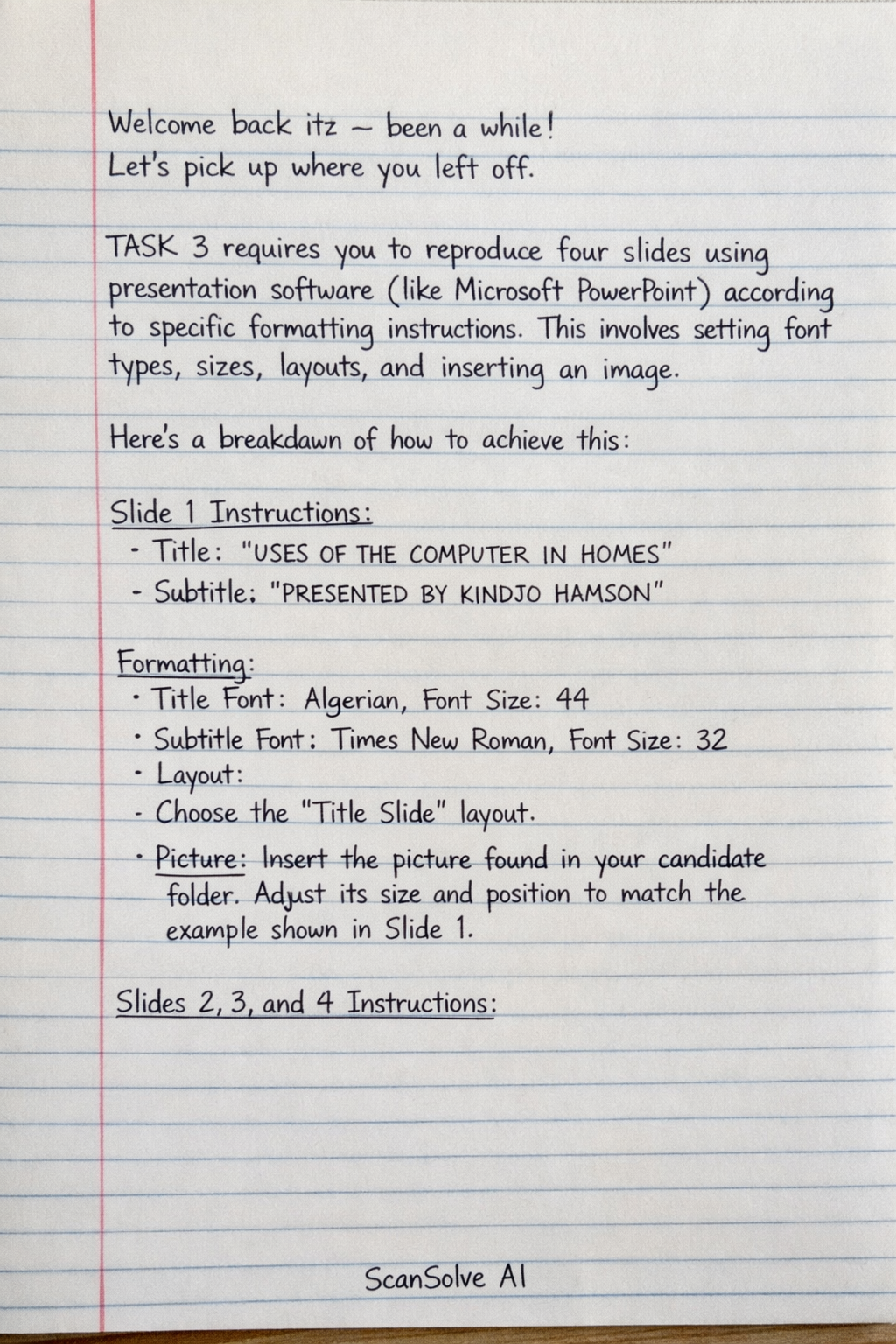
TASK 3 requires you to reproduce four slides using presentation software (like Microsoft PowerPoint) according to specific formatting instructions. This involves setting font types, sizes, layouts, and inserting an image.
Here's a breakdown of how to achieve this:
Slide 1 Instructions:
- Content:
- Title: "USES OF THE COMPUTER IN HOMES"
- Subtitle: "PRESENTED BY KINDJO HAMSON"
- Formatting:
- Title Font: Set the font type to ALGERIAN and the font size to 44.
- Subtitle Font: Set the font type to Times New Roman and the font size to 32.
- Layout: Choose the Title Slide layout.
- Picture: Insert the picture found in your candidate folder. Adjust its size and position to match the example shown in Slide 1.
Slides 2, 3, and 4 Instructions:
- Content:
- Slide 2 Title: "STUDY"
- Slide 2 Content:
- E-Learning: use of computer and accessories to study (interactive or non-interactive).
- Documentation: creating electronic copies of study material.
- Research: getting information through the Net and documenting information related in a given topic.
- Slide 3 Title: "ENTERTAINMENT"
- Slide 3 Content:
- Online entertainment uses Internet while offline stored information in local storage or CD-ROMs to do any of:
- Play games.
- Watch movies: online and offline.
- Play music.
- Slide 4 Title: "COMMUNICATION"
- Slide 4 Content:
- Attend online meetings.
- Sending and receiving mails.
- Sharing information with relatives.
- Formatting:
- Title Font: Set the font type to Times New Roman and the font size to 44.
- Content Font: Set the font type to Times New Roman and the font size to 32.
- Layout: Choose the Title and Content layout for all three slides.
- Design: Use the default design of the presentation software, as shown in the images. Do not apply any custom themes or backgrounds.
This task assesses your ability to use presentation software features for text formatting, layout selection, and image insertion.
Was this helpful?
Still stuck on this one?
Ask a follow-up, and the answer starts from this question.
Got a different question?Ask your own question
More Computer Science Questions
QCreate a 3-slide presentation about the uses of computers and communication, including Roman…QCreate three slides for a presentation. The first slide should be titled "USE OF COMPUTER" with…QOutline the requirements for the final slide and saving your PowerPoint presentation.QCreate a PowerPoint presentation and a business card for a new business, following specific…QHow to perform common operations in presentation software, such as duplicating slides, adding new…
Handwritten Step-by-Step Solution
Get this as a handwritten image on WhatsApp — like a tutor wrote it for you.
Try on WhatsApp