
We read your photo as:
Create three slides for a presentation. The first slide should be titled "USE OF COMPUTER" with specific text and an image. The second slide should be titled "USES OF COMMUNICATION" with specific bull
Computer Science
ScanSolve AI Answer
Step-by-step solution
3 stepsHere are the steps to create the three slides using presentation software:
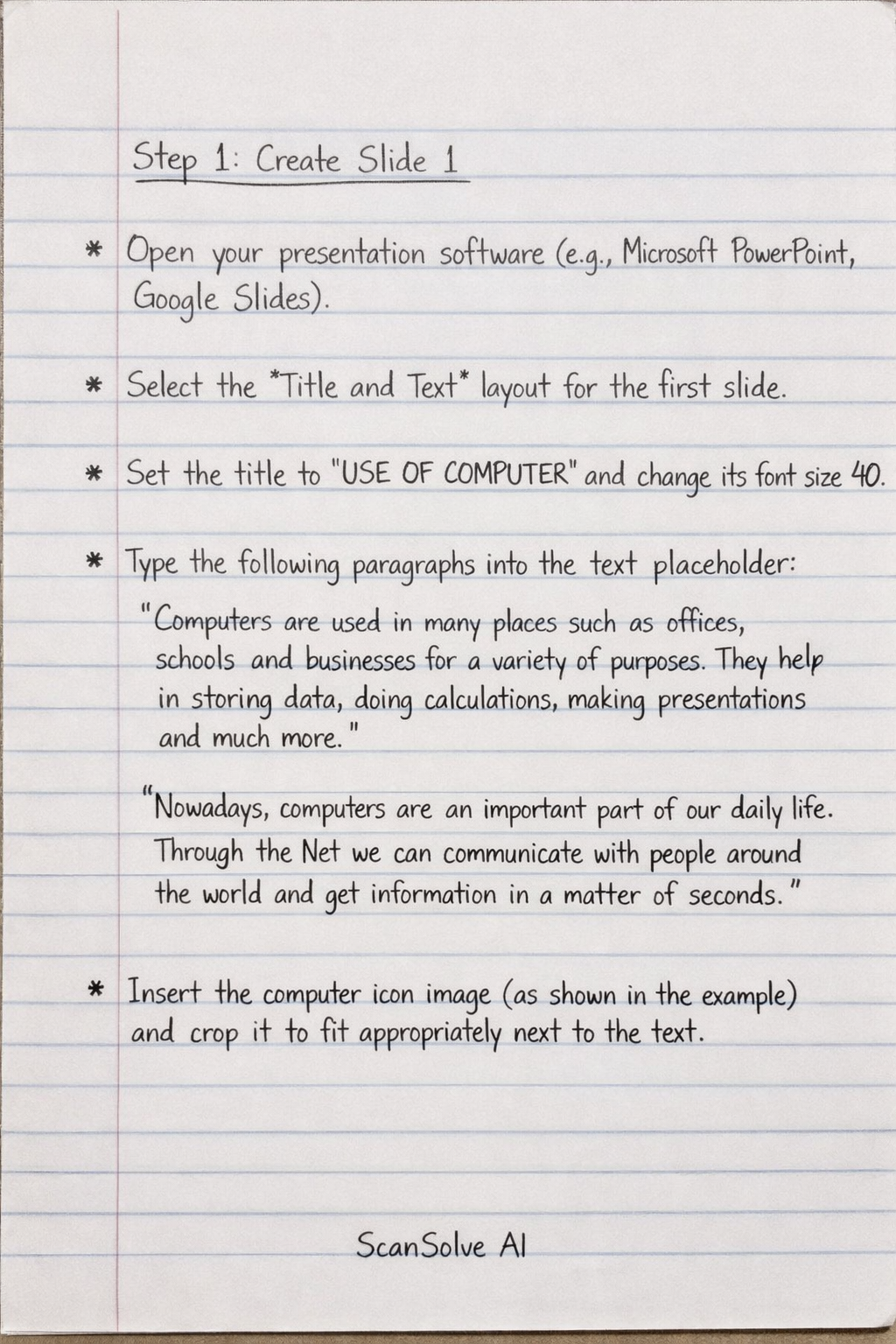
Create Slide 1
- Open your presentation software (e.g., Microsoft PowerPoint, Google Slides).
- Select the Title and Text layout for the first slide.
- Set the title to "USE OF COMPUTER" and change its font size to 40.
- Type the following two paragraphs into the text placeholder: "Computers are used in many places such as offices, schools and businesses for a variety of purposes. They help in storing data, doing calculations, making presentations and much more." "Nowadays, computers are an important part of our daily life. Through the Net we can communicate with people around the world and get information in a matter of seconds."
- Insert the computer icon image (as shown in the example) and crop it to fit appropriately next to the text.
Create Slide 2
- Add a new slide and select the Title and Content layout.
- Set the title to "USES OF COMMUNICATION" and change its font size to 36.
- Type the following five bullet points into the content placeholder:
- Online chat and email allow people to stay connected.
- Information can be shared quickly through online meetings.
- We can help others by sending messages and receiving mails.
- Technology improves understanding by sharing information with relatives.
- It is useful in both online and offline communication.
- (Note: No picture is shown or described for this slide in the task. If you were to include an image, ensure it is cropped.)
Create Slide 3
- Add another new slide and select the Title and Content layout.
- Set the title to "THE ROMAN NUMERALS" and change its font size to 32.
- Insert a relevant picture related to "Roman Numerals" into the content placeholder and crop it properly as instructed.
Was this helpful?
Still stuck on this one?
Ask a follow-up, and the answer starts from this question.
Got a different question?Ask your own question
More Computer Science Questions
QCreate a 3-slide presentation about the uses of computers and communication, including Roman…QContent for Slide 1 - Uses of the ComputerQUsing your smartphone, create a presentation consisting of 3 slides: Title, Your Name, Class…QReproduce four presentation slides with specific content, formatting (font types, sizes, layouts)…QExplain the purpose of each of the following features in a presentation package: slide sorter…
Handwritten Step-by-Step Solution
Get this as a handwritten image on WhatsApp — like a tutor wrote it for you.
Try on WhatsApp