
We read your photo as:
What are the differences between transitions and animations, and how do you run a slideshow and print a 6-slide handout in the application shown in Figure 2?
ScanSolve AI Answer
Here are the answers to the questions based on the provided image:
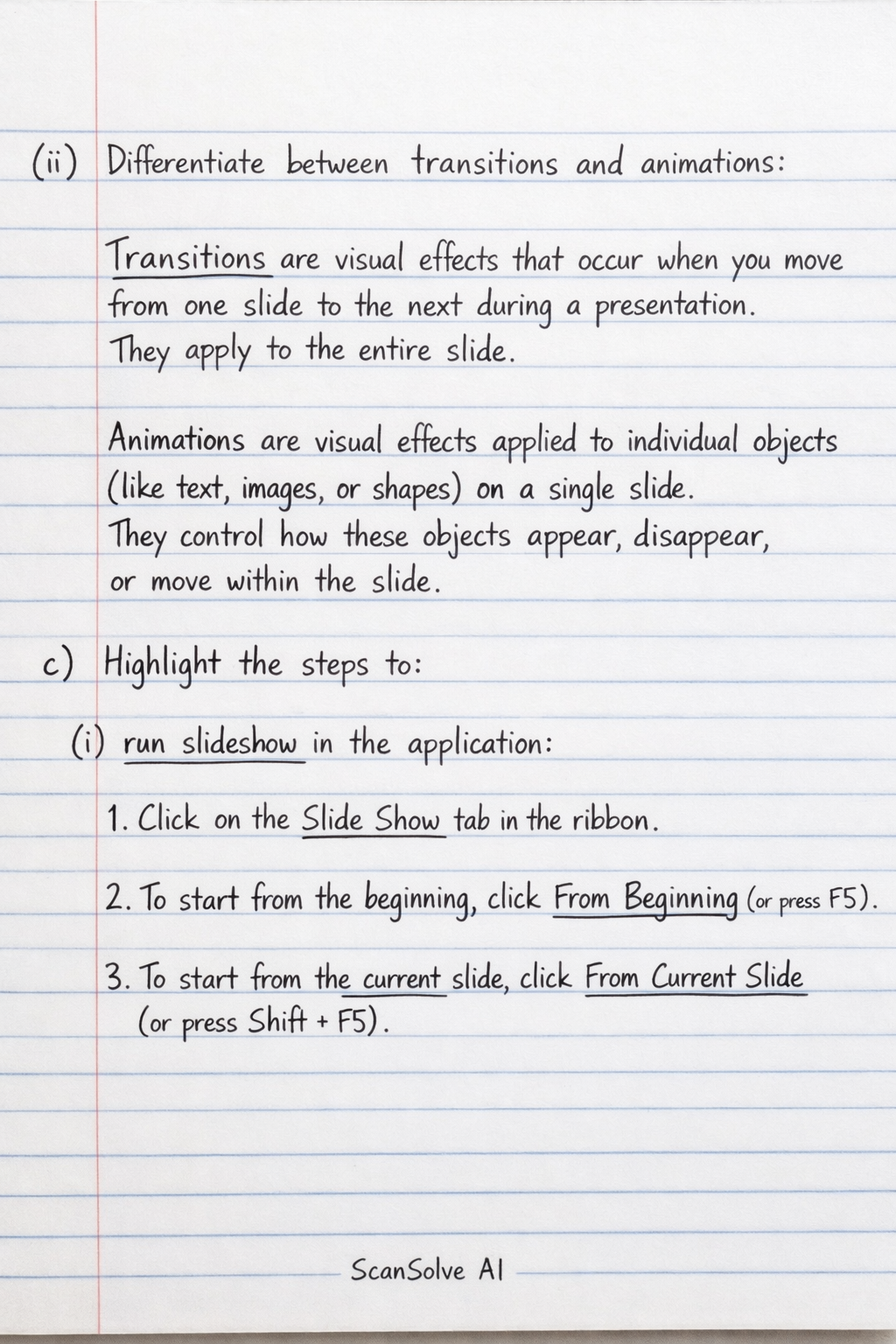
(ii) Differentiate between transitions and animations in the application shown in Figure 2:
- Transitions are visual effects that occur when you move from one slide to the next during a presentation. They apply to the entire slide.
- Animations are visual effects applied to individual objects (like text, images, or shapes) on a single slide. They control how these objects appear, disappear, or move within the slide.
c) Highlight the steps to:
(i) run slideshow in the application shown in Figure 2:
- Click on the Slide Show tab in the ribbon.
- To start from the beginning, click From Beginning (or press F5). To start from the current slide, click From Current Slide (or press Shift + F5).
(ii) print a handout of 6 slides on a page of the application shown in Figure 2:
-
Click on the File tab, then select Print.
-
Under the Settings section, click the dropdown menu that typically says "Full Page Slides".
-
From the Print Layout options, select 6 Slides Horizontal or 6 Slides Vertical under the Handouts section.
-
Click the Print button.
-
You are provided with a list of existing contacts in a database. Describe in detail, the step-by-step approach to:
(a) create a new contact:
- Open the database application and navigate to the Contacts or Records section.
- Look for an option such as New Record, Add New Contact, or a similar button/menu item to initiate the creation of a new entry.
- Enter the relevant information for the new contact (e.g., Name, Phone Number, Email Address, Address) into the designated fields.
- Once all necessary details are entered, click on the Save button or option to store the new contact record in the database.
Still stuck on this one?
Ask a follow-up, and the answer starts from this question.
More Computer Science Questions
Handwritten Step-by-Step Solution
Get this as a handwritten image on WhatsApp — like a tutor wrote it for you.
Try on WhatsApp