
We read your photo as:
How to perform common operations in presentation software, such as duplicating slides, adding new slides, applying transitions, and deleting table rows?
ScanSolve AI Answer
Step-by-step solution
11 stepsयेथे दिलेल्या प्रत्येक प्रश्नासाठी आवश्यक असलेल्या कृती खालीलप्रमाणे आहेत:
Part 11· 3 steps
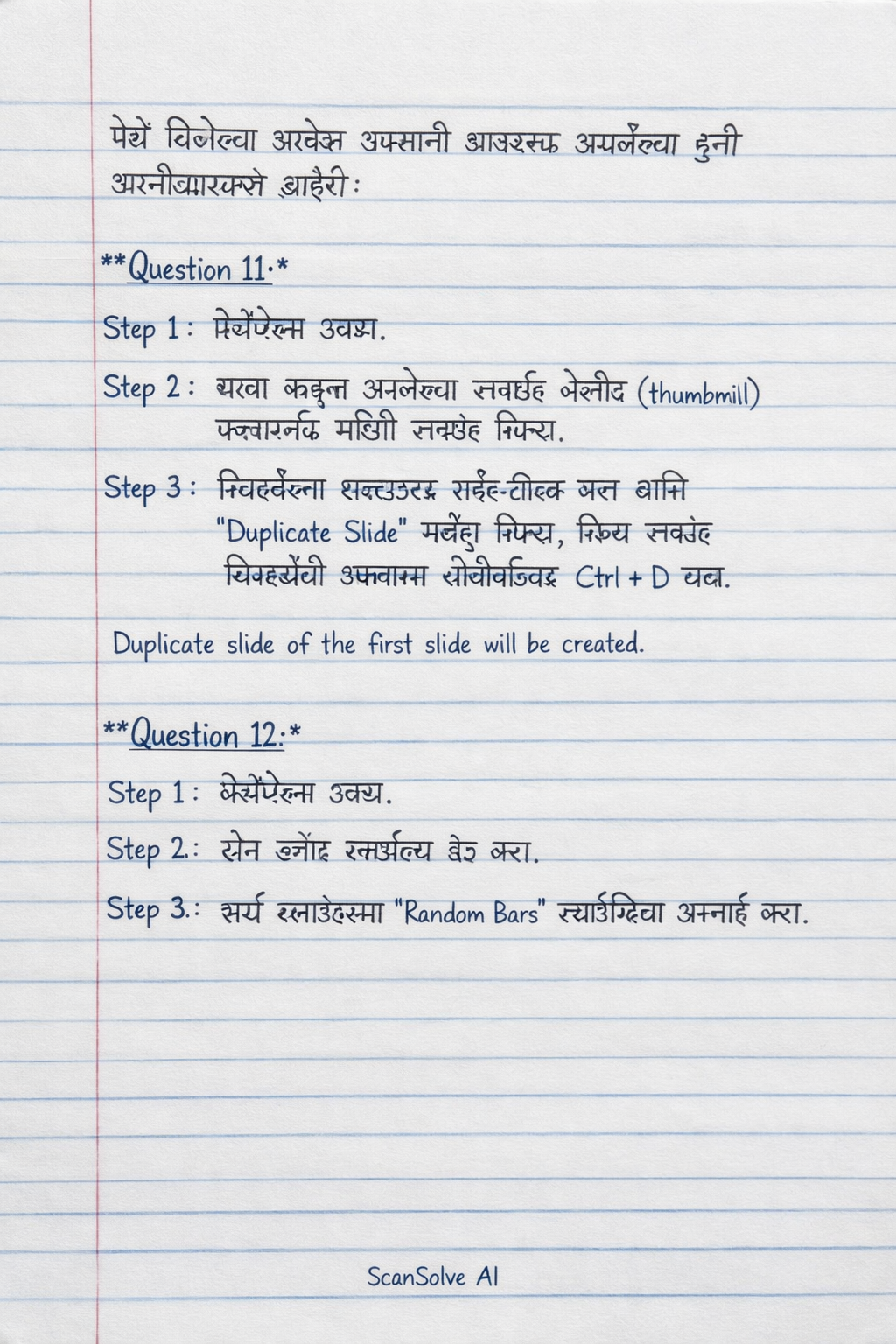
दिलेल्या प्रेझेंटेशन मध्ये पहिल्या स्लाईडची डुप्लीकेट स्लाईड तयार करा.
(In the given presentation, create a duplicate slide of the first slide.)
प्रेझेंटेशन उघडा.
डाव्या बाजूला असलेल्या स्लाईड थंबनेल (thumbnail) फलकामध्ये (pane) पहिली स्लाईड निवडा.
निवडलेल्या स्लाईडवर राईट-क्लिक करा आणि Duplicate Slide पर्याय निवडा, किंवा स्लाईड निवडलेली असताना कीबोर्डवर Ctrl + D दाबा.
Duplicate slide of the first slide will be created.
Part 12· 5 steps
दिलेल्या प्रेझेंटेशन मध्ये, दोन ब्लँक स्लाईड्स ऍड करा. सर्व स्लाईड्सला "Random Bars" स्लाईड ट्रान्झिशन अप्लाई करा.
(In the given presentation, add two blank slides. Apply "Random Bars" slide transition to all slides.)
प्रेझेंटेशन उघडा.
Home* टॅबवर जा, New Slide ड्रॉपडाउनवर क्लिक करा आणि Blank स्लाईड लेआउट दोन वेळा निवडून दोन नवीन रिकाम्या स्लाईड्स (blank slides) जोडा.
Transitions* टॅबवर क्लिक करा.
Transition to This Slide* गटातून Random Bars ट्रान्झिशन निवडा.
ट्रान्झिशन टॅबमधील Timing गटामध्ये Apply to All बटणावर क्लिक करा.
Two blank slides will be added, and "Random Bars" transition will be applied to all slides.
Part 13· 3 steps
दिलेल्या डॉक्युमेंट मधील कोणत्याही दोन टेबल रोज काढून टाका.
(In the given document, delete any two table rows.)
डॉक्युमेंट उघडा ज्यात टेबल आहे.
टेबलमधील कोणत्याही दोन ओळी (rows) निवडा.
निवडलेल्या ओळींवर राईट-क्लिक करा आणि Delete Rows पर्याय निवडा, किंवा टेबल टूल्समधील Layout टॅबवर जाऊन Delete पर्यायातून Delete Rows निवडा.
Any two table rows will be deleted from the document.
Still stuck on this one?
Ask a follow-up, and the answer starts from this question.
More Computer Science Questions
Handwritten Step-by-Step Solution
Get this as a handwritten image on WhatsApp — like a tutor wrote it for you.
Try on WhatsApp