
We read your photo as:
What are the main views in MS PowerPoint, how do you change slide layouts, and what are the shortcut keys for common actions?
Computer Science
ScanSolve AI Answer
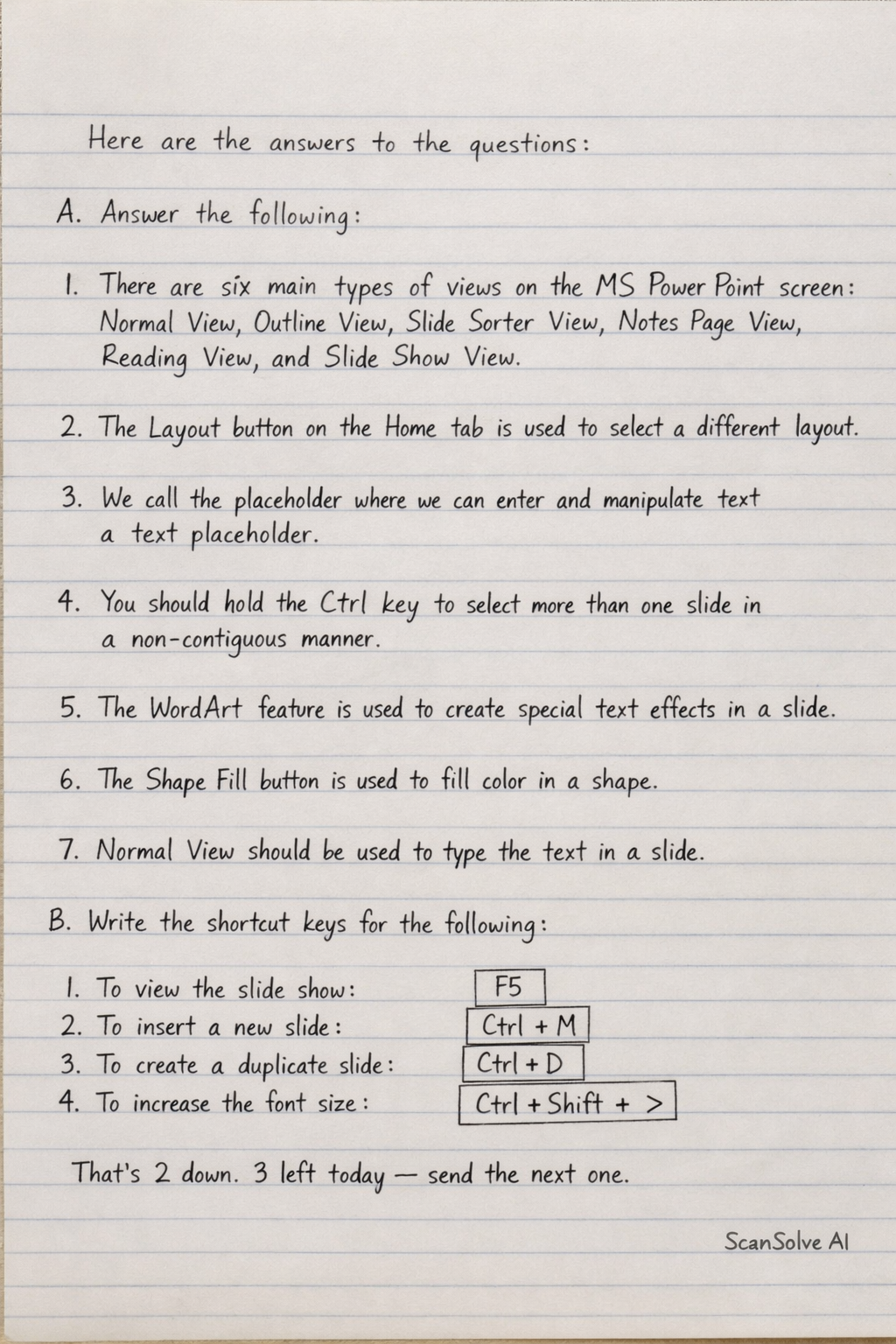
Here are the answers to the questions:
A. Answer the following:
- There are six main types of views on the MS PowerPoint screen: Normal View, Outline View, Slide Sorter View, Notes Page View, Reading View, and Slide Show View.
- The Layout button on the Home tab is used to select a different layout.
- We call the placeholder where we can enter and manipulate text a text placeholder.
- You should hold the Ctrl key to select more than one slide in a non-contiguous manner.
- The WordArt feature is used to create special text effects in a slide.
- The Shape Fill button is used to fill color in a shape.
- Normal View should be used to type the text in a slide.
B. Write the shortcut keys for the following:
- To view the slide show:
- To insert a new slide:
- To create a duplicate slide:
- To increase the font size:
Was this helpful?
Still stuck on this one?
Ask a follow-up, and the answer starts from this question.
Got a different question?Ask your own question
More Computer Science Questions
QAnswer the following: How many types of views do we get on MS PowerPoint screen?QHow to perform common operations in presentation software, such as duplicating slides, adding new…QOutline the steps for creating a presentation, adding slides, inserting text and images, applying…QWhat file formats can be added to a PowerPoint show, what data type stores up to 65,535 characters…QWhat are the differences between transitions and animations, and how do you run a slideshow and…
Handwritten Step-by-Step Solution
Get this as a handwritten image on WhatsApp — like a tutor wrote it for you.
Try on WhatsApp