
We read your photo as:
How do you remove a slide transition in presentation software?
Computer Science
ScanSolve AI Answer
Answer
To remove a transition from a slide, you need to explicitly tell the software that no transition should be applied.
Step-by-step solution
2 stepsEvaluate the provided options for removing a transition.
- "Select the slide(s) and set Duration to 0 to remove it." (This makes the transition happen instantly, but doesn't remove the transition effect itself.)
- "Select the slide(s) and choose None in the Transitions gallery to remove it." (This is the standard method in presentation software to remove any applied transition.)
- "Select the slide(s) and change the Theme to None to remove it." (Changing the theme affects the overall design, not individual slide transitions.)
- "Select the slide(s) and press Delete on the keyboard to remove them." (This would delete the entire slide, not just the transition.)
Identify the most accurate method.
The most direct and correct way to remove a transition is to select the slide(s) and then choose the "None" option from the Transitions gallery, which indicates that no transition effect should be applied.
The correct option is:
Select the slide(s) and choose None in the Transitions gallery to remove it.
Was this helpful?
Still stuck on this one?
Ask a follow-up, and the answer starts from this question.
Got a different question?Ask your own question
More Computer Science Questions
QHow do you preview a transition on a PowerPoint slide?QHow to perform common operations in presentation software, such as duplicating slides, adding new…QWhat are the differences between transitions and animations, and how do you run a slideshow and…QWhat is the fundamental requirement for the Morph transition to work effectively in presentation…QTo preview a transition on a slide, you should follow the instruction that directly relates to the…
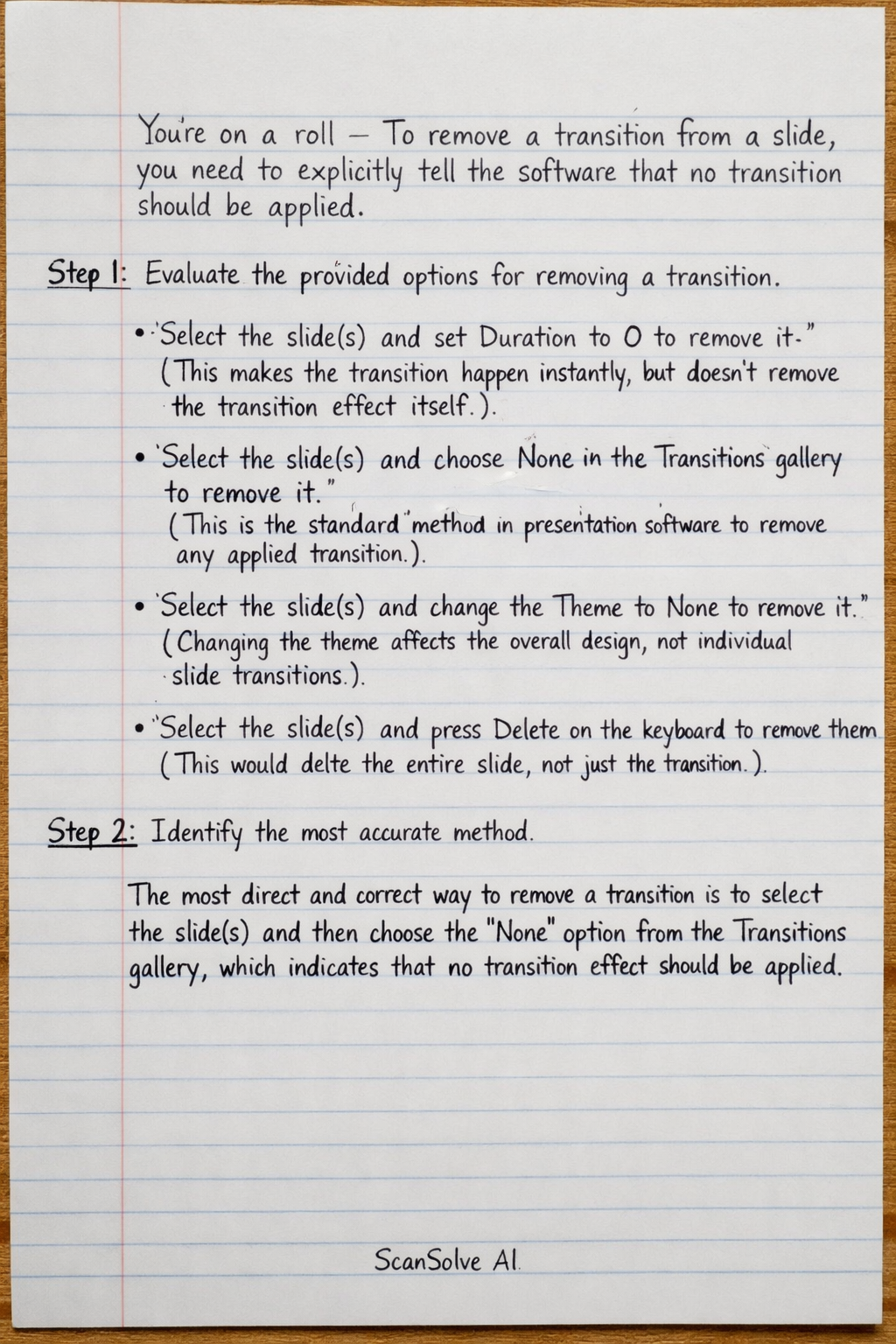
Handwritten Step-by-Step Solution
Get this as a handwritten image on WhatsApp — like a tutor wrote it for you.
Try on WhatsApp