
Uese english to solve this question. Joseph was interested in purchasing a new printer machine for his stationary shop. You advised him to consider a machine that has modern advanced connection types, features and options for the best user experience. State the primary purpose of the machine to Joseph’s shops. Explain five factors you would advise Joseph to consider before purchasing a new machine Describe four connection types that the machine is able to provide
English
ScanSolve AI Answer
a) The primary purpose of the machine for Joseph's shop is to provide printing, copying, and scanning services for customers, as well as for internal shop operations.
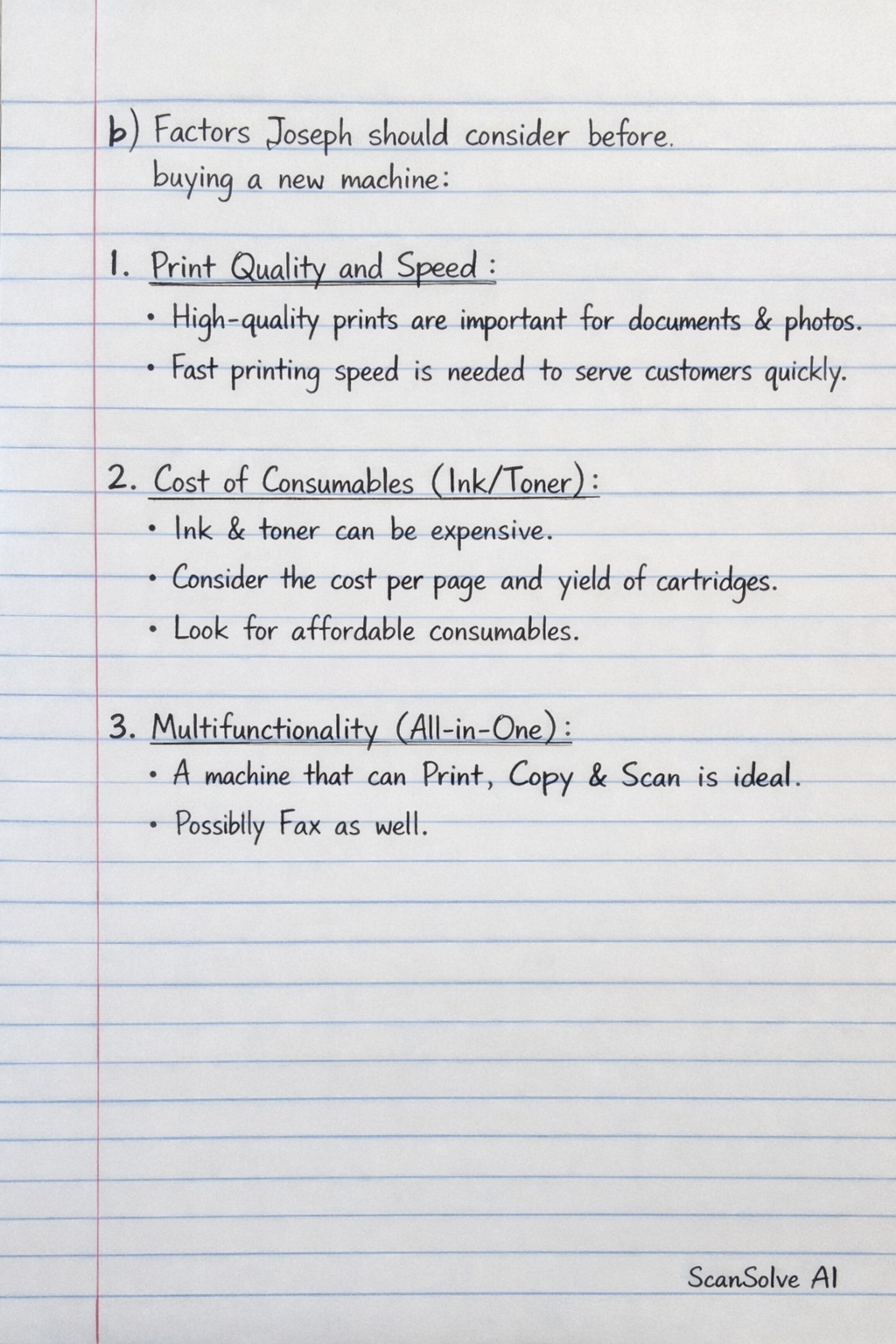
b) Five factors Joseph should consider before purchasing a new machine:
- Print Quality and Speed: For a stationary shop, high-quality prints (especially for documents and potentially photos) and fast printing speeds are crucial to serve customers efficiently and meet demand.
- Cost of Consumables (Ink/Toner): The long-term operational cost of the printer is heavily influenced by the price and yield of ink cartridges or toner. Joseph should look for printers with affordable consumables and a low cost per page.
- Multifunctionality (All-in-One): A machine that can print, scan, and copy (and possibly fax) will offer greater versatility and value, allowing the shop to provide a wider range of services to its customers.
- Connectivity Options: Modern printers offer various ways to connect, such as Wi-Fi, Ethernet, and mobile printing capabilities. These options enhance user experience by allowing printing from multiple devices and locations.
- Duplex Printing and Automatic Document Feeder (ADF): Duplex printing (printing on both sides of a page) saves paper, and an ADF allows for scanning or copying multiple pages automatically, significantly improving efficiency for bulk tasks.
c) Four connection types the machine is able to provide:
- USB (Universal Serial Bus): This is a direct, wired connection that links the printer to a single computer. It's reliable and simple for one-on-one printing.
- Ethernet (Wired Network): An Ethernet port allows the printer to connect directly to a local area network (LAN) via a cable. This enables multiple computers on the network to share the printer.
- Wi-Fi (Wireless Network): Wi-Fi connectivity allows the printer to join a wireless network, making it accessible to any device connected to the same network without physical cables. This supports wireless printing from computers, laptops, and mobile devices.
- Cloud Printing/Mobile Printing Apps: Many modern printers support cloud services (like Google Cloud Print, HP ePrint) or dedicated mobile apps. This allows users to print documents remotely from anywhere with an internet connection, or directly from their smartphones and tablets.
Was this helpful?
Still stuck on this one?
Ask a follow-up, and the answer starts from this question.
Got a different question?Ask your own question
More English Questions
QUse english to solve this questions. Hope Technical Institute the faculty of Journalism and Media…QList 3 factors that determine the quality of a good printerQAnswer the following questions regarding market research for a unique printer, and discuss in group…QWhat factors to consider when purchasing a computer hardware and softwareQPrinters, files, and e-mail can all be categorized as Office equipment, Peer-to-peer networking…
Handwritten Step-by-Step Solution
Get this as a handwritten image on WhatsApp — like a tutor wrote it for you.
Try on WhatsApp