
Use english to solve this questions. Hope Technical Institute the faculty of Journalism and Media Studies is planning to upgrade the computer system to serve different needs such as standard office work and professional multimedia editing. As an IT student, you are tasked with designing appropriate configurations for these specialized systems. Using your knowledge of personal computer system and components, answer the following. Outline four major components of the system above Summarize three key factors which should be considered in their selection Explain five component specifications you will put in mind
English
ScanSolve AI Answer
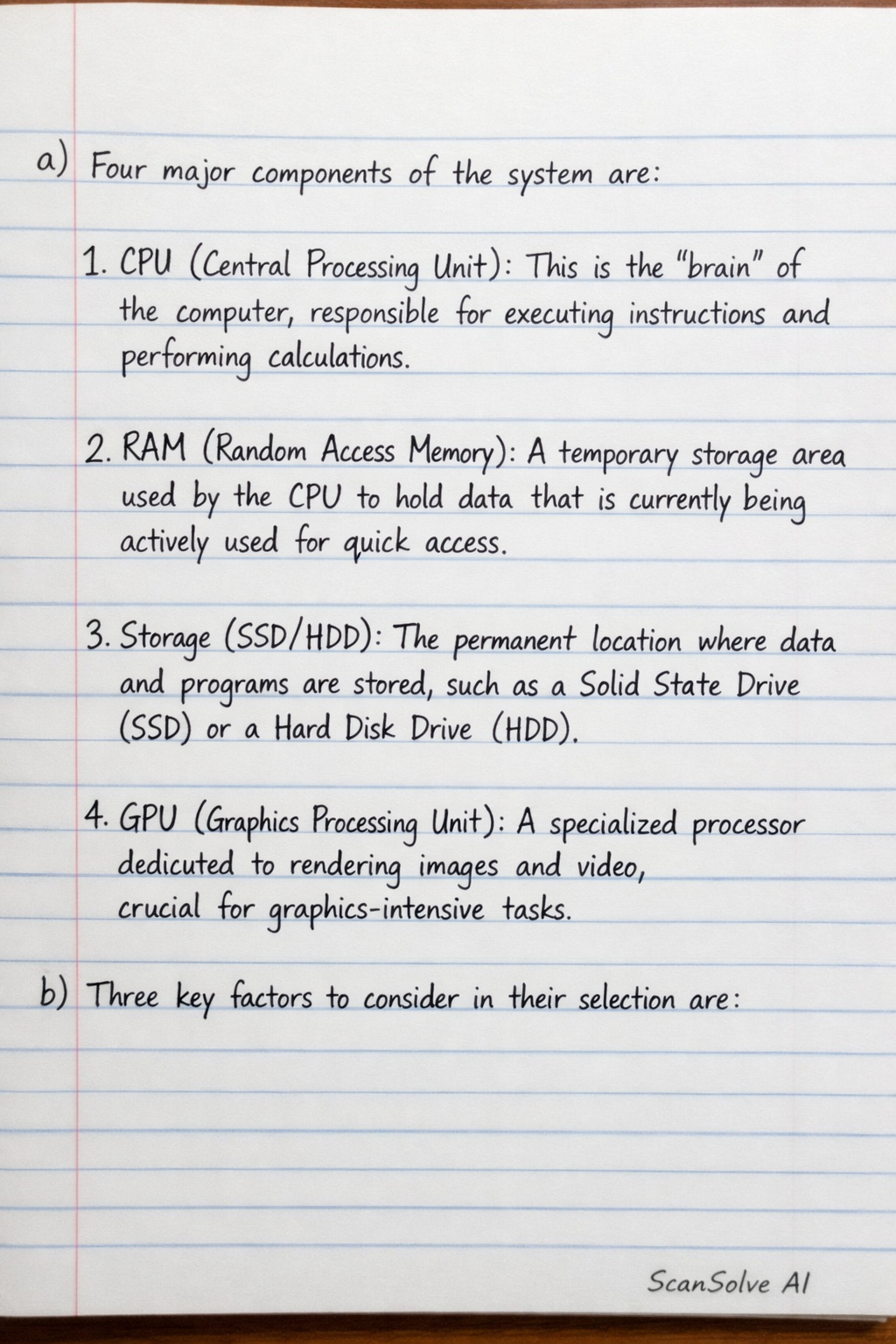
a) Four major components of the system are:
- CPU (Central Processing Unit): This is the "brain" of the computer, responsible for executing instructions and performing calculations.
- RAM (Random Access Memory): A temporary storage area used by the CPU to hold data that is currently being actively used for quick access.
- Storage (SSD/HDD): The permanent location where data and programs are stored, such as a Solid State Drive (SSD) or a Hard Disk Drive (HDD).
- GPU (Graphics Processing Unit): A specialized processor dedicated to rendering images and video, crucial for graphics-intensive tasks.
b) Three key factors to consider in their selection are:
- Performance Requirements: The type of tasks the computer will perform (e.g., standard office work vs. professional multimedia editing) dictates the power and specifications of the components needed.
- Budget: The available financial resources significantly influence the quality and performance level of the components that can be purchased.
- Compatibility: Ensuring that all selected components can work together seamlessly without issues (e.g., CPU with motherboard, RAM with motherboard).
c) Five component specifications to keep in mind:
- CPU Cores/Threads and Clock Speed: For office work, a CPU with fewer cores and a moderate clock speed is sufficient. For multimedia editing, a CPU with many cores, high thread count, and a high clock speed is essential for efficient rendering and multitasking.
- RAM Capacity and Speed: Office tasks can typically manage with 8GB to 16GB of RAM. Multimedia editing requires at least 32GB or more of high-speed RAM to handle large files and multiple applications simultaneously.
- Storage Type and Capacity: For office use, a 256GB-512GB NVMe SSD is adequate for the operating system and applications. For multimedia editing, a 1TB+ NVMe SSD is crucial for fast loading and project storage, often supplemented by a large HDD for long-term archival.
- GPU VRAM and Core Count: Integrated graphics are usually sufficient for office tasks. Multimedia editing demands a powerful dedicated GPU with ample VRAM (e.g., 8GB-24GB) to accelerate video rendering and graphic processing.
- Motherboard Chipset and Expansion Slots: A basic motherboard is fine for office systems. For multimedia editing, a high-end chipset motherboard supporting faster RAM, multiple NVMe slots, and PCIe 4.0/5.0 is necessary to accommodate high-performance components and future upgrades.
Was this helpful?
Still stuck on this one?
Ask a follow-up, and the answer starts from this question.
Got a different question?Ask your own question
More English Questions
QNt of Information and Communication Technology CAPS 100 – Computer Literacy Assignment — Short…QWrite a report on identifying and troubleshooting basic computer problems,an interview you made in…QMultiple choice questions about computer basics, history, and components.QUese english to solve this question. Joseph was interested in purchasing a new printer machine for…QBECE 2026 ICT Computing Section B Practice (For Candidates Answer Question 1 (compulsory) and any…
Browse by topic:Writing
Handwritten Step-by-Step Solution
Get this as a handwritten image on WhatsApp — like a tutor wrote it for you.
Try on WhatsApp