
We read your photo as:
Calculate the total revenue using the provided data, given Quantity in column H and Price in column I, for rows 2 to 32.
ScanSolve AI Answer
Answer
Step-by-step solution
4 stepsHere is the answer for Question 1 based on the provided data:
Identify the relevant columns.
From the image, the Quantity is in column H and the Price is in column I.
State the formula for calculating revenue for a single order.
The revenue for each individual order is calculated by multiplying its Quantity by its Price.
For any given row , the formula is:In Excel, for a specific row, this would be
Hn*In.State the formula for calculating Total Revenue.
To find the Total Revenue, you sum the revenue of all individual orders. Based on the visible data in the image, the orders range from row 2 to row 32.
The Excel formula to calculate the total revenue directly is:Alternatively, if you calculate the revenue for each row in a new column (e.g., column J, where ), then the total revenue would be:
Calculate the Total Revenue.
Using the data from the image, we multiply the Quantity by the Price for each row from 2 to 32 and sum the results:
The total revenue is .
Try one yourself
A new problem that tests the same skill.
Still stuck on this one?
Ask a follow-up, and the answer starts from this question.
More Business/Management Questions
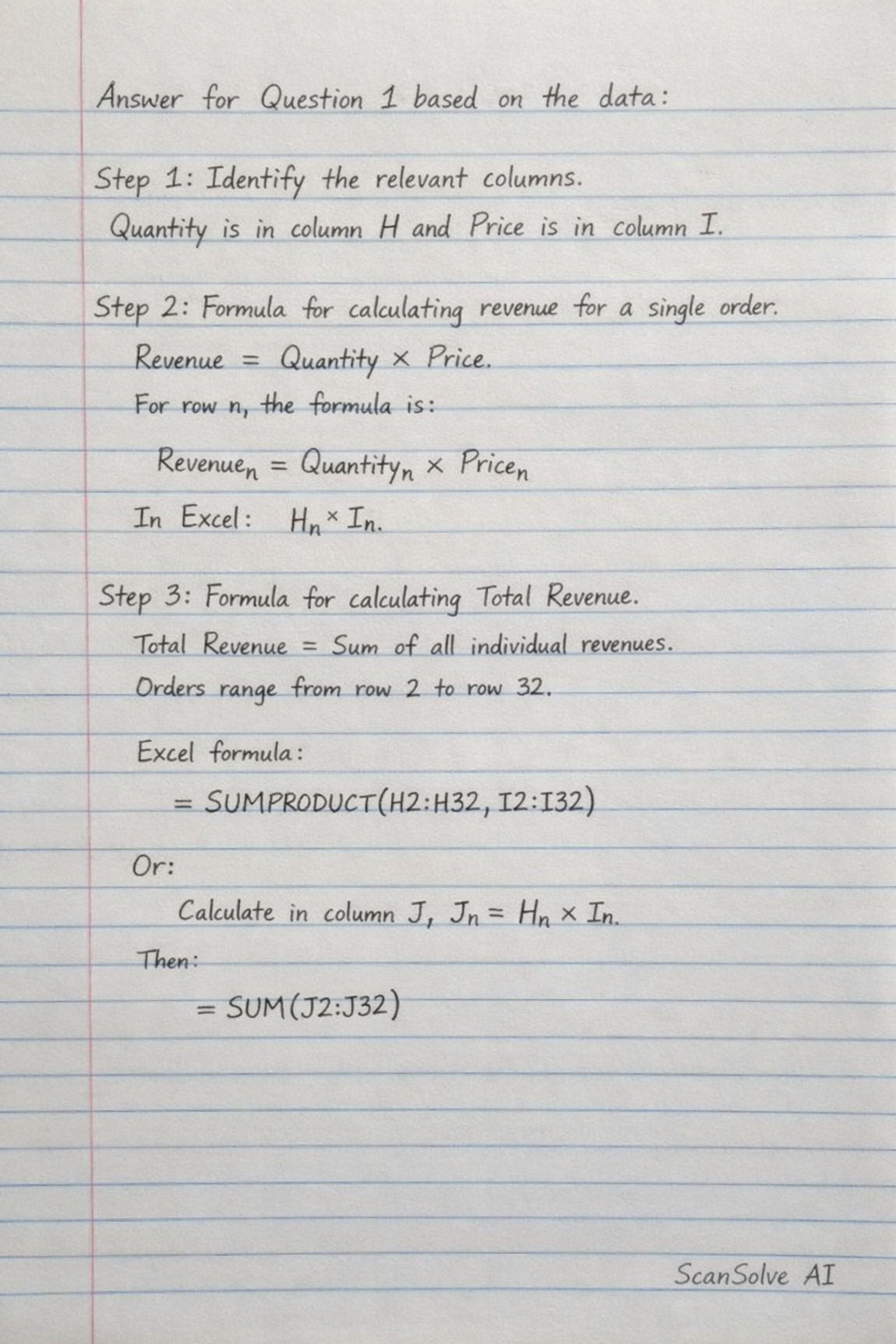
Handwritten Step-by-Step Solution
Get this as a handwritten image on WhatsApp — like a tutor wrote it for you.
Try on WhatsApp