
We read your photo as:
A) i) An Operating System (OS) is system software that manages computer hardware and software resources and provides common services for computer programs.
ScanSolve AI Answer
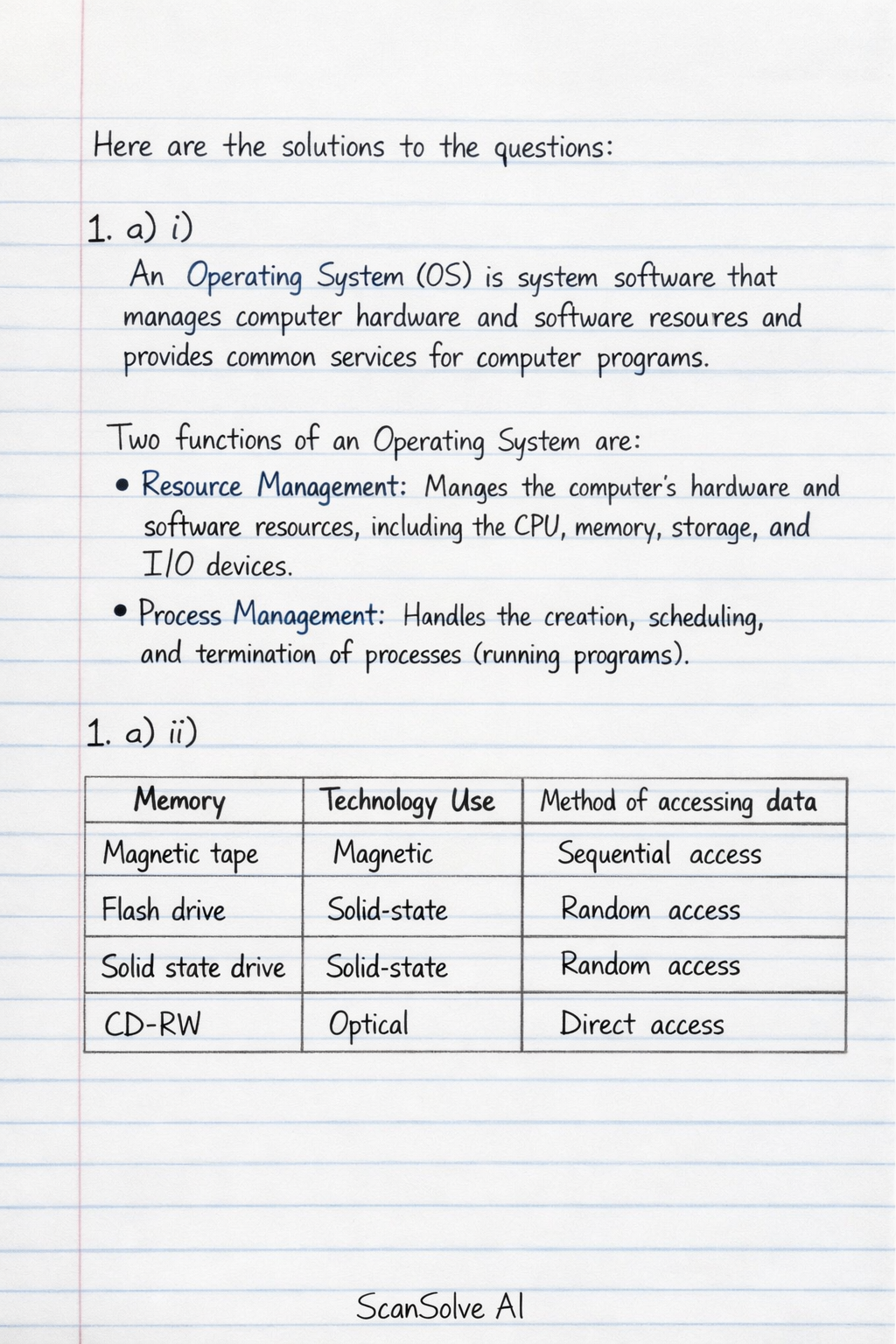
Here are the solutions to the questions:
1. a) i) An Operating System (OS) is system software that manages computer hardware and software resources and provides common services for computer programs.
Two functions of an Operating System are:
- Resource Management: Manages the computer's hardware and software resources, including the CPU, memory, storage, and I/O devices.
- Process Management: Handles the creation, scheduling, and termination of processes (running programs).
1. a) ii)
| Memory | Technology Use | Method of accessing data |
|---|---|---|
| Magnetic tape | Magnetic | Sequential access |
| Flash drive | Solid-state | Random access |
| Solid state drive | Solid-state | Random access |
| CD-RW | Optical | Direct access |
1. b) i) Two examples of application software:
- To enable a learner work with data that requires calculation: Spreadsheet software (e.g., Microsoft Excel).
- To design graduation certificates: Desktop publishing software (e.g., Adobe InDesign, Microsoft Publisher).
1. b) ii) The machine cycle (also known as the instruction cycle) is the fundamental operation cycle of a CPU. It describes the process by which a computer retrieves a program instruction from its memory, determines what actions the instruction requires, and carries out those actions.
\begin{tikzpicture}[node distance=2cm, auto]
    \node (fetch) [rectangle, draw] {Fetch};
    \node (decode) [rectangle, draw, right of=fetch] {Decode};
    \node (execute) [rectangle, draw, right of=decode] {Execute};
    \node (store) [rectangle, draw, right of=execute] {Store};

    \draw[->] (fetch) -- (decode);
    \draw[->] (decode) -- (execute);
    \draw[->] (execute) -- (store);
    \draw[->] (store) -- node[above] {Next Instruction} (fetch);
\end{tikzpicture}
- Fetch: The CPU retrieves an instruction from memory.
- Decode: The CPU interprets the instruction to determine what operation needs to be performed.
- Execute: The CPU performs the operation specified by the instruction.
- Store: The CPU writes the result of the execution back to memory or a register.
1. c) i) Cloud computing is the on-demand delivery of computing services—including servers, storage, databases, networking, software, analytics, and intelligence—over the Internet ("the cloud") to offer faster innovation, flexible resources, and economies of scale.
1. c) ii) Two services offered by cloud computing:
- Infrastructure as a Service (IaaS): Provides virtualized computing resources over the internet. Users can rent virtual machines, storage, and networks.
- Software as a Service (SaaS): Delivers software applications over the internet, typically on a subscription basis. Users access the software via a web browser without needing to install or maintain it.
2. a) i)
- Source code is the human-readable set of instructions written in a high-level programming language by a programmer. It cannot be directly executed by a computer.
- Object code is the machine-readable output generated by a compiler or assembler from the source code. It consists of low-level instructions (machine code) that the computer's CPU can directly execute.
2. a) ii) A program is a set of instructions written in a programming language that a computer can execute to perform a specific task or achieve a particular outcome.
2. b) i) There are 3 variables in the algorithm: T1, T2, and Avg.
2. b) ii) A variable is a named storage location in a computer's memory that holds a value, which can change during the execution of a program.
2. b) iii) A datatype is a classification that specifies the type of value a variable can hold (e.g., integer, real number, character, boolean) and determines the operations that can be performed on that value.
2. b) iv) For the variables T1, T2, and Avg, a suitable datatype would be Real (or Float), as test marks can be integers or decimals, and an average will often be a decimal number.
2. b) v)
\begin{tikzpicture}[node distance=1.5cm, auto, >=latex']
    \node (start) [ellipse, draw, fill=blue!20] {Start};
    \node (var) [rectangle, draw, below of=start] {Var T1, T2, Avg};
    \node (input1) [parallelogram, draw, below of=var] {Enter the test one-mark T1};
    \node (input2) [parallelogram, draw, below of=input1] {Enter the test two-mark T2};
    \node (calc) [rectangle, draw, below of=input2] {Calculate Avg = (T1+T2)/2};
    \node (decision) [diamond, draw, below of=calc, yshift=-0.5cm] {Is Avg $\ge$ 10?};
    \node (pass) [parallelogram, draw, right of=decision, xshift=2cm] {Display "Passed"};
    \node (fail) [parallelogram, draw, left of=decision, xshift=-2cm] {Display "Failed"};
    \node (goodbye) [parallelogram, draw, below of=decision, yshift=-1.5cm] {Output "Goodbye"};
    \node (stop) [ellipse, draw, fill=blue!20, below of=goodbye] {Stop};

    \draw[->] (start) -- (var);
    \draw[->] (var) -- (input1);
    \draw[->] (input1) -- (input2);
    \draw[->] (input2) -- (calc);
    \draw[->] (calc) -- (decision);
    \draw[->] (decision) -- node[above] {Yes} (pass);
    \draw[->] (decision) -- node[above] {No} (fail);
    \draw[->] (pass) -- (goodbye);
    \draw[->] (fail) -- (goodbye);
    \draw[->] (goodbye) -- (stop);
\end{tikzpicture}
3. a) i)
- XOR Gate:
\begin{tikzpicture}[scale=0.8] \draw (0,0) node[xor gate, draw, scale=1.5, anchor=input 1] (xor1) {}; \node at (xor1.input 1) [left] {A}; \node at (xor1.input 2) [left] {B}; \node at (xor1.output) [right] {Q}; \end{tikzpicture} - NAND Gate:
\begin{tikzpicture}[scale=0.8] \draw (0,0) node[nand gate, draw, scale=1.5, anchor=input 1] (nand1) {}; \node at (nand1.input 1) [left] {A}; \node at (nand1.input 2) [left] {B}; \node at (nand1.output) [right] {Q}; \end{tikzpicture} - NOR Gate:
\begin{tikzpicture}[scale=0.8]
    \draw (0,0) node[nor gate, draw, scale=1.5, anchor=input 1] (nor1) {};
    \node at (nor1.input 1) [left] {A};
    \node at (nor1.input 2) [left] {B};
    \node at (nor1.output) [right] {Q};
\end{tikzpicture}
3. a) ii) A logic gate is an elementary building block of a digital circuit that implements a Boolean function, performing a logical operation on one or more binary inputs to produce a single binary output.
3. a) iii) A pixel (short for "picture element") is the smallest individual unit of a digital image or display that can be independently addressed and assigned a color.
3. b)
A black and white image on a screen requires only a single bit to encode each pixel.
- Black pixels are encoded with the bit set to 1.
- White pixels are encoded with the bit set to 0. The first byte used for the pixel data is at memory location 187. The pixel data is stored row-by-row, starting with row 1.
Still stuck on this one?
Ask a follow-up, and the answer starts from this question.
More Computer Science Questions
Handwritten Step-by-Step Solution
Get this as a handwritten image on WhatsApp — like a tutor wrote it for you.
Try on WhatsApp