
We read your photo as:
Create a checklist of computer components, detailing their purpose, options, and justification for inclusion based on user needs.
ScanSolve AI Answer
Step-by-step solution
2 stepsCompile the Computer Components Checklist.
For each of the components listed below, you need to provide:
- The name of the component.
- What it is used for.
- The different options or sizes available for that component.
- Why you included that specific component in your list for the person you interviewed (based on their desired features).
Here are examples for the first few components:
-
1. Processor (CPU)
- Name: Processor (CPU)
- Use: The "brain" of the computer; it executes instructions and performs calculations.
- Options/Sizes: Intel Core i3, i5, i7, i9 (with different generations and clock speeds); AMD Ryzen 3, 5, 7, 9.
- Why included: (Example: "Included an Intel Core i5 for general productivity and web browsing, as the interviewee primarily uses the computer for office tasks and light multimedia.")
-
2. Operating System
- Name: Operating System (OS)
- Use: Manages computer hardware and software resources, providing a user interface.
- Options/Sizes: Windows 10/11 Home/Pro, macOS (various versions like Ventura, Sonoma), Linux distributions (e.g., Ubuntu, Fedora).
- Why included: (Example: "Windows 11 Home was chosen because the interviewee is familiar with Windows and needs compatibility with common office software.")
-
3. Memory (RAM)
- Name: Memory (RAM - Random Access Memory)
- Use: Temporary storage for data and programs currently in use, allowing the CPU quick access.
- Options/Sizes: 8 GB, 16 GB, 32 GB, 64 GB (DDR4, DDR5).
- Why included: (Example: "16 GB of RAM was selected to ensure smooth multitasking and efficient performance when running multiple applications simultaneously, as requested by the interviewee for their work.")
-
4. Hard Drive (Storage)
- Name: Hard Drive (Storage)
- Use: Permanent storage for the operating system, applications, and user files.
- Options/Sizes: SSD (Solid State Drive) 256 GB, 512 GB, 1 TB, 2 TB+; HDD (Hard Disk Drive) 1 TB, 2 TB, 4 TB+.
- Why included: (Example: "A 1 TB NVMe SSD was chosen for fast boot times and application loading, along with ample space for documents and photos, which the interviewee emphasized as important.")
Continue this process for the remaining components: 5. Optical Drive 6. Monitor or Screen Size 7. Video Card 8. Sound Card 9. Speakers 10. Keyboard 11. Mouse 12. Modem
Create the Computer Comparison Chart.
Using the information gathered from your interview and the components checklist, fill in the "Computer comparison chart" provided in the image. You will need to research at least four different computer options (e.g., HP, Dell, Toshiba, Acer, Compaq, Macbook) that meet the interviewee's needs.
- Computer No: (e.g., 1, 2, 3, 4)
- Laptop or desktop: Specify if it's a laptop or desktop.
- Processor (CPU): (e.g., Intel Core i5-12400)
- Operating System: (e.g., Windows 11 Home)
- Memory (RAM): (e.g., 16 GB DDR4)
- Hard Drive (Storage): (e.g., 1 TB NVMe SSD)
- Optical Drive: (e.g., DVD-RW or None)
- Monitor or Screen Size: (e.g., 24-inch Full HD or 15.6-inch Laptop)
- Video Card: (e.g., Integrated Intel Iris Xe or NVIDIA GeForce RTX 3050)
- Sound Card: (e.g., Integrated)
- Other Accessories: (e.g., Webcam, Microphone)
- Cost: (e.g., $850)
Fill out the chart for each of the 4+ options you research.
Still stuck on this one?
Ask a follow-up, and the answer starts from this question.
More Computer Science Questions
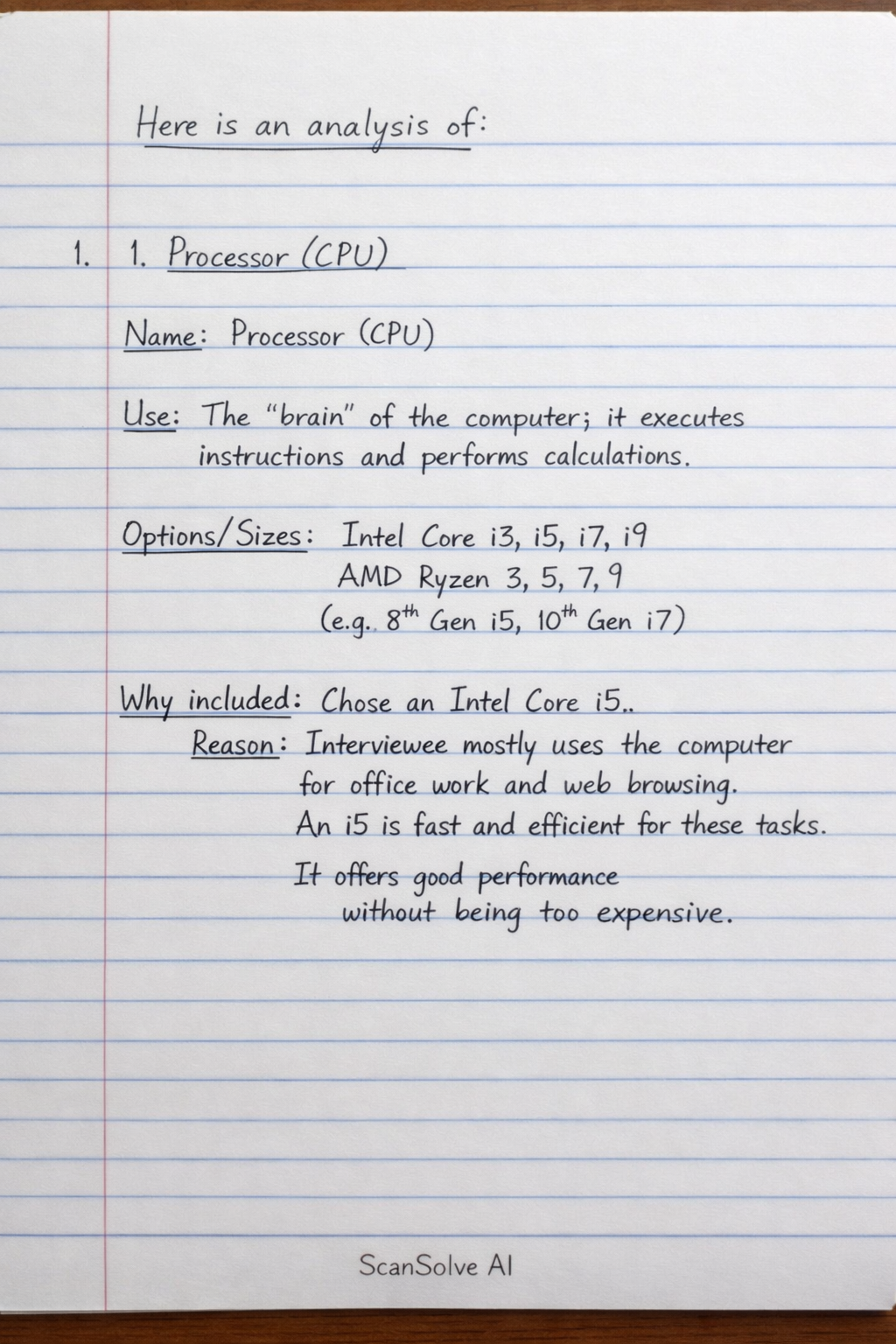
Handwritten Step-by-Step Solution
Get this as a handwritten image on WhatsApp — like a tutor wrote it for you.
Try on WhatsApp