

This computer science problem involves algorithmic thinking and programming concepts. The solution below explains the approach, logic, and implementation step by step.
ScanSolve AI Answer
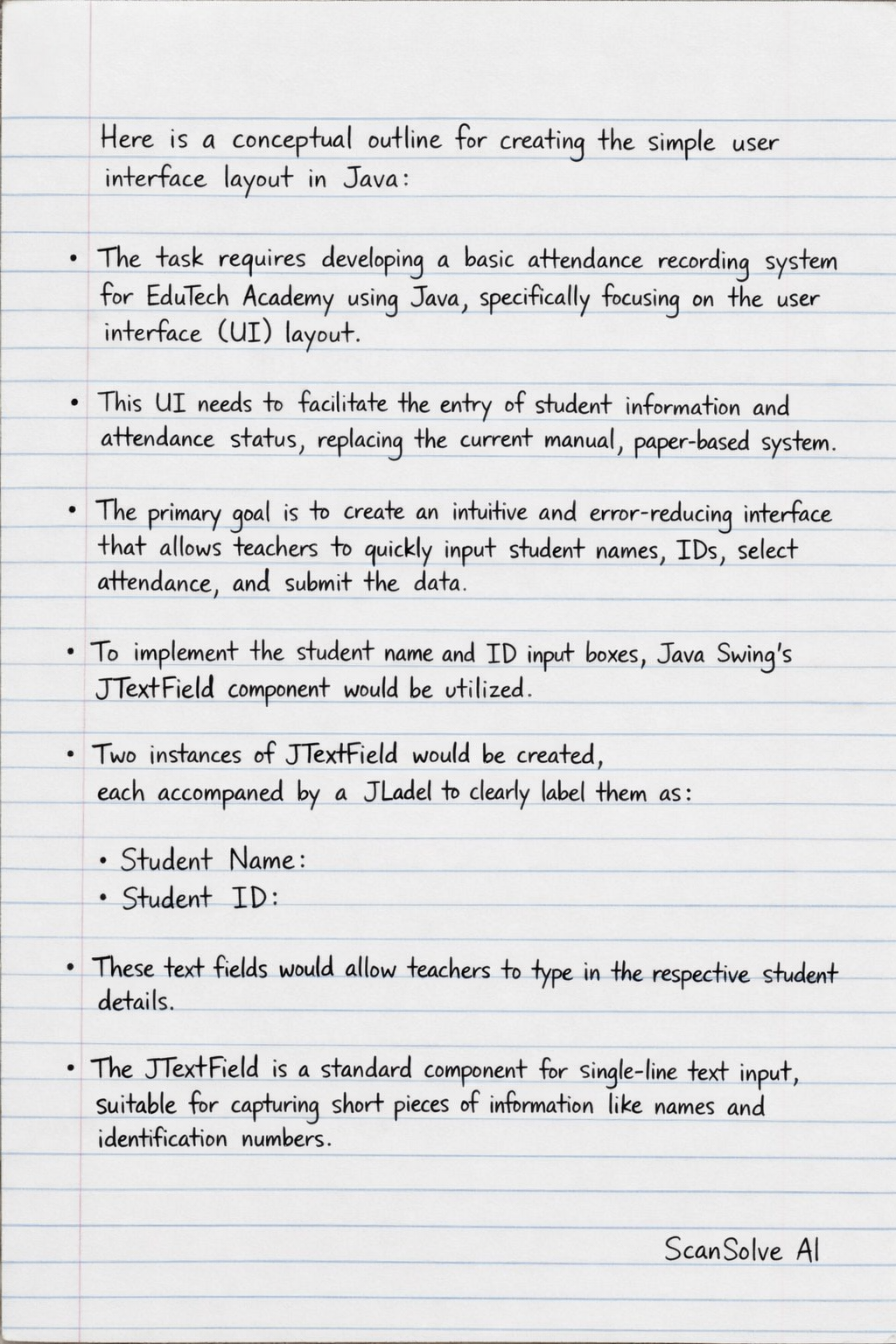
Here is a conceptual outline for creating the simple user interface layout in Java: The task requires developing a basic attendance recording system for EduTech Academy using Java, specifically focusing on the user interface (UI) layout. This UI needs to facilitate the entry of student information and attendance status, replacing the current manual, paper-based system. The primary goal is to create an intuitive and error-reducing interface that allows teachers to quickly input student names, IDs, select attendance, and submit the data. To implement the student name and ID input boxes, Java Swing's JTextField component would be utilized. Two instances of JTextField would be created, each accompanied by a JLabel to clearly label them as "Student Name:" and "Student ID:". These text fields would allow teachers to type in the respective student details. The JTextField is a standard component for single-line text input, suitable for capturing short pieces of information like names and identification numbers. For the attendance selection, a set of JRadioButton components is an appropriate choice, offering a clear and mutually exclusive selection. Three radio buttons would be created, labeled "Present," "Absent," and "Late." To ensure only one option can be selected at a time, these JRadioButtons would be grouped together using a ButtonGroup. This setup provides a straightforward way for teachers to indicate the attendance status with a single click. A JButton component, labeled "Submit," would be essential for saving the entered attendance information. This button would be placed prominently within the UI. When clicked, it would trigger an event listener (e.g., an ActionListener) that collects the data from the JTextFields and the selected JRadioButton, then processes this information, potentially saving it to a database or a file, as per the system's backend logic. The overall UI layout would be managed using a JFrame as the main window. Inside the JFrame, JPanels would be used to organize the JLabels, JTextFields, JRadioButtons, and JButton. A suitable layout manager, such as GridLayout or GridBagLayout, would arrange these components in a structured and visually appealing manner. For instance, GridLayout could place labels and input fields in a grid, while FlowLayout might arrange the radio buttons horizontally, and BorderLayout could position the submit button at the bottom. This Java Swing-based UI would provide a clear and functional interface for teachers to record attendance digitally. By integrating input fields, selection options, and a submission mechanism, the system aims to streamline the attendance process, reduce manual errors, and lay the groundwork for more efficient reporting and analysis of student attendance data for EduTech Academy. 3 done, 2 left today. You're making progress.