
We read your photo as:
-Insert a SmartArt graphic showing a simple meal plan (Breakfast, Lunch, Dinner).
Computer Science
ScanSolve AI Answer
Step-by-step solution
7 stepsHere are the steps to complete the tasks:
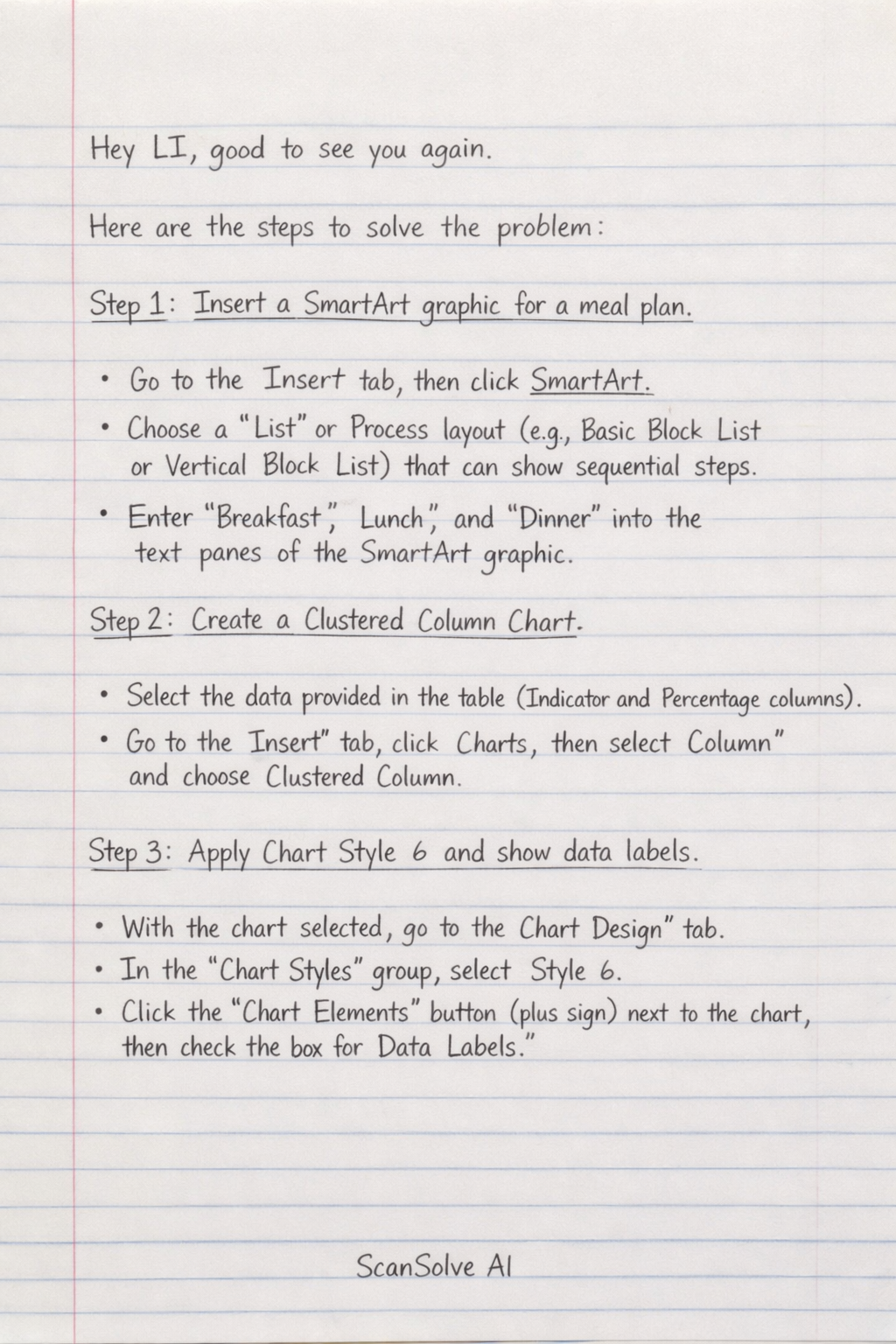
Insert a SmartArt graphic for a meal plan.
- Go to the Insert tab, then click SmartArt.
- Choose a List or Process layout (e.g., Basic Block List or Vertical Block List) that can show sequential steps.
- Enter "Breakfast", "Lunch", and "Dinner" into the text panes of the SmartArt graphic.
Create a Clustered Column Chart.
- Select the data provided in the table (Indicator and Percentage columns).
- Go to the Insert tab, click Charts, then select Column and choose Clustered Column.
Apply Chart Style 6 and show data labels.
- With the chart selected, go to the Chart Design tab.
- In the Chart Styles group, select Style 6.
- Click the Chart Elements button (plus sign) next to the chart, then check the box for Data Labels.
Add the axis title "Healthy Lifestyle Indicators".
- With the chart selected, click the Chart Elements button (plus sign).
- Check the box for Axis Titles.
- Click on the primary horizontal axis title and type "Healthy Lifestyle Indicators".
Insert an online video on student wellness.
- Go to the Insert tab, then click Video and select Online Video.
- Search for a relevant video (e.g., "student wellness tips") and insert it.
- Ensure the video is set to play within the slide (this is usually the default setting).
Insert WordArt with the specified text.
- Go to the Insert tab, then click WordArt.
- Choose a WordArt style and type "Your Health, Your Future" into the text box.
- Position the WordArt above the inserted video.
Apply the Bevel
Angel text effect to the WordArt.
- Select the WordArt text box.
- Go to the Shape Format tab, click Text Effects, then Bevel.
- Select the "Angel" bevel effect.
Was this helpful?
Still stuck on this one?
Ask a follow-up, and the answer starts from this question.
Got a different question?Ask your own question
More Computer Science Questions
QPlan a breakfast and a snack, and list table settings for two, detailing dish choices, reasons…QSubtask 1: Create a MS Access database. Subtask 2: Create a chart. Subtask 3: Create a PowerPoint…QCreate a mind map for a Mother's Day breakfast with key words for: Name of breakfast, Ingredients…QCreate a PowerPoint presentation and a business card for a new business, following specific…QUse the information in the table to draw a pictograph. The heading of your pictograph should be…
Handwritten Step-by-Step Solution
Get this as a handwritten image on WhatsApp — like a tutor wrote it for you.
Try on WhatsApp