
We read your photo as:
What application interface is labeled Figure 1? Identify the parts labeled A to D. What is the use of the parts labeled C and D? State any two ways one can experience word wrap in MS Word.
Computer Science
ScanSolve AI Answer
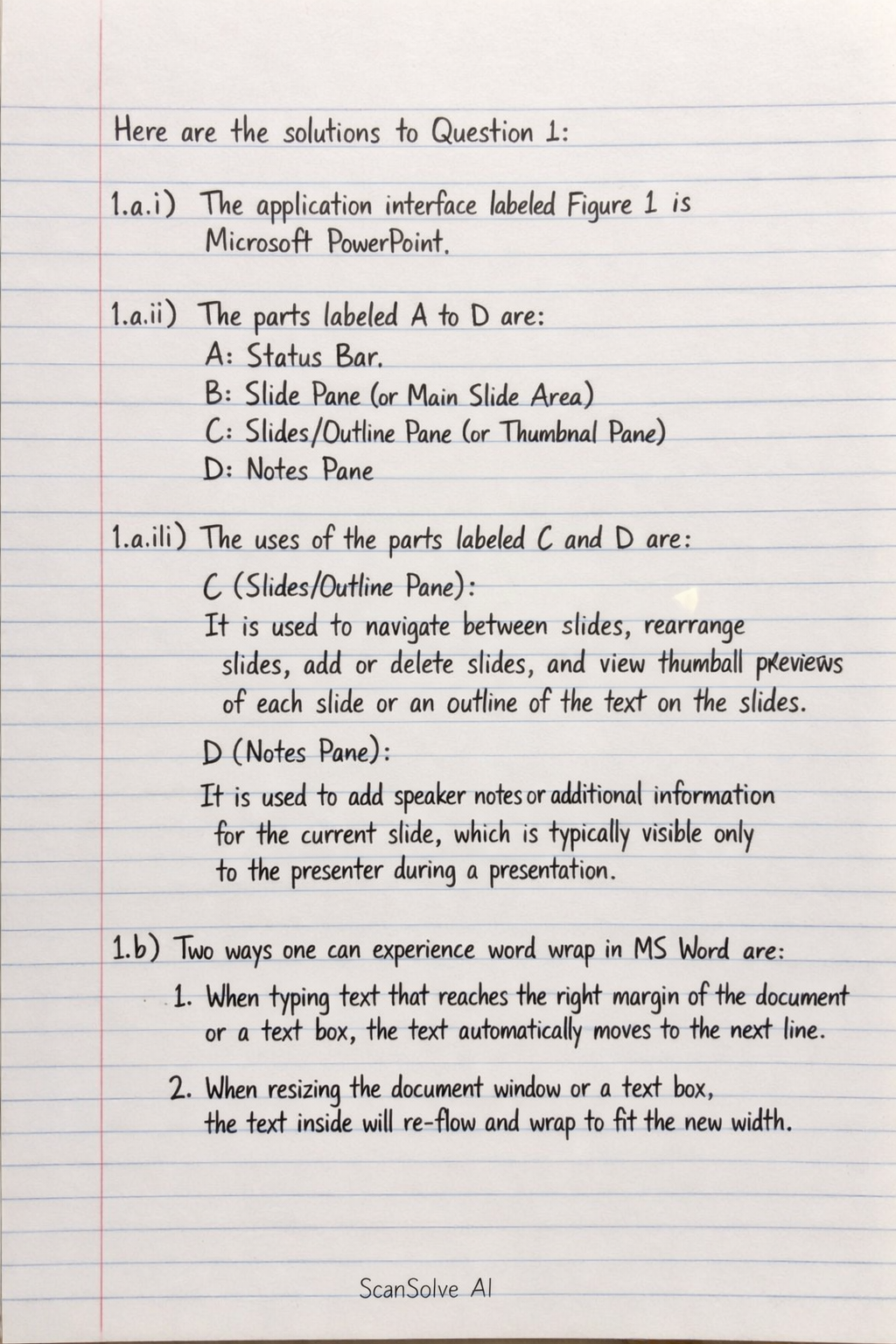
Here are the solutions to Question 1:
1.a.i)
The application interface labeled Figure 1 is Microsoft PowerPoint.
1.a.ii)
The parts labeled A to D are:
- A: Status Bar
- B: Slide Pane (or Main Slide Area)
- C: Slides/Outline Pane (or Thumbnail Pane)
- D: Notes Pane
1.a.iii)
The uses of the parts labeled C and D are:
- C (Slides/Outline Pane): It is used to navigate between slides, rearrange slides, add or delete slides, and view thumbnail previews of each slide or an outline of the text on the slides.
- D (Notes Pane): It is used to add speaker notes or additional information for the current slide, which is typically visible only to the presenter during a presentation.
1.b)
Two ways one can experience word wrap in MS Word are:
- When typing text that reaches the right margin of the document or a text box, the text automatically moves to the next line.
- When resizing the document window or a text box, the text inside will re-flow and wrap to fit the new width.
Was this helpful?
Still stuck on this one?
Ask a follow-up, and the answer starts from this question.
Got a different question?Ask your own question
More Computer Science Questions
QWhat are the different parts of a Word window and what is their function?QWhat are the answers to the following Microsoft Word questions?QWhat are the answers to the following exercises on Microsoft Word: A. Choose the correct option, B…QWhat are the answers to the following Microsoft Word questions: 1. A ___ is a predesigned Word…QDefine the following terms in the context of word processor
Handwritten Step-by-Step Solution
Get this as a handwritten image on WhatsApp — like a tutor wrote it for you.
Try on WhatsApp