
We read your photo as:
Explain simple regression analysis and multivariate analysis in SPSS. List three menus and describe data cleaning.
ScanSolve AI Answer
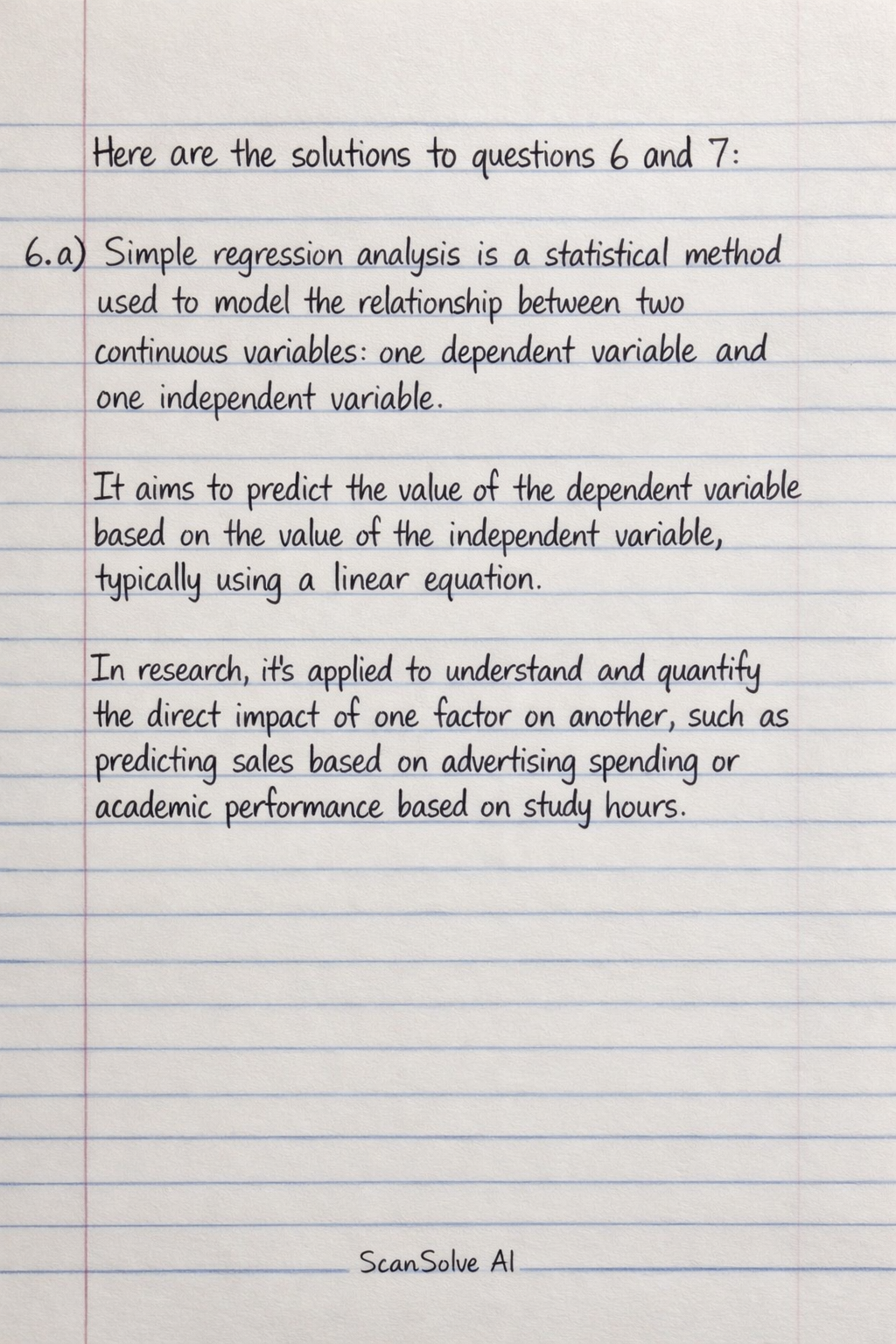
Here are the solutions to questions 6 and 7:
-
a) Simple regression analysis is a statistical method used to model the relationship between two continuous variables: one dependent variable and one independent variable. It aims to predict the value of the dependent variable based on the value of the independent variable, typically using a linear equation. In research, it's applied to understand and quantify the direct impact of one factor on another, such as predicting sales based on advertising spending or academic performance based on study hours.
Multivariate analysis encompasses statistical techniques that analyze data involving more than two variables simultaneously. These methods are used to explore relationships among multiple dependent and independent variables, often to understand complex interactions or to predict an outcome based on several predictors. In research, it's applied to situations where multiple factors influence an outcome, such as predicting job satisfaction based on salary, work-life balance, and management style, or analyzing the combined effect of several treatments in a medical study.
b) Three menus in the SPSS workspace are:
- File
- Analyze
- Transform
c) Data cleaning in SPSS refers to the process of identifying and correcting errors, inconsistencies, and missing values within a dataset to ensure its accuracy and reliability for analysis. This involves tasks such as checking for outliers, handling duplicate entries, correcting data entry mistakes, and deciding how to manage missing data points (e.g., imputation or exclusion). Effective data cleaning is crucial because it prevents misleading results and ensures the validity of statistical analyses.
-
a) To interpret SPSS regression output:
- Coefficients (B): These values represent the estimated change in the dependent variable for a one-unit increase in the independent variable, holding other variables constant. The Standardized Coefficients (Beta) allow for comparison of the relative strength of different independent variables. The Sig. value (p-value) associated with each coefficient indicates whether that specific independent variable is a statistically significant predictor of the dependent variable. If Sig. < 0.05, the predictor is significant.
- R-square (): This value indicates the proportion of the variance in the dependent variable that can be explained by the independent variables included in the model. For example, an of 0.60 means that 60% of the variation in the dependent variable is accounted for by the predictors. A higher generally indicates a better fit of the model to the data.
- Significance values (ANOVA table): The "Sig." value in the ANOVA table for the overall model (often labeled "F change" or "F") indicates whether the entire regression model is statistically significant in predicting the dependent variable. If this Sig. value is less than 0.05, it means that the independent variables, as a group, significantly predict the dependent variable.
b) Four scales of measurement in SPSS are:
- Nominal
- Ordinal
- Interval
- Ratio
c) The process of saving a document in SPSS typically involves these steps:
- Step 1: For a data file, ensure you are in the Data Editor window. For an output file, ensure you are in the Output Viewer window.
- Step 2: Go to the "File" menu in the top left corner.
- Step 3: Select "Save" or "Save As...". "Save" will overwrite the current file if it's already saved; "Save As..." allows you to choose a new name and location.
- Step 4: A dialog box will appear. Navigate to your desired folder, enter a file name (e.g., "MyData.sav" for data, "MyOutput.spv" for output), and click "Save".
Still stuck on this one?
Ask a follow-up, and the answer starts from this question.
More Computer Science Questions
Handwritten Step-by-Step Solution
Get this as a handwritten image on WhatsApp — like a tutor wrote it for you.
Try on WhatsApp