
We read your photo as:
Your task is to build a database that will make it easier for staff to search for books, contact members, and monitor which books are borrowed and when they are due back.
Computer Science
ScanSolve AI Answer
Step-by-step solution
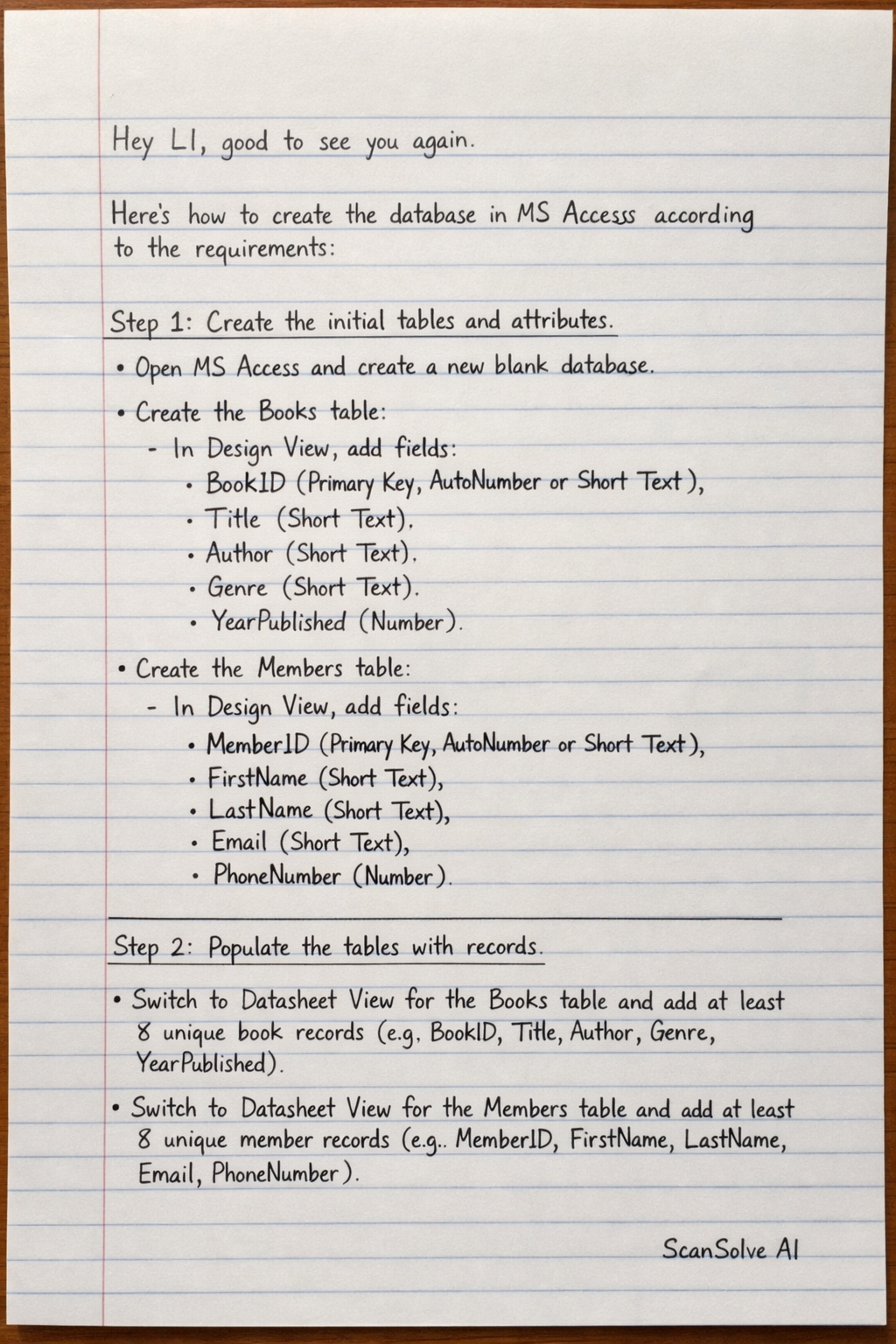
6 stepsHere's how to create the database in MS Access according to the requirements:
Create the initial tables and attributes.
- Open MS Access and create a new blank database.
- Create the Books table:
- In Design View, add fields: BookID (Primary Key, AutoNumber or Short Text), Title (Short Text), Author (Short Text), Genre (Short Text), YearPublished (Number).
- Create the Members table:
- In Design View, add fields: MemberID (Primary Key, AutoNumber or Short Text), FirstName (Short Text), LastName (Short Text), Email (Short Text), PhoneNumber (Short Text).
Populate the tables with records.
- Switch to Datasheet View for the Books table and add at least 8 unique book records (e.g., BookID, Title, Author, Genre, YearPublished).
- Switch to Datasheet View for the Members table and add at least 8 unique member records (e.g., MemberID, FirstName, LastName, Email, PhoneNumber).
Create the 'Loans' table and establish relationships.
- Create a new table named Loans.
- In Design View, add fields: LoanID (Primary Key, AutoNumber), BookID (Number or Short Text, matching Books.BookID data type), MemberID (Number or Short Text, matching Members.MemberID data type), LoanDate (Date/Time), ReturnDate (Date/Time).
- Establish relationships: Go to Database Tools > Relationships. Drag BookID from
BookstoLoansand MemberID fromMemberstoLoansto create one-to-many relationships. - Switch to Datasheet View for the Loans table and add at least 5 loan records, ensuring valid BookID and MemberID values.
Add the 'Location' column to the Books table.
- Open the Books table in Design View.
- Add a new field named Location with a data type of Short Text.
- Switch to Datasheet View for the Books table and enter a location for each book (e.g., "Shelf A1", "Digital").
Set field properties for PhoneNumber.
- Open the Members table in Design View.
- Select the PhoneNumber field.
- In the Field Properties pane:
- Set the Required property to Yes.
- Set the Input Mask property to
(000)-000-0000.
Ensure clear and consistent naming conventions.
- Throughout the database design, use clear and descriptive names for all tables (e.g., Books, Members, Loans) and fields (e.g., BookID, FirstName, LoanDate). Avoid spaces or special characters in names, using PascalCase or camelCase for multi-word names if preferred (e.g.,
BookIDinstead ofBook ID).
- Throughout the database design, use clear and descriptive names for all tables (e.g., Books, Members, Loans) and fields (e.g., BookID, FirstName, LoanDate). Avoid spaces or special characters in names, using PascalCase or camelCase for multi-word names if preferred (e.g.,
Was this helpful?
Still stuck on this one?
Ask a follow-up, and the answer starts from this question.
Got a different question?Ask your own question
More Computer Science Questions
QASSIGNMENTThe following is a description of a database for university libraries in Ghana. The…QCreate the Database and Books Table (Criterion 1)QTASK A: DATABASE MANAGEMENTQCreate a database called FinanceDB with tables Member, Transaction, and Operation. Populate these…QDesign and outline the implementation of a simple MS Access database for managing member…
Browse by topic:SQL
Handwritten Step-by-Step Solution
Get this as a handwritten image on WhatsApp — like a tutor wrote it for you.
Try on WhatsApp