
We read your photo as:
Create the Database and Books Table (Criterion 1)
ScanSolve AI Answer
Step-by-step solution
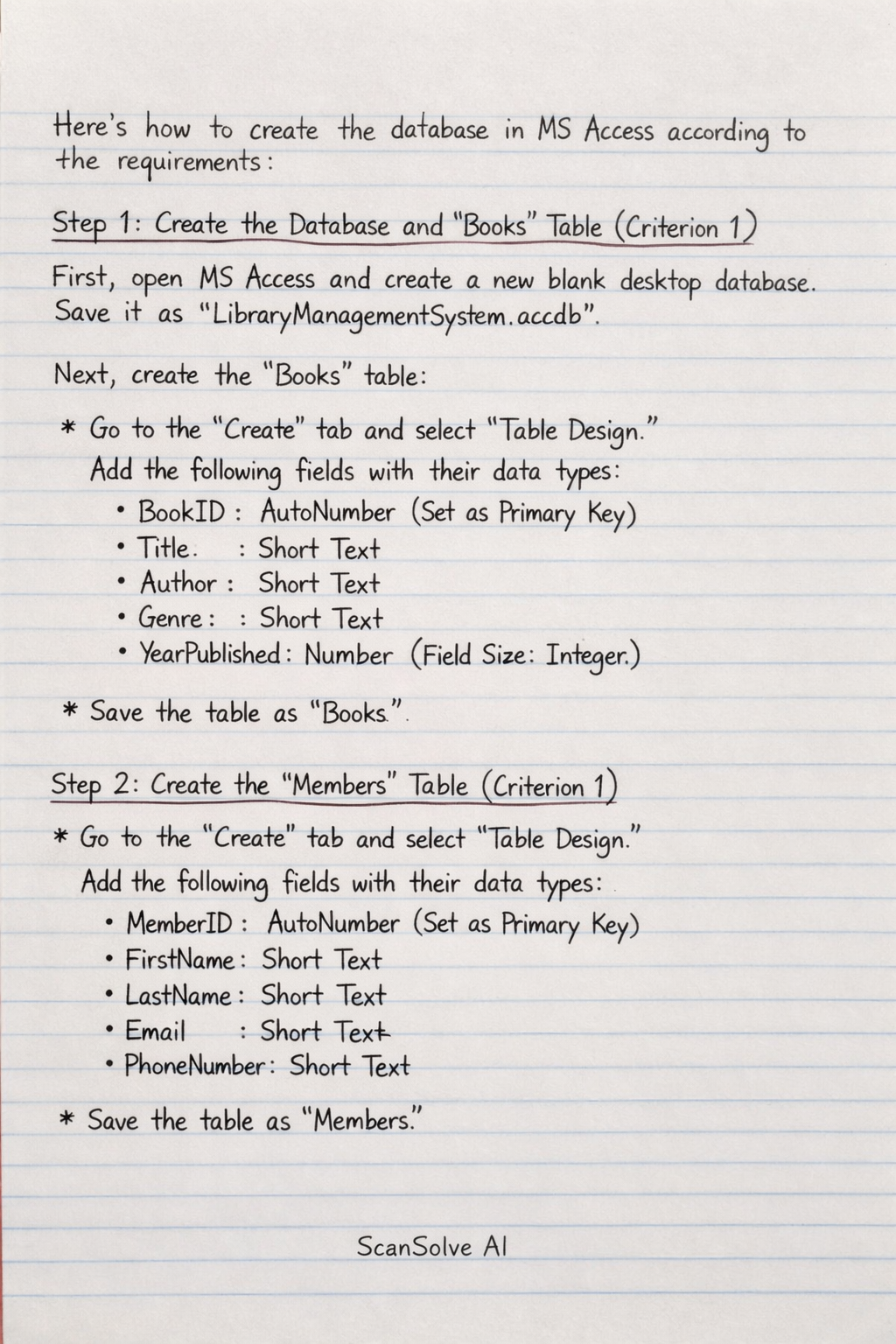
8 stepsHere's how to create the database in MS Access according to the requirements:
Create the Database and
BooksTable (Criterion 1)First, open MS Access and create a new blank desktop database. Save it with a relevant name (e.g.,
LibraryManagementSystem.accdb).Next, create the
Bookstable:- Go to the
Createtab and selectTable Design. - Add the following fields with their respective data types:
BookID:AutoNumber(Set as Primary Key)Title:Short TextAuthor:Short TextGenre:Short TextYearPublished:Number(Field Size:Integer)
- Save the table as
Books.
- Go to the
Create the
MembersTable (Criterion 1)- Go to the
Createtab and selectTable Design. - Add the following fields with their respective data types:
MemberID:AutoNumber(Set as Primary Key)FirstName:Short TextLastName:Short TextEmail:Short TextPhoneNumber:Short Text
- Save the table as
Members.
- Go to the
Populate
BooksandMembersTables (Criterion 2)Open each table in
Datasheet Viewand add at least 8 records.-
BooksTable Example Data:- BookID | Title | Author | Genre | YearPublished
- 1 | The Great Gatsby | F. Scott Fitzgerald | Classic | 1925
- 2 | To Kill a Mockingbird | Harper Lee | Fiction | 1960
- 3 | 1984 | George Orwell | Dystopian | 1949
- 4 | Pride and Prejudice | Jane Austen | Romance | 1813
- 5 | The Hobbit | J.R.R. Tolkien | Fantasy | 1937
- 6 | Sapiens | Yuval Noah Harari | Non-Fiction | 2011
- 7 | Educated | Tara Westover | Memoir | 2018
- 8 | The Lord of the Rings | J.R.R. Tolkien | Fantasy | 1954
- 9 | Becoming | Michelle Obama | Memoir | 2018
- 10 | The Alchemist | Paulo Coelho | Philosophical | 1988
-
MembersTable Example Data:- MemberID | FirstName | LastName | Email | PhoneNumber
- 1 | Alice | Smith | alice.s@example.com | 555-123-4567
- 2 | Bob | Johnson | bob.j@example.com | 555-234-5678
- 3 | Carol | Davis | carol.d@example.com | 555-345-6789
- 4 | David | Wilson | david.w@example.com | 555-456-7890
- 5 | Eve | Brown | eve.b@example.com | 555-567-8901
- 6 | Frank | Miller | frank.m@example.com | 555-678-9012
- 7 | Grace | Taylor | grace.t@example.com | 555-789-0123
- 8 | Henry | Moore | henry.m@example.com | 555-890-1234
- 9 | Ivy | White | ivy.w@example.com | 555-901-2345
- 10 | Jack | Green | jack.g@example.com | 555-012-3456
-
Create the
LoansTable and Relationships (Criterion 3)- Go to the
Createtab and selectTable Design. - Add the following fields with their respective data types:
LoanID:AutoNumber(Set as Primary Key)BookID:Number(Field Size:Long Integer)MemberID:Number(Field Size:Long Integer)LoanDate:Date/Time(Format:Short Date)ReturnDate:Date/Time(Format:Short Date)
- Save the table as
Loans.
Now, establish relationships:
- Go to
Database Toolstab and selectRelationships. - Add
Books,Members, andLoanstables. - Drag
BookIDfromBookstoBookIDinLoansto create a relationship. Enforce Referential Integrity. - Drag
MemberIDfromMemberstoMemberIDinLoansto create a relationship. Enforce Referential Integrity.
- Go to the
Populate
LoansTable (Criterion 3)Open the
Loanstable inDatasheet Viewand add at least 5 records. EnsureBookIDandMemberIDcorrespond to existing IDs in their respective tables.LoansTable Example Data:- LoanID | BookID | MemberID | LoanDate | ReturnDate
- 1 | 1 | 1 | 2023-01-05 | 2023-01-19
- 2 | 3 | 2 | 2023-01-07 | 2023-01-21
- 3 | 5 | 1 | 2023-01-10 | 2023-01-24
- 4 | 2 | 3 | 2023-01-12 | 2023-01-26
- 5 | 4 | 2 | 2023-01-15 | 2023-01-29
Add
LocationColumn toBooksTable (Criterion 4)-
Open the
Bookstable inDesign View. -
Add a new field named
LocationwithShort Textas its data type. -
Save the table.
-
Open the
Bookstable inDatasheet Viewand add example locations for each book. -
BooksTable withLocationExample Data:- BookID | Title | Author | Genre | YearPublished | Location
- 1 | The Great Gatsby | F. Scott Fitzgerald | Classic | 1925 | Shelf A1
- 2 | To Kill a Mockingbird | Harper Lee | Fiction | 1960 | Shelf B2
- 3 | 1984 | George Orwell | Dystopian | 1949 | Shelf C3
- 4 | Pride and Prejudice | Jane Austen | Romance | 1813 | Shelf A2
- 5 | The Hobbit | J.R.R. Tolkien | Fantasy | 1937 | Shelf D1
- 6 | Sapiens | Yuval Noah Harari | Non-Fiction | 2011 | Shelf E5
- 7 | Educated | Tara Westover | Memoir | 2018 | Shelf F2
- 8 | The Lord of the Rings | J.R.R. Tolkien | Fantasy | 1954 | Shelf D1
- 9 | Becoming | Michelle Obama | Memoir | 2018 | Shelf F3
- 10 | The Alchemist | Paulo Coelho | Philosophical | 1988 | Shelf G1
-
Set Field Properties for
PhoneNumber(Criterion 5)- Open the
Memberstable inDesign View. - Select the
PhoneNumberfield. - In the
Field Propertiespane (at the bottom):- Set the
Requiredproperty toYes. - Set the
Input Maskproperty to(000)-000-0000. You can use the Input Mask Wizard for this.
- Set the
- Save the table.
- Open the
Naming Conventions (Criterion 6)
All tables (
Books,Members,Loans) and fields (BookID,Title,FirstName,LoanDate, etc.) use clear, descriptive names without spaces, following standard database naming conventions. This ensures consistency and readability.The database structure is now complete, fulfilling all specified requirements.
Database design and implementation complete.
Still stuck on this one?
Ask a follow-up, and the answer starts from this question.
More Computer Science Questions
Handwritten Step-by-Step Solution
Get this as a handwritten image on WhatsApp — like a tutor wrote it for you.
Try on WhatsApp