
We read your photo as:
A. What is computer memory? Explain its types in detail.
ScanSolve AI Answer
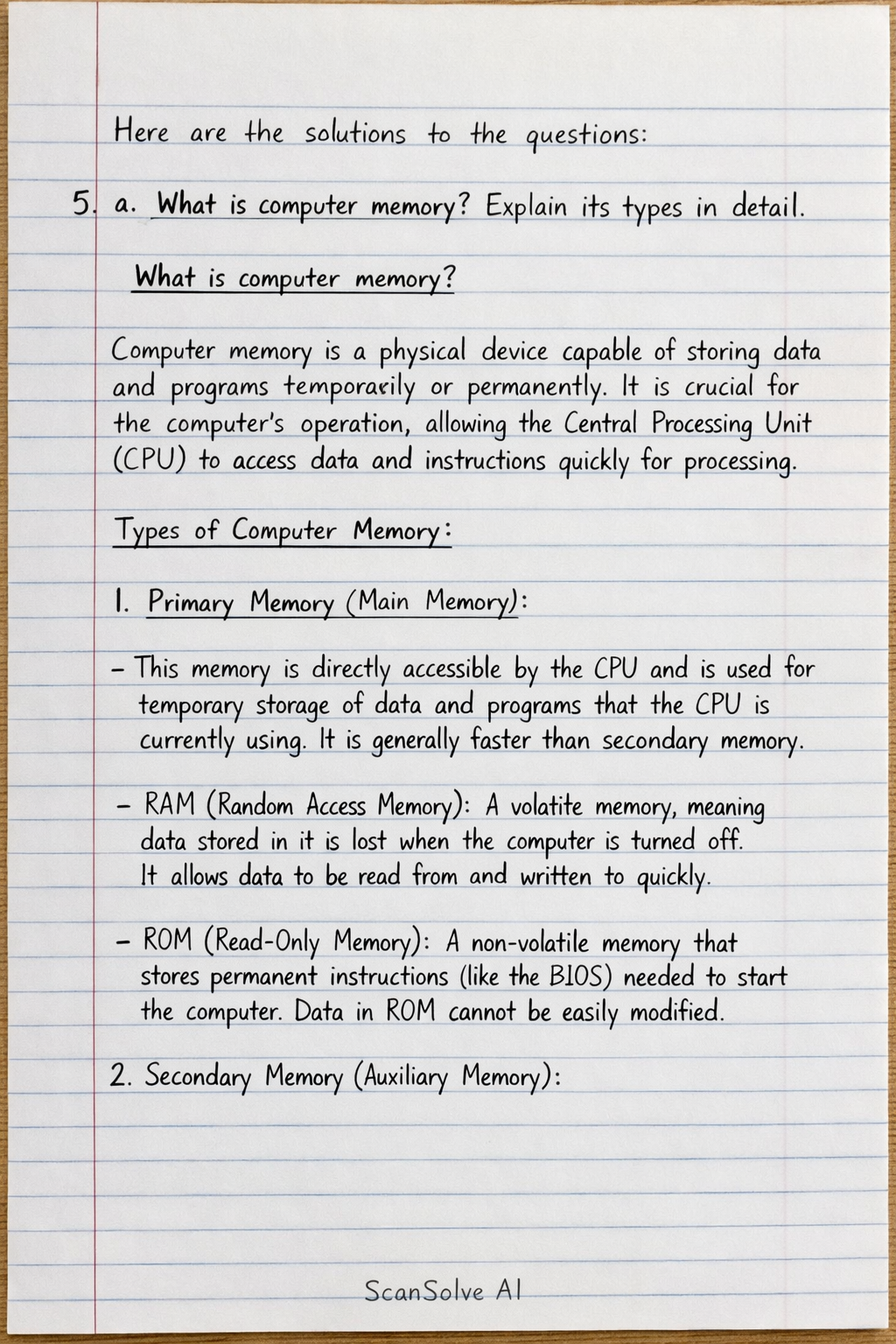
Here are the solutions to the questions:
5. a. What is computer memory? Explain its types in detail.
-
What is computer memory? Computer memory is a physical device capable of storing data and programs temporarily or permanently. It is crucial for the computer's operation, allowing the Central Processing Unit (CPU) to access data and instructions quickly for processing.
-
Types of Computer Memory:
- Primary Memory (Main Memory):
- This memory is directly accessible by the CPU and is used for temporary storage of data and programs that the CPU is currently using. It is generally faster than secondary memory.
- RAM (Random Access Memory): A volatile memory, meaning data stored in it is lost when the computer is turned off. It allows data to be read from and written to quickly.
- ROM (Read-Only Memory): A non-volatile memory that stores permanent instructions (like the BIOS) needed to start the computer. Data in ROM cannot be easily modified.
- Secondary Memory (Auxiliary Memory):
- This memory is non-volatile, meaning it retains data even when the power is off. It is used for long-term storage of data and programs and has a larger capacity than primary memory, though it is slower.
- Hard Disk Drives (HDD): Traditional magnetic storage devices.
- Solid State Drives (SSD): Faster, flash-based storage devices.
- Optical Drives: Such as CD, DVD, and Blu-ray discs, which use lasers to read and write data.
- USB Flash Drives: Portable flash memory devices.
- Cache Memory:
- A small, very fast memory located between the CPU and main memory (RAM). It stores frequently accessed data and instructions from RAM to speed up CPU operations, reducing the time the CPU waits for data.
- Primary Memory (Main Memory):
5. b. What is database management system? List out its importance's.
-
What is Database Management System (DBMS)? A Database Management System (DBMS) is a software system that allows users to define, create, maintain, and control access to a database. It provides an organized and efficient way to store, retrieve, and manage large amounts of structured data.
-
Importance of DBMS:
- Data Organization: Provides a structured and systematic way to store and manage vast amounts of data.
- Data Security: Offers robust mechanisms to control access, ensuring data protection from unauthorized users.
- Data Integrity: Maintains data accuracy and consistency through various validation rules and constraints.
- Data Sharing: Facilitates efficient sharing of data among multiple users and applications simultaneously.
- Data Redundancy Control: Minimizes duplication of data, saving storage space and improving data consistency.
- Backup and Recovery: Provides tools for backing up data and recovering it in case of system failures or data loss.
5. c. Differentiate between LAN and MAN.
| Feature | LAN (Local Area Network) | MAN (Metropolitan Area Network) |
|---|---|---|
| Geographical Area | Covers a small area, such as a single building, office, or home. | Covers a larger area than LAN, typically a city or a large campus. |
| Ownership | Usually owned and managed by a single organization or individual. | Often owned by a consortium or a single large organization. |
| Data Transfer Rate | High data transfer rates (typically Mbps to Gbps). | Moderate to high data transfer rates. |
| Technology | Primarily uses Ethernet and Wi-Fi. | Often uses technologies like FDDI, ATM, or WiMAX. |
| Complexity | Less complex to set up and manage. | More complex to set up and manage than a LAN. |
| Examples | Home network, office network, school computer lab. | Cable TV network, university campus network spanning a city. |
Still stuck on this one?
Ask a follow-up, and the answer starts from this question.
More Psychology Questions
Handwritten Step-by-Step Solution
Get this as a handwritten image on WhatsApp — like a tutor wrote it for you.
Try on WhatsApp