
We read your photo as:
b. Explain various generation of the computer with their main components.
ScanSolve AI Answer
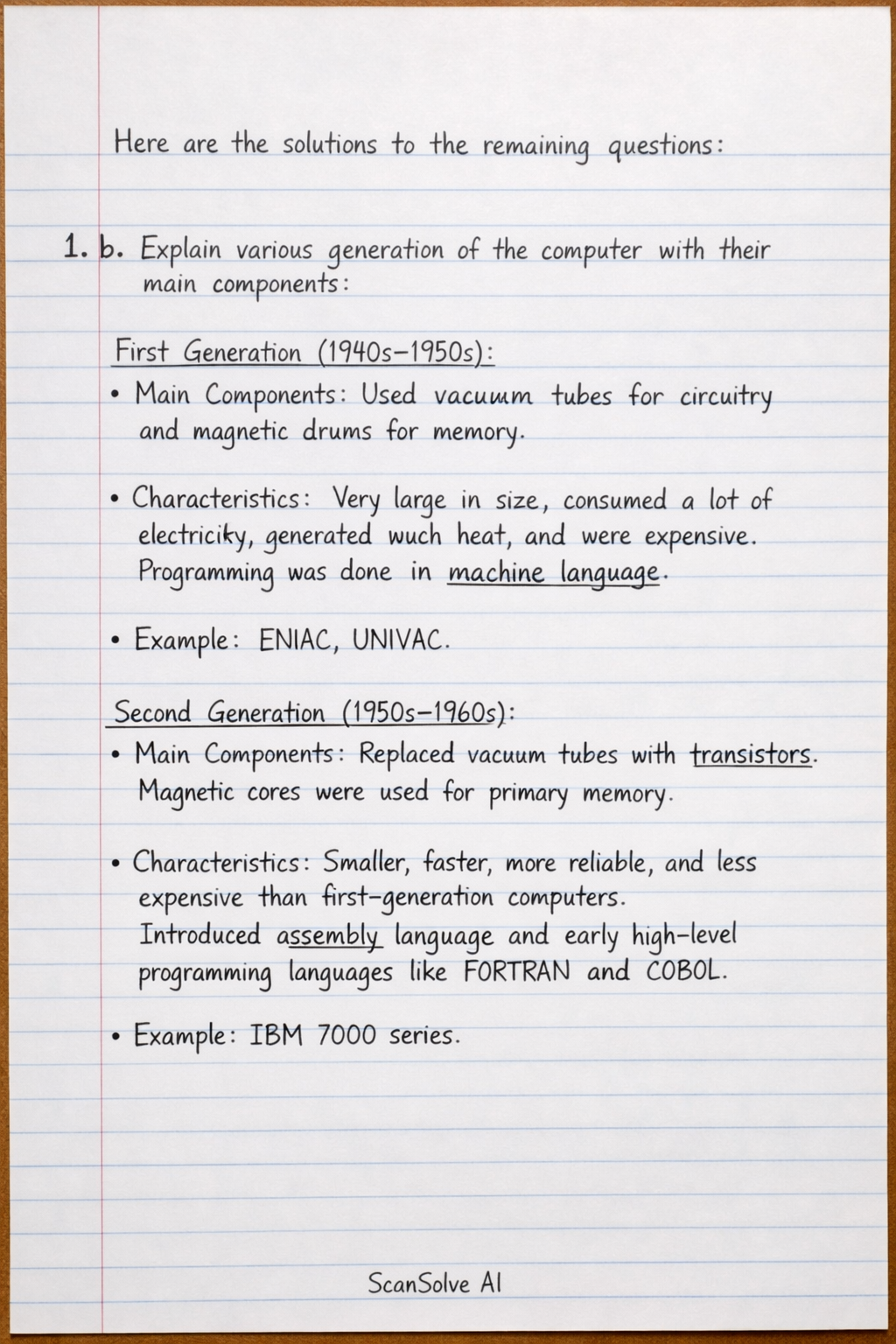
Here are the solutions to the remaining questions:
1. b. Explain various generation of the computer with their main components.
-
First Generation (1940s-1950s):
- Main Components: Used vacuum tubes for circuitry and magnetic drums for memory.
- Characteristics: Very large in size, consumed a lot of electricity, generated much heat, and were expensive. Programming was done in machine language.
- Example: ENIAC, UNIVAC.
-
Second Generation (1950s-1960s):
- Main Components: Replaced vacuum tubes with transistors. Magnetic cores were used for primary memory.
- Characteristics: Smaller, faster, more reliable, and less expensive than first-generation computers. Introduced assembly language and early high-level programming languages like FORTRAN and COBOL.
- Example: IBM 7000 series.
-
Third Generation (1960s-1970s):
- Main Components: Used Integrated Circuits (ICs), which packed many transistors onto a single silicon chip.
- Characteristics: Significantly smaller, more powerful, and more efficient. Introduced operating systems and allowed multiple applications to run simultaneously.
- Example: IBM System/360.
-
Fourth Generation (1970s-present):
- Main Components: Utilized Microprocessors (Very Large Scale Integration - VLSI technology), which placed thousands of ICs onto a single silicon chip.
- Characteristics: Led to the development of personal computers (PCs). Introduced graphical user interfaces (GUIs), mouse, and handheld devices. Networking became prevalent.
- Example: Apple Macintosh, IBM PC.
-
Fifth Generation (Present and Beyond):
- Main Components: Based on Artificial Intelligence (AI), parallel processing, and superconductors.
- Characteristics: Focuses on developing computers that can understand natural language, learn, and make decisions. Aims for true artificial intelligence, robotics, and expert systems.
2. b. List out the six basic MS-DOS commands with their uses.
DIR: Lists files and subdirectories within a specified directory.CD(Change Directory): Changes the current working directory to another.COPY: Copies one or more files from one location to another.DEL(Delete): Deletes one or more files from a directory.MD(Make Directory): Creates a new directory (folder).REN(Rename): Renames a file or a directory.
3. b. Define multimedia. Introduce the components of multimedia in brief.
-
Define Multimedia: Multimedia is the integration of multiple forms of media, such as text, audio, images, animation, and video, into a single presentation or application. It aims to convey information in a rich and engaging manner.
-
Components of Multimedia:
- Text: The fundamental component, including words, numbers, and symbols, used for titles, content, and navigation.
- Audio: Sound elements like music, speech, sound effects, and narration, which enhance the user experience.
- Images: Still visual elements such as photographs, drawings, charts, and graphics, used to illustrate concepts or provide visual appeal.
- Animation: A sequence of still images displayed rapidly to create the illusion of motion, often used for demonstrations or visual effects.
- Video: Moving pictures, typically with synchronized audio, providing dynamic and realistic visual information, often used for storytelling or demonstrations.
4. b. Write short notes on: (any TWO)
-
i) WWW (World Wide Web): The World Wide Web, commonly known as the Web, is a global system of interconnected computer networks that uses standard communication protocols. It is a system of interlinked hypertext documents and other web resources that are accessed via the Internet using web browsers. The Web allows users to access and exchange information globally.
-
ii) NIC (Network Interface Card): A Network Interface Card (NIC), also known as a network adapter or LAN adapter, is a hardware component that connects a computer to a computer network. It allows the computer to communicate over a network by converting data into a format suitable for transmission and vice-versa. Each NIC has a unique Media Access Control (MAC) address.
5. a. What is computer memory? Explain its types in detail.
-
What is computer memory? Computer memory is a physical device capable of storing data and programs temporarily or permanently. It is crucial for the computer's operation, allowing the Central Processing Unit (CPU) to access data and instructions quickly for processing.
-
Types of Computer Memory:
- Primary Memory (Main Memory):
- This memory is directly accessible by the CPU and is used for temporary storage of data and programs that the CPU is currently using. It is generally faster than secondary memory.
- RAM (Random Access Memory): A volatile memory, meaning data stored in it is lost when the computer is turned off. It allows data to be read from and written to quickly.
- ROM (Read-Only Memory): A non-volatile memory that stores permanent instructions (like the BIOS) needed to start the computer. Data in ROM cannot be easily modified.
- Secondary Memory (Auxiliary Memory):
- This memory is non-volatile, meaning it retains data even when the power is off. It is used for long-term storage of data and programs and has a larger capacity than primary memory, though it is slower.
- Hard Disk Drives (HDD): Traditional magnetic storage devices.
- Solid State Drives (SSD): Faster, flash-based storage devices.
- Optical Drives: Such as CD, DVD, and Blu-ray discs, which use lasers to read and write data.
- USB Flash Drives: Portable flash memory devices.
- Cache Memory:
- A small, very fast memory located between the CPU and main memory (RAM). It stores frequently accessed data and instructions from RAM to speed up CPU operations, reducing the time the CPU waits for data.
- Primary Memory (Main Memory):
5. b. What is database management system? List out its importance's.
-
What is Database Management System (DBMS)? A Database Management System (DBMS) is a software system that allows users to define, create, maintain, and control access to a database. It provides an organized and efficient way to store, retrieve, and manage large amounts of structured data.
-
Importance of DBMS:
- Data Organization: Provides a structured and systematic way to store and manage vast amounts of data.
- Data Security: Offers robust mechanisms to control access, ensuring data protection from unauthorized users.
- Data Integrity: Maintains data accuracy and consistency through various validation rules and constraints.
- Data Sharing: Facilitates efficient sharing of data among multiple users and applications simultaneously.
- Data Redundancy Control: Minimizes duplication of data, saving storage space and improving data consistency.
- Backup and Recovery: Provides tools for backing up data and recovering it in case of system failures or data loss.
5. c. Differentiate between LAN and MAN.
| Feature | LAN (Local Area Network) | MAN (Metropolitan Area Network) |
|---|---|---|
| Geographical Area | Covers a small area, such as a single building, office, or home. | Covers a larger area than LAN, typically a city or a large campus. |
| Ownership | Usually owned and managed by a single organization or individual. | Often owned by a consortium or a single large organization. |
| Data Transfer Rate | High data transfer rates (typically Mbps to Gbps). | Moderate to high data transfer rates. |
| Technology | Primarily uses Ethernet and Wi-Fi. | Often uses technologies like FDDI, ATM, or WiMAX. |
| Complexity | Less complex to set up and manage. | More complex to set up and manage than a LAN. |
| Examples | Home network, office network, school computer lab. | Cable TV network, university campus network spanning a city. |
Still stuck on this one?
Ask a follow-up, and the answer starts from this question.
More Computer Science Questions
Handwritten Step-by-Step Solution
Get this as a handwritten image on WhatsApp — like a tutor wrote it for you.
Try on WhatsApp