
We read your photo as:
Calculate the total revenue from the provided data, showing the steps and formulas used in Excel.
ScanSolve AI Answer
Answer
Step-by-step solution
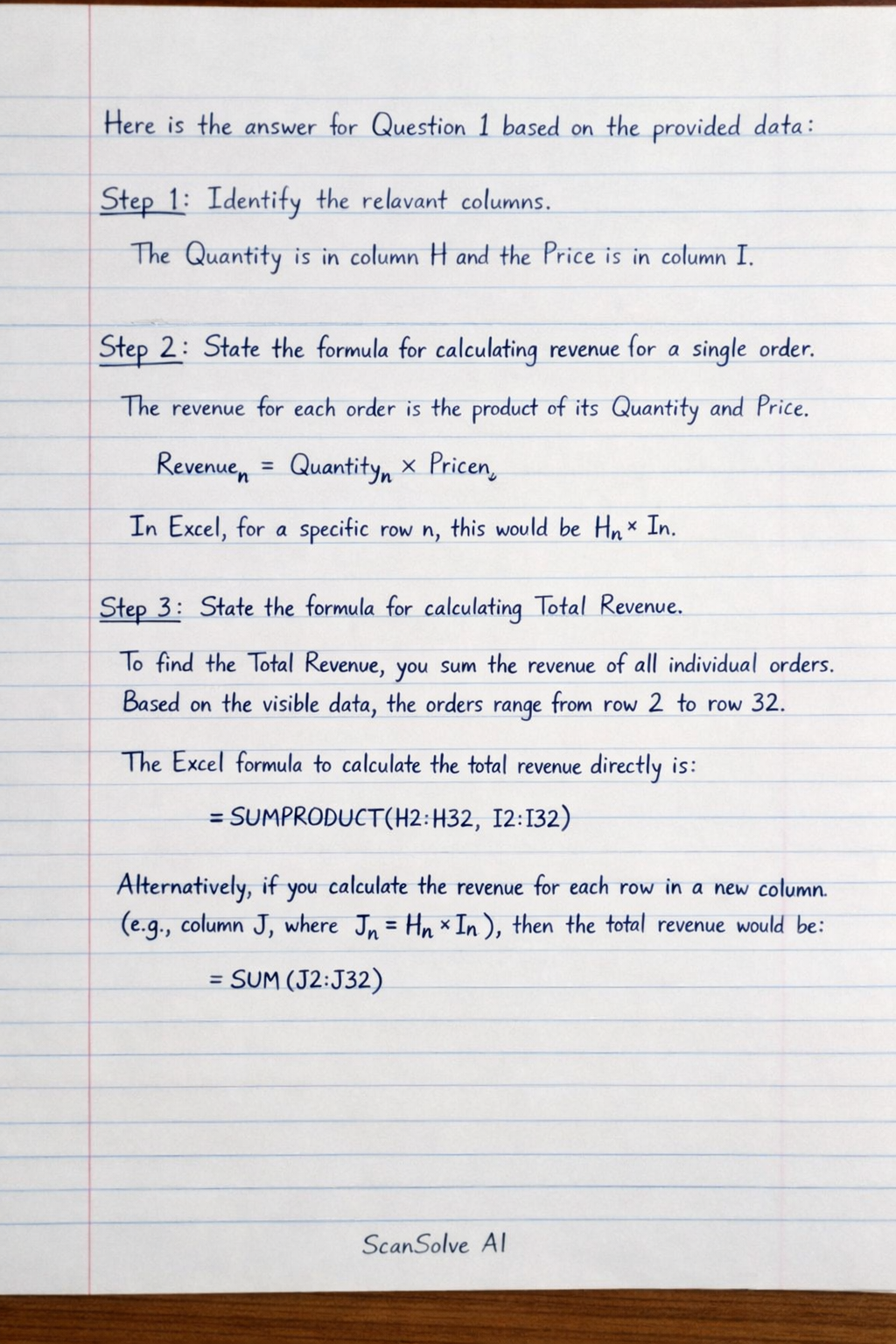
4 stepsHere is the answer for Question 1 based on the provided data:
Identify the relevant columns.
The Quantity is in column H and the Price is in column I.
State the formula for calculating revenue for a single order.
The revenue for each order is the product of its Quantity and Price.
In Excel, for a specific row , this would be
Hn*In.State the formula for calculating Total Revenue.
To find the Total Revenue, you sum the revenue of all individual orders. Based on the visible data, the orders range from row 2 to row 32.
The Excel formula to calculate the total revenue directly is:Alternatively, if you calculate the revenue for each row in a new column (e.g., column J, where ), then the total revenue would be:
Calculate the Total Revenue.
Using the data from the image, we multiply the Quantity by the Price for each row from 2 to 32 and sum the results:
The total revenue is .
Try one yourself
A new problem that tests the same skill.
Still stuck on this one?
Ask a follow-up, and the answer starts from this question.
More Business/Management Questions
Handwritten Step-by-Step Solution
Get this as a handwritten image on WhatsApp — like a tutor wrote it for you.
Try on WhatsApp