
We read your photo as:
How do I format and add dates for a second pay period in an Excel spreadsheet for a payroll assignment?
Computer Science
ScanSolve AI Answer
Step-by-step solution
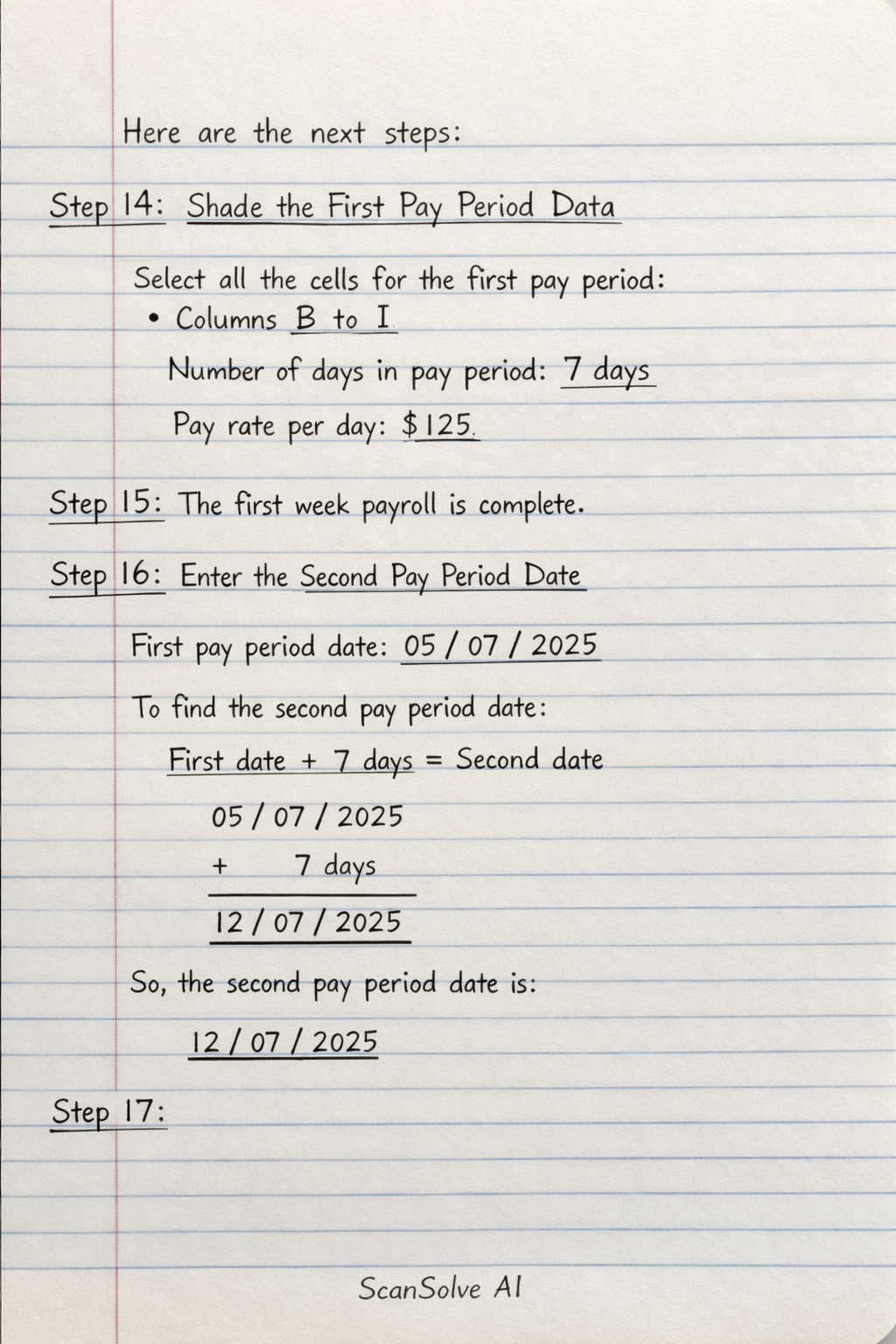
4 stepsHere are the next steps for your Excel assignment:
Shade the First Pay Period Data
Select all the cells containing data for the first pay period (from column B to column I for all employees). Use the fill color option in Excel to apply a shade of your choice to these cells.
The first week payroll is complete.
Enter the Second Pay Period Date
Assume you have a column for the first pay period date, for example, in cell J2 (e.g.,
05/07/2025).
The second pay period date will be 7 days after the first. This date will be placed after the total pay for the second period.Step 4
Was this helpful?
Still stuck on this one?
Ask a follow-up, and the answer starts from this question.
Got a different question?Ask your own question
More Computer Science Questions
QCreate an Excel sheet with 50 employees, random hourly rates (12.00-82.50), and random hours worked…QComplete the spreadsheet tasks as outlined in sections 2.1 to 2.9, modifying text, inserting…QCreate a spreadsheet with specific formatting and use VLOOKUP to pull data from another sheet.QHow do I update all employees' Date of Employment (DOE) to be two days later using MySQL?QHow do I complete a spreadsheet task including copying formulas, conditional formatting, adding…
Handwritten Step-by-Step Solution
Get this as a handwritten image on WhatsApp — like a tutor wrote it for you.
Try on WhatsApp