

This computer science problem involves algorithmic thinking and programming concepts. The solution below explains the approach, logic, and implementation step by step.
ScanSolve AI Answer
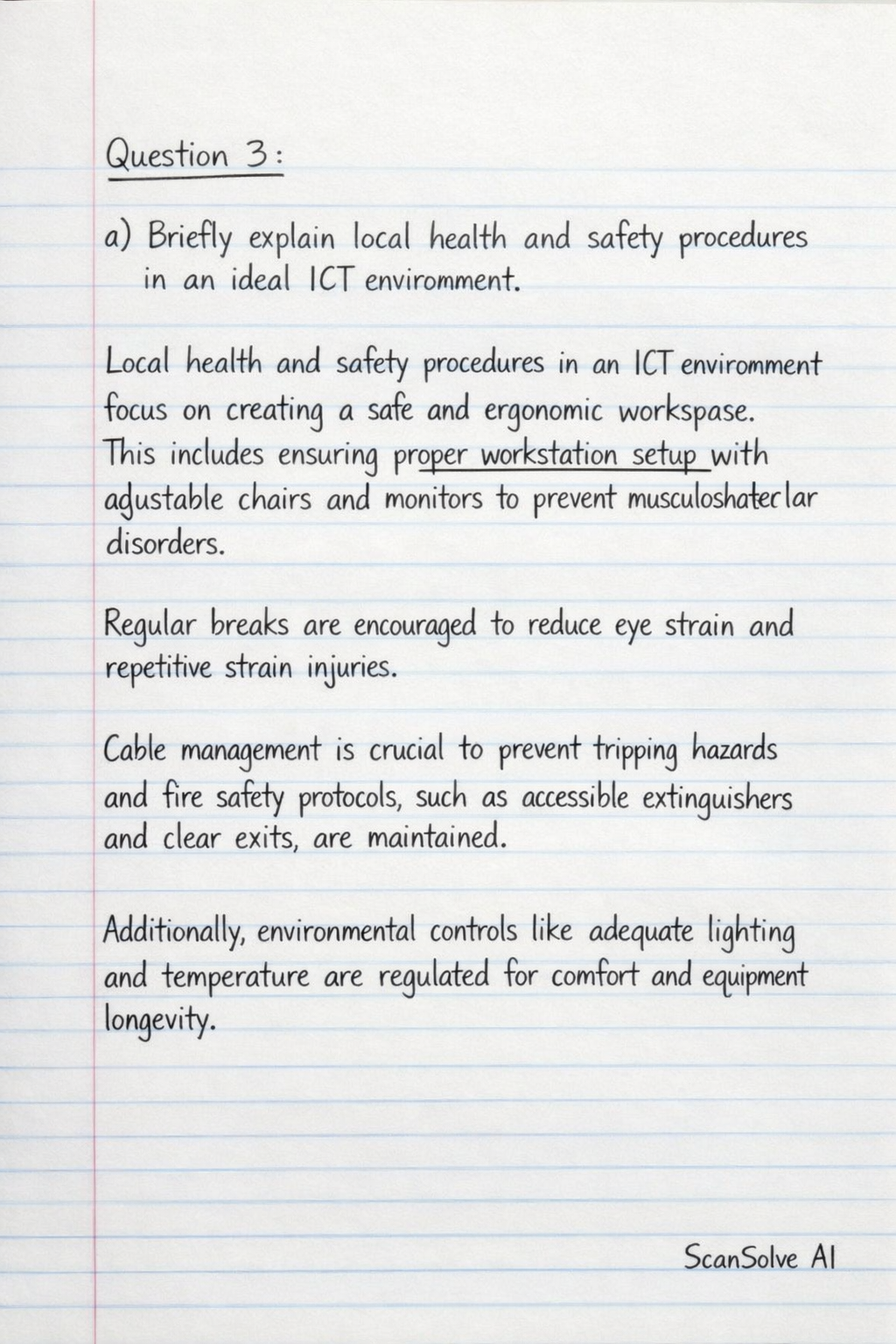
Here are the answers to Question 3, Question 4, and Question 5: Question 3: a) Briefly explain local health and safety procedures in an ideal ICT environment. Local health and safety procedures in an ICT environment focus on creating a safe and ergonomic workspace. This includes ensuring proper workstation setup with adjustable chairs and monitors to prevent musculoskeletal disorders. Regular breaks are encouraged to reduce eye strain and repetitive strain injuries. Cable management is crucial to prevent tripping hazards, and fire safety protocols, such as accessible extinguishers and clear exits, are maintained. Additionally, environmental controls like adequate lighting and temperature are regulated for comfort and equipment longevity. b) State 4 features of spreadsheet software. • Cells, Rows, and Columns: Data is organized in a grid structure, with individual cells identified by row numbers and column letters. • Formulas and Functions: Allows users to perform calculations and data analysis using mathematical formulas and built-in functions (e.g., SUM, AVERAGE). • Charting and Graphing: Enables the creation of various visual representations of data, such as bar charts, line graphs, and pie charts, for better understanding. • Data Sorting and Filtering: Provides tools to arrange data in a specific order (ascending/descending) and display only data that meets certain criteria. Question 4: a) Briefly explain 4 advanced features of MS-Word. • Styles: Predefined or custom formatting sets that ensure consistent document appearance and allow for quick changes to the entire document's formatting. • Cross-referencing: Allows users to create links to other parts of the document, such as headings, figures, or page numbers, which automatically update if the referenced content moves. • Document Protection: Features that restrict editing, add passwords to open or modify a document, or mark a document as final to prevent unauthorized changes. • SmartArt Graphics: Tools to create professional-looking organizational charts, process diagrams, and other graphical representations of information to enhance visual communication. b) Illustrate key exercises to avoid injuries and fatigue when working with computers. • Eye Exercises: Every 20 minutes, look away from the screen at a distant object for 20 seconds and blink frequently to reduce eye strain. • Neck and Shoulder Stretches: Gently tilt your head side to side, and roll your shoulders forward and backward to relieve tension. • Wrist and Hand Stretches: Extend arms forward, flex wrists up and down, and gently stretch fingers to prevent carpal tunnel syndrome. • Back Stretches: Stand up, gently arch your back, or perform slight torso twists to maintain spinal flexibility and reduce back pain. c) Briefly explain local health and safety regulations. Local health and safety regulations are rules and guidelines established by authorities to ensure a safe working environment and protect individuals from harm. These regulations typically cover aspects like ergonomic standards, fire safety protocols, electrical safety, and emergency procedures. Their purpose is to prevent accidents, injuries, and occupational diseases in workplaces, including ICT environments, by setting mandatory standards for safe operations and equipment. Question 5: a) State 4 characteristics of a safe Computer working place. • Ergonomic Furniture: Includes adjustable chairs, desks, and monitor stands to support proper posture and reduce physical strain. • Proper Lighting: Adequate, glare-free illumination to prevent eye strain and ensure clear visibility of the screen and workspace. • Organized Workspace: A clutter-free environment with secured cables and clear pathways to prevent tripping hazards and ensure easy movement. • Ventilation and Temperature Control: Good airflow and a comfortable ambient temperature to prevent overheating of equipment and ensure user comfort. b) Describe a typical Windows desktop environment. A typical Windows desktop environment is the primary graphical user interface (GUI) that appears after logging into a Windows operating system. It features a background image (wallpaper), a taskbar at the bottom (containing the Start button, open applications, and system tray), and icons representing files, folders, and applications. Users interact with the desktop to launch programs, manage files, and access system settings. c) What is the essence of password protecting a file? The essence of password protecting a file is to restrict unauthorized access to sensitive or private information. It ensures that only individuals who know the correct password can open, view, or modify the file, thereby maintaining confidentiality and data security. This prevents data breaches, protects intellectual property, and ensures compliance with privacy regulations. Last free one today — make it count tomorrow, or type /upgrade for unlimited.