
We read your photo as:
Open a spreadsheet program and key in the following data as it appears. Save the work book as courses in the KNEC EXAM folder.
Computer Science
ScanSolve AI Answer
Step-by-step solution
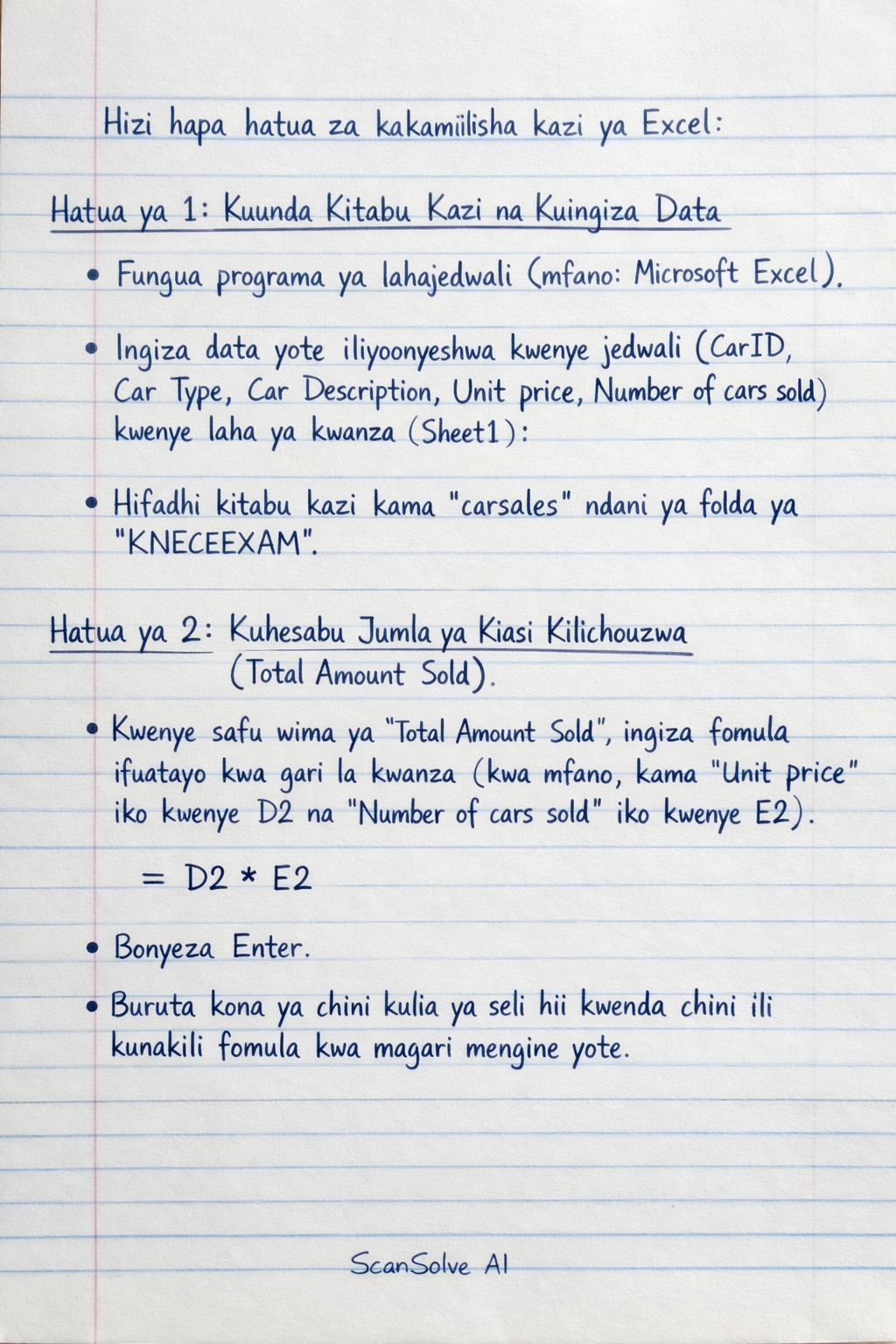
8 stepsHizi hapa hatua za kukamilisha kazi ya Excel:
Kuunda Kitabu Kazi na Kuingiza Data
- Fungua programu ya lahajedwali (spreadsheet program), kwa mfano Microsoft Excel.
- Ingiza data yote iliyoonyeshwa kwenye jedwali (CarID, Car Type, Car Description, Unit price, Number of cars sold) kwenye laha ya kwanza (Sheet1).
- Hifadhi kitabu kazi (workbook) kama
carsalesndani ya folda yaKNECEEXAM.
Kuhesabu Jumla ya Kiasi Kilichouzwa (Total Amount Sold)
- Kwenye safu wima ya "Total Amount Sold", ingiza fomula ifuatayo kwa gari la kwanza (kwa mfano, kama "Unit price" iko kwenye D2 na "Number of cars sold" iko kwenye E2):
- Bonyeza Enter.
- Buruta (drag) kona ya chini kulia ya seli hii kwenda chini ili kunakili fomula kwa magari mengine yote.
Kunakili Yaliyomo ya Laha ya Kwanza Kwenye Laha ya Pili
- Bofya kulia kwenye jina la laha "Sheet1" chini ya skrini.
- Chagua "Move or Copy...".
- Kwenye sanduku la mazungumzo, chagua "Create a copy" na kisha chagua "(new book)" au "Sheet2" kama unataka kunakili kwenye laha mpya ndani ya kitabu kazi hicho hicho.
- Bofya "OK".
Kuweka Alama ya Elfu (Thousand Separator) Kwenye Laha ya Pili
- Kwenye laha ya pili (iliyoundwa kwenye Hatua ya 3), chagua safu wima nzima ya "Unit price".
- Bofya kulia kwenye uteuzi na uchague "Format Cells...".
- Kwenye tab ya "Number", chagua "Number" kutoka kwenye orodha ya "Category".
- Weka alama kwenye kisanduku cha "Use 1000 Separator (,)".
- Bofya "OK".
Kuamua Jumla Ndogo (Subtotals) kwa Kila Aina ya Gari Kwenye Laha ya Pili
- Kwenye laha ya pili, chagua data yote, ikiwemo vichwa vya safu wima.
- Nenda kwenye tab ya "Data" na uchague "Sort".
- Panga data kwa "Car Type" (Aina ya Gari).
- Baada ya kupanga, nenda tena kwenye tab ya "Data" na uchague "Subtotal".
- Kwenye sanduku la mazungumzo la "Subtotal":
- Kwa "At each change in:", chagua "Car Type".
- Kwa "Use function:", chagua "Sum".
- Kwa "Add subtotal to:", chagua "Total Amount Sold".
- Bofya "OK".
Kubadili Jina la Laha
- Badilisha jina la "Sheet1" kuwa
totalsold. - Badilisha jina la "Sheet2" (au laha uliyounda kwenye Hatua ya 3) kuwa
categorytotal.
- Badilisha jina la "Sheet1" kuwa
Kuunda Chati ya Pai ya 3-D Kwenye Laha ya
categorytotal- Kwenye laha ya
categorytotal, chagua safu wima ya "Car Type" na safu wima ya "Total Amount Sold" (pamoja na jumla ndogo zake). - Nenda kwenye tab ya "Insert" na uchague "Pie Chart".
- Chagua aina ya chati ya pai ya 3-D.
- Hakikisha chati imewekwa ndani ya laha ya
categorytotal.
- Kwenye laha ya
Kuhifadhi Mabadiliko na Kuonyesha Fomula
- Hifadhi mabadiliko yote kwenye kitabu kazi chako.
- Ili kuonyesha fomula badala ya thamani kwenye laha ya
categorytotalkwa ajili ya kuchapisha:- Nenda kwenye tab ya "Formulas".
- Bofya "Show Formulas".
- Hifadhi tena kabla ya kuchapisha.
Was this helpful?
Still stuck on this one?
Ask a follow-up, and the answer starts from this question.
Got a different question?Ask your own question
More Computer Science Questions
QComplete the spreadsheet tasks as outlined in sections 2.1 to 2.9, modifying text, inserting…QCreate a worksheet named "Student_Data" and enter the following data: Adm No, Name, Course, Gender…QHow do I complete a spreadsheet task including copying formulas, conditional formatting, adding…QTASK B: SPREADSHEET MANAGEMENTQOpen an existing Excel spreadsheet, navigate to a specific cell containing numerical data, and…
Handwritten Step-by-Step Solution
Get this as a handwritten image on WhatsApp — like a tutor wrote it for you.
Try on WhatsApp