

This computer science problem involves algorithmic thinking and programming concepts. The solution below explains the approach, logic, and implementation step by step.
ScanSolve AI Answer
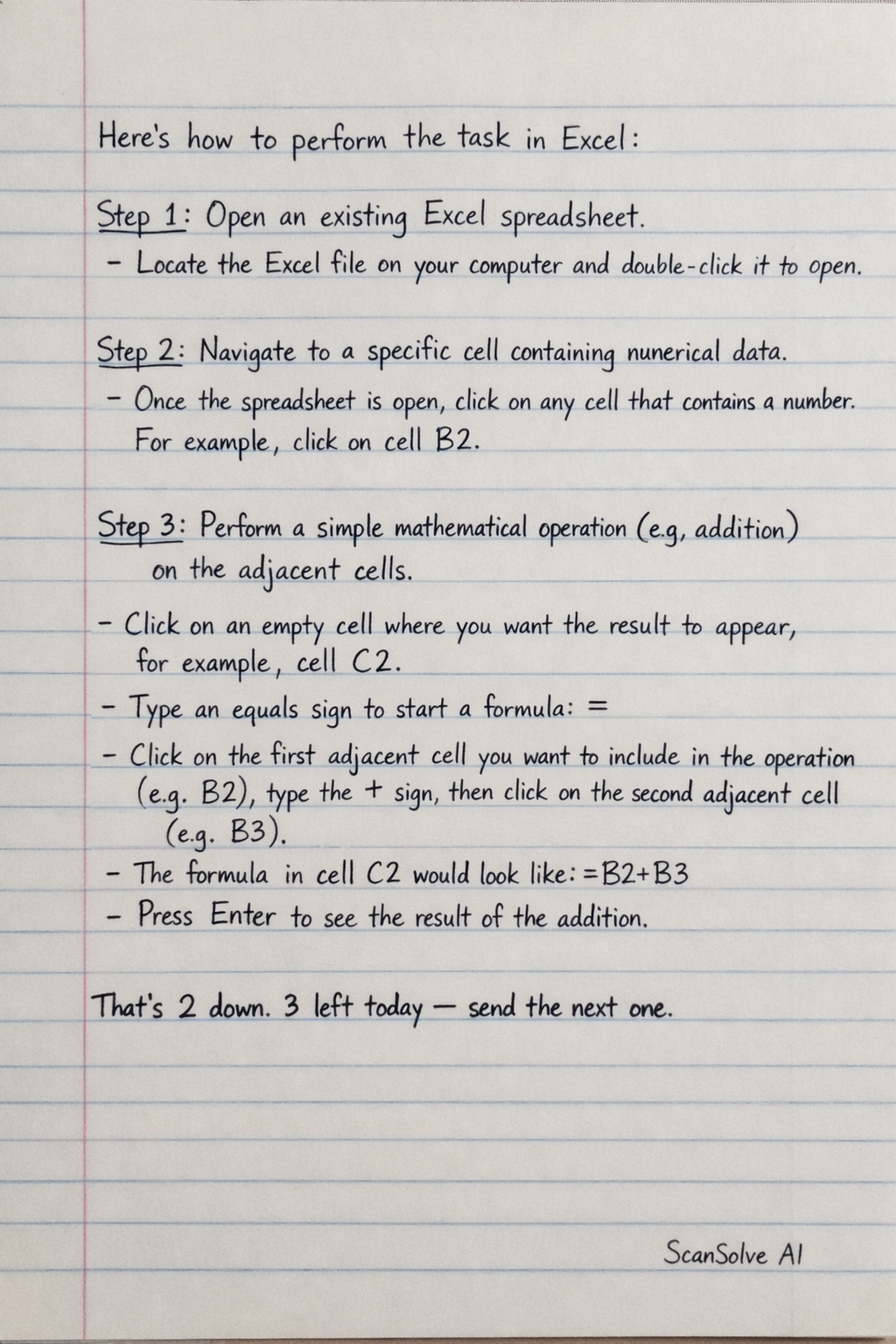
Here's how to perform the task in Excel: Step 1: Open an existing Excel spreadsheet. • Locate the Excel file on your computer and double-click it to open. Step 2: Navigate to a specific cell containing numerical data. • Once the spreadsheet is open, click on any cell that contains a number. For example, click on cell B2. Step 3: Perform a simple mathematical operation (e.g., addition) on the adjacent cells. • Click on an empty cell where you want the result to appear, for example, cell C2. • Type an equals sign to start a formula: =. • Click on the first adjacent cell you want to include in the operation (e.g., B2), type the + sign, then click on the second adjacent cell (e.g., B3). • The formula in cell C2 would look like =B2+B3. • Press Enter to see the result of the addition. That's 2 down. 3 left today — send the next one.