
We read your photo as:
How are the columns TOTAL, AVG, RANK, and REMARK calculated in the spreadsheet, and how do I fill in the missing values?
ScanSolve AI Answer
Based on the provided spreadsheet, here's how the columns are calculated and how to fill in the missing values for RANK and REMARK.
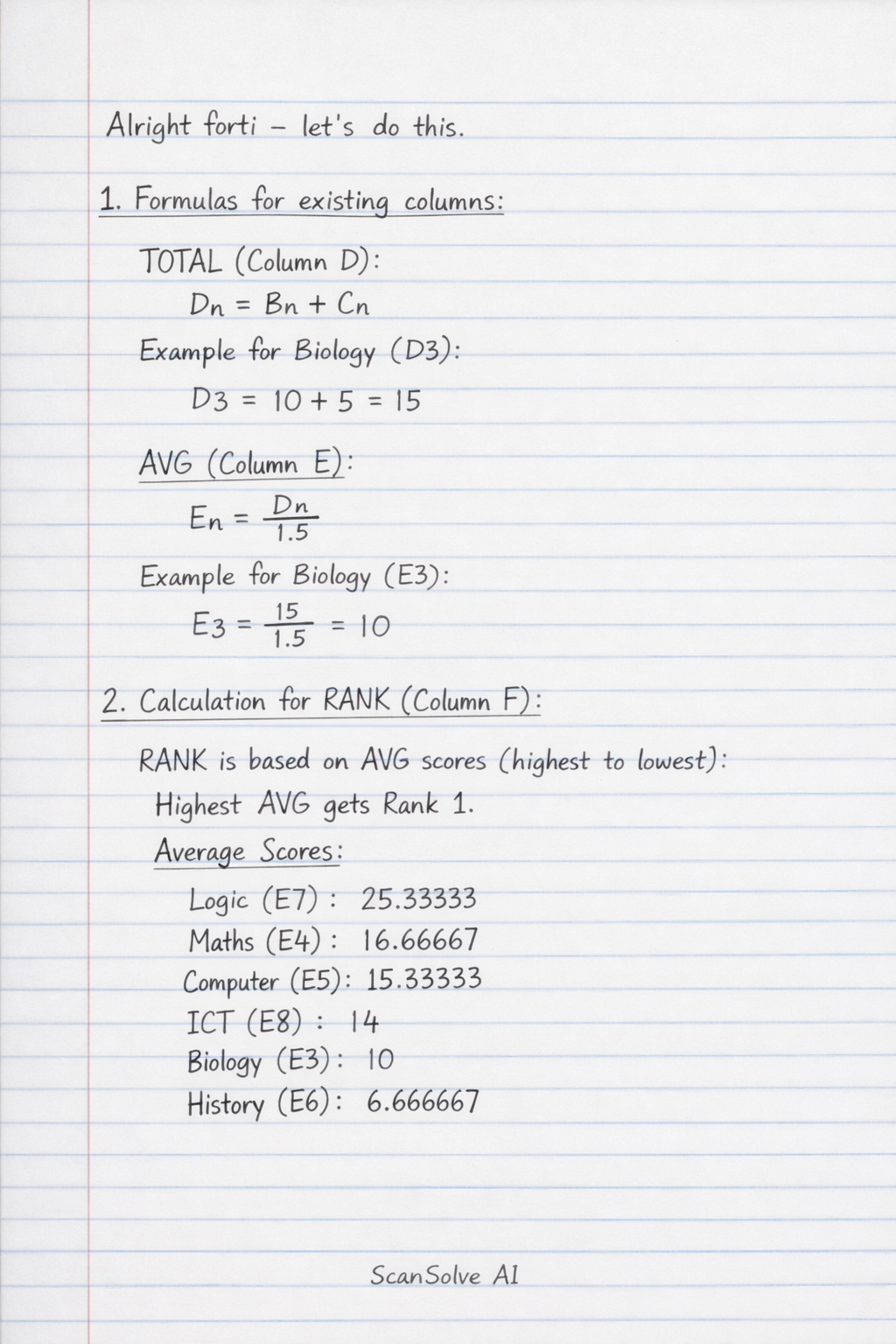
1. Formulas for existing columns:
-
TOTAL (Column D): This column is the sum of the scores from "SEQUENCE1" and "SEQUENCE2".
- Formula for cell :
- Example for Biology (D3):
-
AVG (Column E): This column appears to be the "TOTAL" divided by 1.5.
- Formula for cell :
- Example for Biology (E3):
2. Calculation for RANK (Column F):
The RANK is determined by ordering the "AVG" scores from highest to lowest. The highest average score gets Rank 1.
-
Average Scores:
- Logic (E7): 25.33333
- Maths (E4): 16.66667
- Computer (E5): 15.33333
- ICT (E8): 14
- Biology (E3): 10
- History (E6): 6.666667
-
Calculated Ranks:
- Logic:
- Maths:
- Computer:
- ICT:
- Biology:
- History:
3. Calculation for REMARK (Column G):
The REMARK is a qualitative assessment based on the "AVG" score. We'll use the following assumed criteria:
-
AVG : Excellent
-
AVG : Very Good
-
AVG : Good
-
AVG : Needs Improvement
-
Calculated Remarks:
- Biology (E3 = 10):
- Maths (E4 = 16.66667):
- Computer (E5 = 15.33333):
- History (E6 = 6.666667):
- Logic (E7 = 25.33333):
- ICT (E8 = 14):
Still stuck on this one?
Ask a follow-up, and the answer starts from this question.
More Computer Science Questions
Handwritten Step-by-Step Solution
Get this as a handwritten image on WhatsApp — like a tutor wrote it for you.
Try on WhatsApp