
We read your photo as:
Demonstrate how to formulate AVERAGE and SUM in spreadsheets and how to add rows/columns.
ScanSolve AI Answer
Answers
2 partsStep-by-step solution
14 stepsHere are the answers to your questions:
Q1: Demonstrate how to formulate the following:
Part a· 2 steps
Average
To calculate the average of a range of cells in a spreadsheet, you use the AVERAGE function.
Select the cell where you want the average to appear.
Type an equals sign, followed by
AVERAGE, and then the range of cells in parentheses.Example: To find the average of cells A1 through A10, you would type:
Part b
SUM
To calculate the sum of a range of cells in a spreadsheet, you use the SUM function.
Select the cell where you want the sum to appear.
Type an equals sign, followed by
SUM, and then the range of cells in parentheses.Example: To find the sum of cells B1 through B5, you would type:
Q2: Demonstrate how to add a cell (row/column).
To add a cell, row, or column in a spreadsheet program (like Microsoft Excel):
- To add a row:
Select the row below where you want the new row to appear.
For example, to insert a row above row 5, select row 5.
Right-click on the selected row header.
Choose Insert from the context menu.
A new row will be inserted above the selected row.
- To add a column:
Select the column to the right of where you want the new column to appear.
For example, to insert a column before column C, select column C.
Right-click on the selected column header.
Choose Insert from the context menu.
A new column will be inserted to the left of the selected column.
- To add a cell:
Select the cell where you want to insert a new cell.
Right-click on the selected cell.
Choose Insert... from the context menu.
A dialog box will appear asking whether to Shift cells right or Shift cells down.
Choose the desired option and click OK.
Try one yourself
A new problem that tests the same skill.
Still stuck on this one?
Ask a follow-up, and the answer starts from this question.
More Computer Science Questions
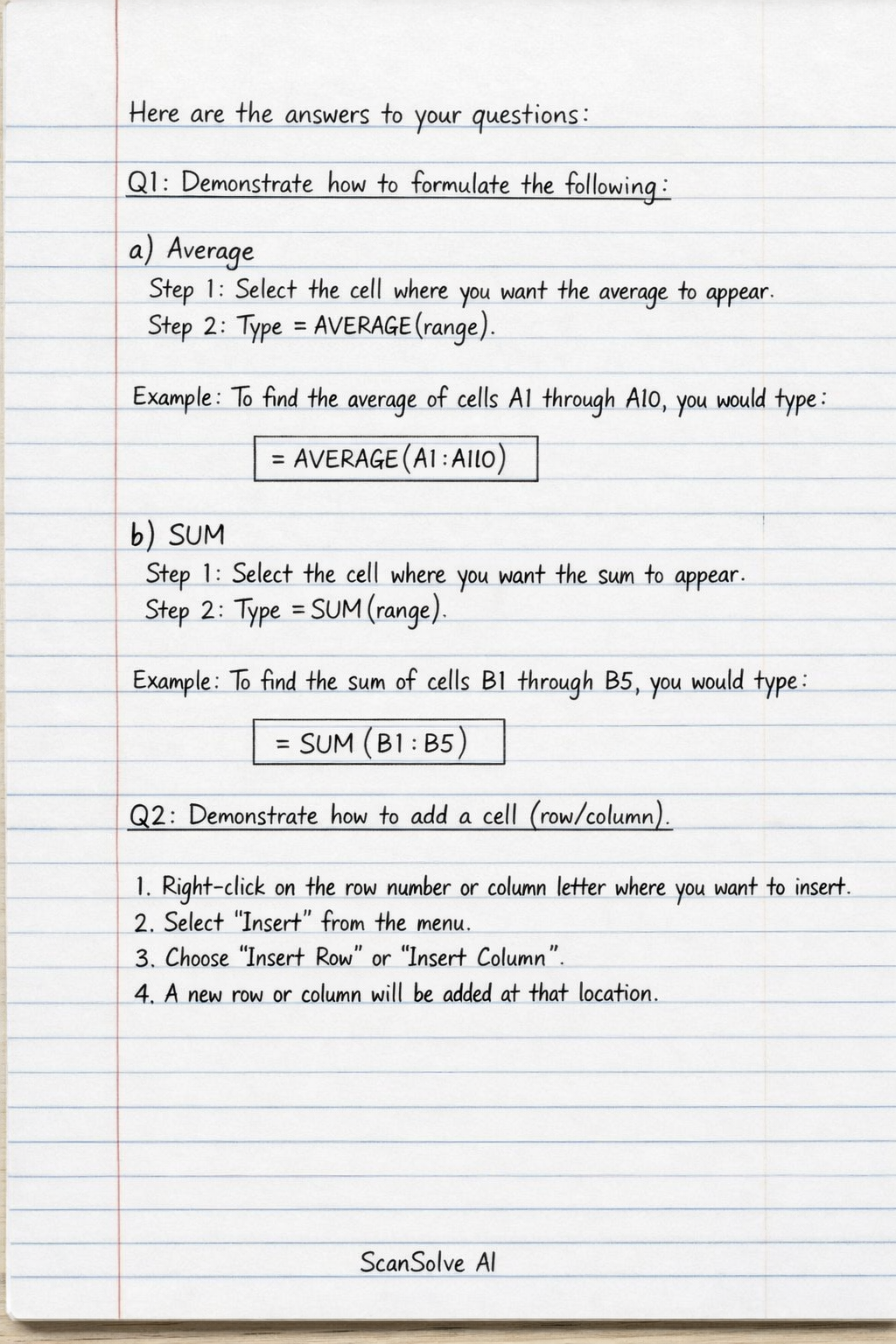
Handwritten Step-by-Step Solution
Get this as a handwritten image on WhatsApp — like a tutor wrote it for you.
Try on WhatsApp