
We read your photo as:
Create an Excel document with fruit data, add a title, and then add average and total rows.
Computer Science
ScanSolve AI Answer
Step-by-step solution
3 stepsHere are the steps to create and modify the Excel document, followed by observations:
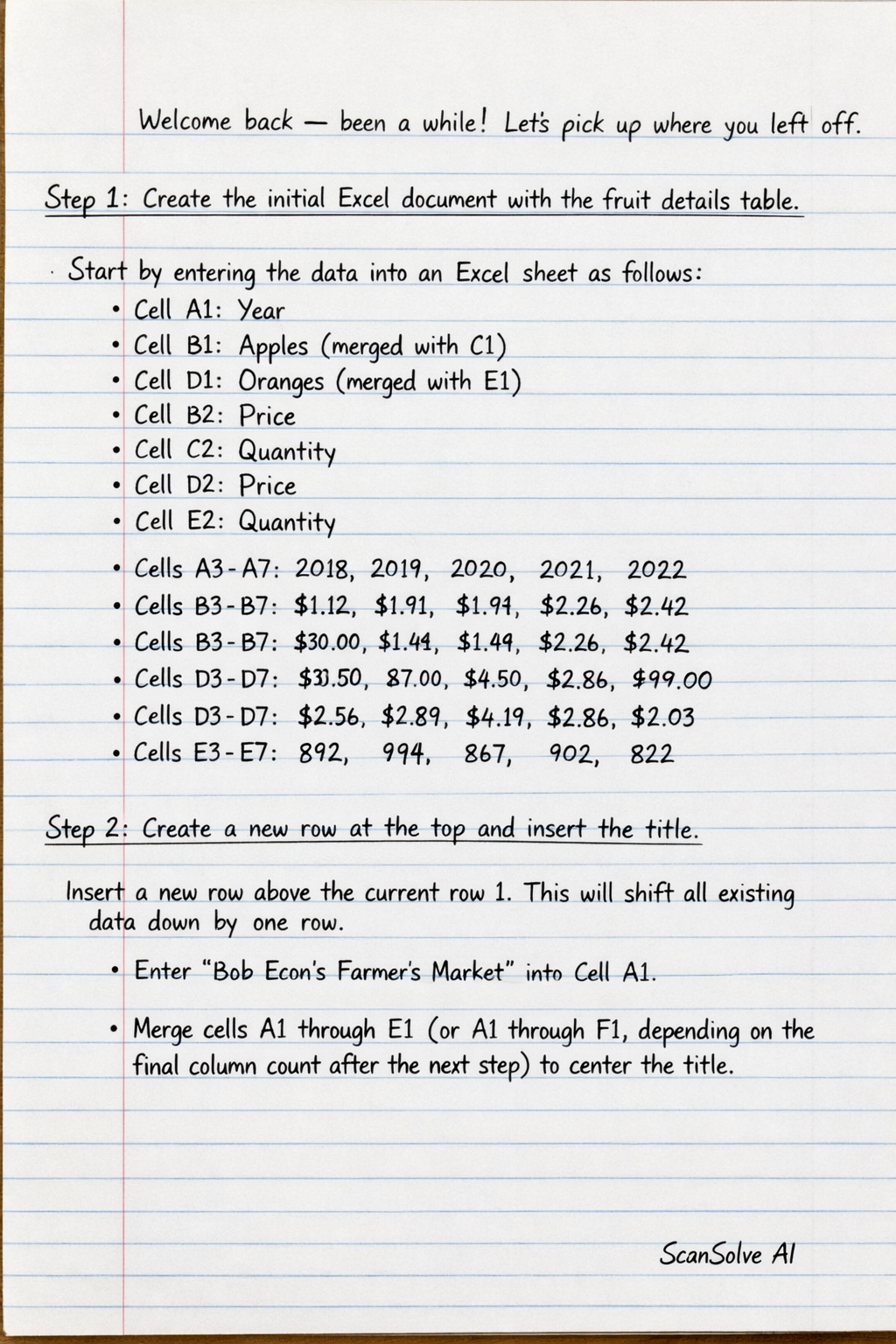
Create the initial Excel document with the fruit details table.
Start by entering the data into an Excel sheet as follows:
- Cell A1: Year
- Cell B1: Apples (merged with C1)
- Cell D1: Oranges (merged with E1)
- Cell B2: Price
- Cell C2: Quantity
- Cell D2: Price
- Cell E2: Quantity
- Cells A3-A7: 2018, 2019, 2020, 2021, 2022
- Cells B3-B7: $1.12, $1.91, $1.44, $2.26, $2.42
- Cells C3-C7: 930.00, 867.00, 845.00, 976.00, 990.00
- Cells D3-D7: $2.56, $2.89, $4.19, $2.86, $2.03
- Cells E3-E7: 892, 994, 867, 902, 822
Create a new row at the top and insert the title.
Insert a new row above the current row 1. This will shift all existing data down by one row.
- Enter "Bob Econ's Farmer's Market" into Cell A1.
- Merge cells A1 through E1 (or A1 through F1, depending on the final column count after the next step) to center the title.
Create a new column on the far left and add labels.
Insert a new column to the left of the current column A. This will shift all existing columns one position to the right.
- The title "Bob Econ's Farmer's Market" should now be in Cell A1 (merged across A1:F1).
- In the new Cell A9, enter the text "AVERAGE".
- In the new Cell A10, enter the text "TOTAL".
The final layout of the Excel sheet will be as follows:
Cell Content A1 Bob Econ's Farmer's Market (merged A1:F1) B2 Year C2 Apples (merged C2:D2) E2 Oranges (merged E2:F2) C3 Price D3 Quantity E3 Price F3 Quantity B4 2018 C4 $1.12 D4 930.00 E4 $2.56 F4 892 B5 2019 C5 $1.91 D5 867.00 E5 $2.89 F5 994 B6 2020 C6 $1.44 D6 845.00 E6 $4.19 F6 867 B7 2021 C7 $2.26 D7 976.00 E7 $2.86 F7 902 B8 2022 C8 $2.42 D8 990.00 E8 $2.03 F8 822 A9 AVERAGE A10 TOTAL Document your observations:
- Apple Prices: The price of apples generally shows an increasing trend from $1.12 in 2018 to $2.42 in 2022, despite a dip in 2020.
- Apple Quantities: The quantity of apples also shows an overall increasing trend from 930 in 2018 to 990 in 2022, with some fluctuations in between.
- Orange Prices: Orange prices fluctuate significantly, peaking at $4.19 in 202
Was this helpful?
Still stuck on this one?
Ask a follow-up, and the answer starts from this question.
Got a different question?Ask your own question
More Computer Science Questions
QDemonstrate how to formulate AVERAGE and SUM in spreadsheets and how to add rows/columns.QCalculate the total revenue from the provided data, showing the steps and formulas used in Excel.QHow do I format a spreadsheet with bold headers, borders, adjusted column widths, and centered…QHow are the columns TOTAL, AVG, RANK, and REMARK calculated in the spreadsheet, and how do I fill in…QComplete the table below using the data above: Weights of grams, Tally, Number of fruits
Handwritten Step-by-Step Solution
Get this as a handwritten image on WhatsApp — like a tutor wrote it for you.
Try on WhatsApp