
Please teach me a step by step method of using the Casio fx-991ms for equations and polynomial
ScanSolve AI Answer
Answer
Step-by-step solution
8 stepsHere's a step-by-step guide on how to use your Casio fx-991MS calculator for equations and polynomials.
Solving Simultaneous Equations (Equations with "Unknowns")
This method is for solving systems of linear equations, such as:
or for three variables.
Enter EQN Mode.
Press
MODEthree times untilEQNappears on the screen. Select1forEQN.Select "Unknowns".
The calculator will ask
Unknowns?. Select2for two variables or3for three variables.
Let's use an example for 2 unknowns:Input coefficients.
The calculator will prompt for the coefficients
a1,b1,c1,a2,b2,c2, etc. Enter each coefficient followed by the button.
For the example above, input:
View solutions.
Press again to display the value of . Press again to display the value of .
For the example, you will get:
(which is )
The solution is:Solving Polynomial Equations (Equations with "Degree")
This method is for finding the roots of polynomial equations, such as quadratic () or cubic () equations.
Enter EQN Mode.
Press
MODEthree times untilEQNappears on the screen. Select1forEQN.Select "Degree".
The calculator will ask
Unknowns?. Press the right arrow key to change toDegree?. Select2for a quadratic equation or3for a cubic equation.
Let's use an example for a quadratic equation:Input coefficients.
The calculator will prompt for the coefficients , , (and for cubic). Enter each coefficient followed by the button.
For the example above, input:
View solutions.
Press again to display the first root
X1. Press again to display the second rootX2.
For the example, you will get:
The solutions are:
Try one yourself
A new problem that tests the same skill.
Still stuck on this one?
Ask a follow-up, and the answer starts from this question.
More Mathematics Questions
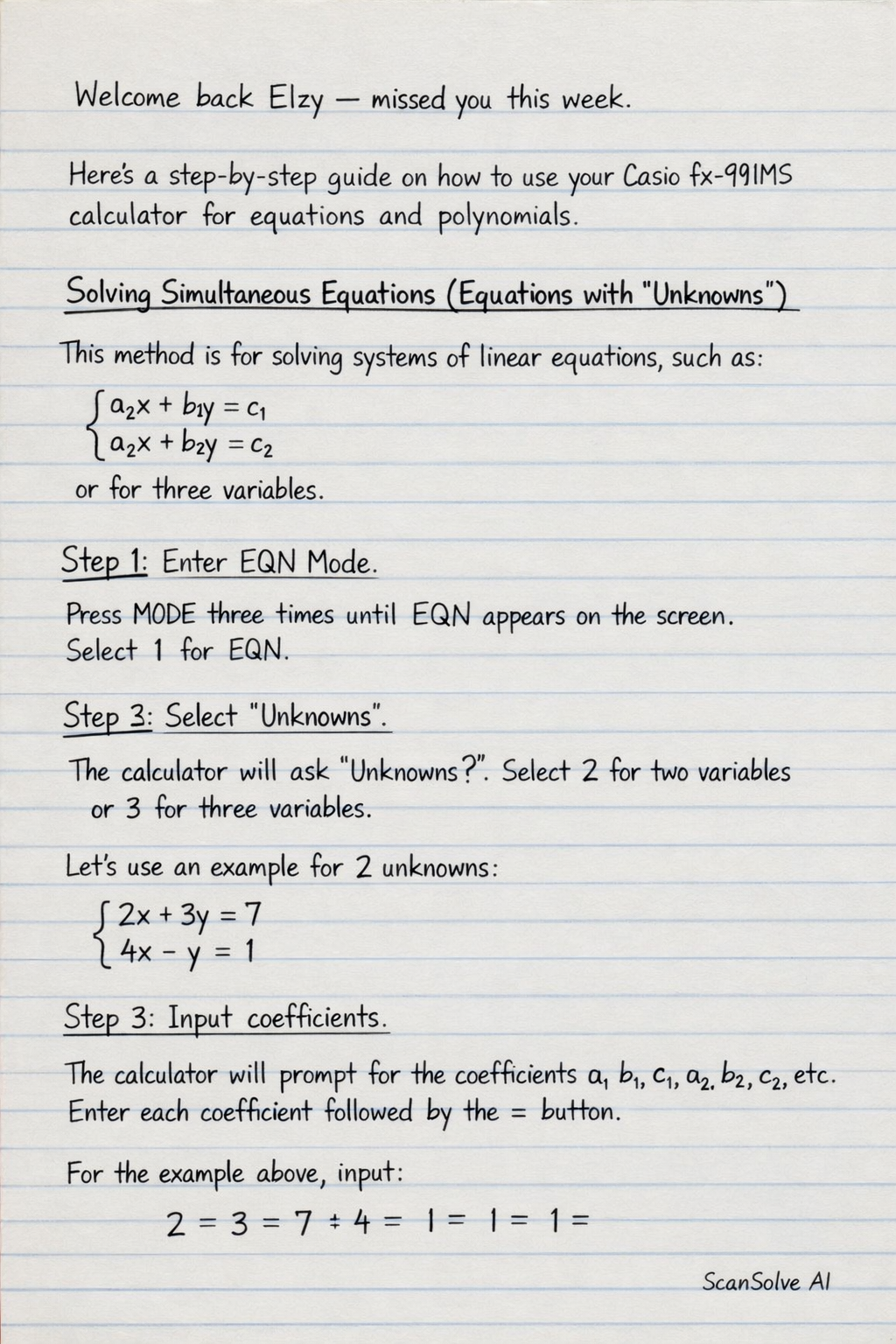
Handwritten Step-by-Step Solution
Get this as a handwritten image on WhatsApp — like a tutor wrote it for you.
Try on WhatsApp