ScanSolve logoScanSolve
Toggle sidebar
  • Homework
  • Tutor
  • Humanizer
  • AI Detector
  • Questions
  • Blog
  • History
  • Mobile App

  • Homework
  • Tutor
  • Humanizer
  • AI Detector

  • Questions
  • Math homework helpMath
    Physics homework helpPhysics
    Chemistry homework helpChemistry
    Biology homework helpBiology
    Computer Science homework helpComputer Science
    History homework helpHistory
    More homework helpMore
  • Blog
  • History

  • Mobile App
ScanSolvePLUS
  • Unlimited answers
  • ScanSolve AI Pro
Start Free Trial →
Try on WhatsApp

Scan it, Solve it

support@getscansolve.com

© 2026 ScanSolve. All rights reserved.

Company

About UsCareersContact Us

Resources

Questions HubAI HumanizerAI Detector

Support

FAQTerms of ServicePrivacy PolicyDo Not Sell My Data

Download App

Download ScanSolve on App StoreGet ScanSolve on Google PlayChat on WhatsApp
Home > Computer Science Homework Help > Solution

Explain the term Information society. In recent years, computers have become indispensable tools across various fields. Discuss the impact of computers in the following fields: (i) Education (ii) Medical (iii) Manufacturing

Asked on March 26, 2026|Computer Science

This computer science problem involves algorithmic thinking and programming concepts. The solution below explains the approach, logic, and implementation step by step.

ScanSolve AI AnswerAnswered on March 26, 2026
1. (a) Explain the term Information society. An Information society is a society where the creation, distribution, use, integration, and manipulation of information is a significant economic, political, and cultural activity. The primary drivers of this society are information and communication technologies (ICTs), which have transformed how people live, work, and interact. 1. (b) In recent years, computers have become indispensable tools across various fields. Discuss the impact of computers in the following fields: i) Education Computers have revolutionized education by providing access to vast amounts of information through the internet, enabling online learning platforms, and facilitating interactive educational software. They support personalized learning, research, and administrative tasks, making education more accessible and engaging. ii) Medical In the medical field, computers are crucial for diagnostics (e.g., MRI, CT scans), patient record management (Electronic Health Records), drug discovery, and surgical procedures (robot-assisted surgery). They enhance accuracy, efficiency, and the overall quality of patient care. iii) Manufacturing Computers have transformed manufacturing through automation, computer-aided design (CAD), and computer-aided manufacturing (CAM). They control machinery, optimize production processes, manage supply chains, and enable precision engineering, leading to increased efficiency, reduced costs, and higher quality products. 2. Input devices are important components of a computer system, bridging the gap between users and technology. State five (5) examples of input devices and explain how each one contributes to improving the overall computing experience. • Keyboard: Allows users to input text, numbers, and commands. It improves the computing experience by enabling efficient data entry and interaction with software applications. • Mouse: A pointing device that allows users to control a cursor on the screen, select items, and navigate graphical user interfaces. It enhances user experience by providing intuitive and precise control for graphical tasks. • Microphone: Captures audio input, enabling voice commands, recording, and communication. It improves the experience by allowing hands-free operation and natural language interaction. • Scanner: Converts physical documents or images into digital files. It enhances computing by digitizing information for storage, editing, and sharing, reducing the need for physical copies. • Webcam: Captures video and still images, primarily used for video conferencing and surveillance. It improves communication by enabling face-to-face interaction over long distances and visual monitoring. 3. (a) What is an application programme/software? An application program (or application software) is a type of computer program designed to perform a specific task or set of tasks for the end-user. Unlike system software, which manages the computer's operations, application software directly assists users in performing productive work or entertainment. 3. (b) Explain the following application software and give two (2) examples in each case: i) Word processing software Word processing software is an application used for creating, editing, formatting, and printing text-based documents. It allows users to manipulate text, insert images, and apply various styles to produce professional-looking documents. Examples: Microsoft Word, Google Docs. ii) Spreadsheet software Spreadsheet software is an application designed for organizing, analyzing, and storing data in tabular form, consisting of rows and columns. It allows users to perform calculations, create charts, and manage numerical information efficiently. Examples: Microsoft Excel, Google Sheets. 4. (a) What is hacking? Hacking refers to the unauthorized access to or manipulation of computer systems, networks, or data. It typically involves exploiting vulnerabilities in software or hardware to gain control or extract information without permission, often with malicious intent. 4. (b) In modern times, digital privacy which is concerned with the protection of an individual's personal information and data when using digital technologies has become very necessary. As a student, briefly explain four (4) ways you can protect your digital privacy. • Use strong, unique passwords: Create complex passwords for each online account, combining letters, numbers, and symbols, and avoid reusing them. This prevents unauthorized access if one password is compromised. • Enable two-factor authentication (2FA): Activate 2FA wherever possible, which requires a second form of verification (e.g., a code from your phone) in addition to your password. This adds an extra layer of security against unauthorized logins. • Be cautious about sharing personal information: Limit the amount of personal data you share online, especially on social media or unfamiliar websites. Think before you post or provide information to avoid oversharing. • Regularly update software and operating systems: Keep your operating system, web browsers, and applications updated. Updates often include security patches that fix vulnerabilities hackers could exploit.

Related Computer Science Questions

  • MS PowerPoint is an application software.
  • Determine the domain of the argument of the tangent function.
  • The primary function of ChatGPT, as illustrated by the example, is to generate text based on a given prompt. It takes an...
  • about the type of machine learning algorithm used when the dataset includes labeled data with known outcomes.
  • Define operating system
  • 1. File: A file is a collection of data or information stored on a computer under a specific name. It can be a document,...
See all Computer Science questions

This step-by-step solution was generated by ScanSolve AI. Need help with more computer science problems? Browse Computer Science solutions or ask your own question.

Home›Computer Science Homework Help›Explain the term Information society. In recent years, compu…
Q

Explain the term Information society. In recent years, computers have become indispensable tools across various fields. Discuss the impact of computers in the following fields: (i) Education (ii) Medical (iii) Manufacturing

March 26, 2026|Computer Science
Explain the term Information society. In recent years, computers have become indispensable tools across various fields. Discuss the impact of computers in the following fields: (i) Education (ii) Medical (iii) Manufacturing

Explain the term Information society. In recent years, computers have become indispensable tools across various fields. Discuss the impact of computers in the following fields: (i) Education (ii) Medical (iii) Manufacturing

ScanSolve AI

ScanSolve AI Answer

Answered on March 26, 2026

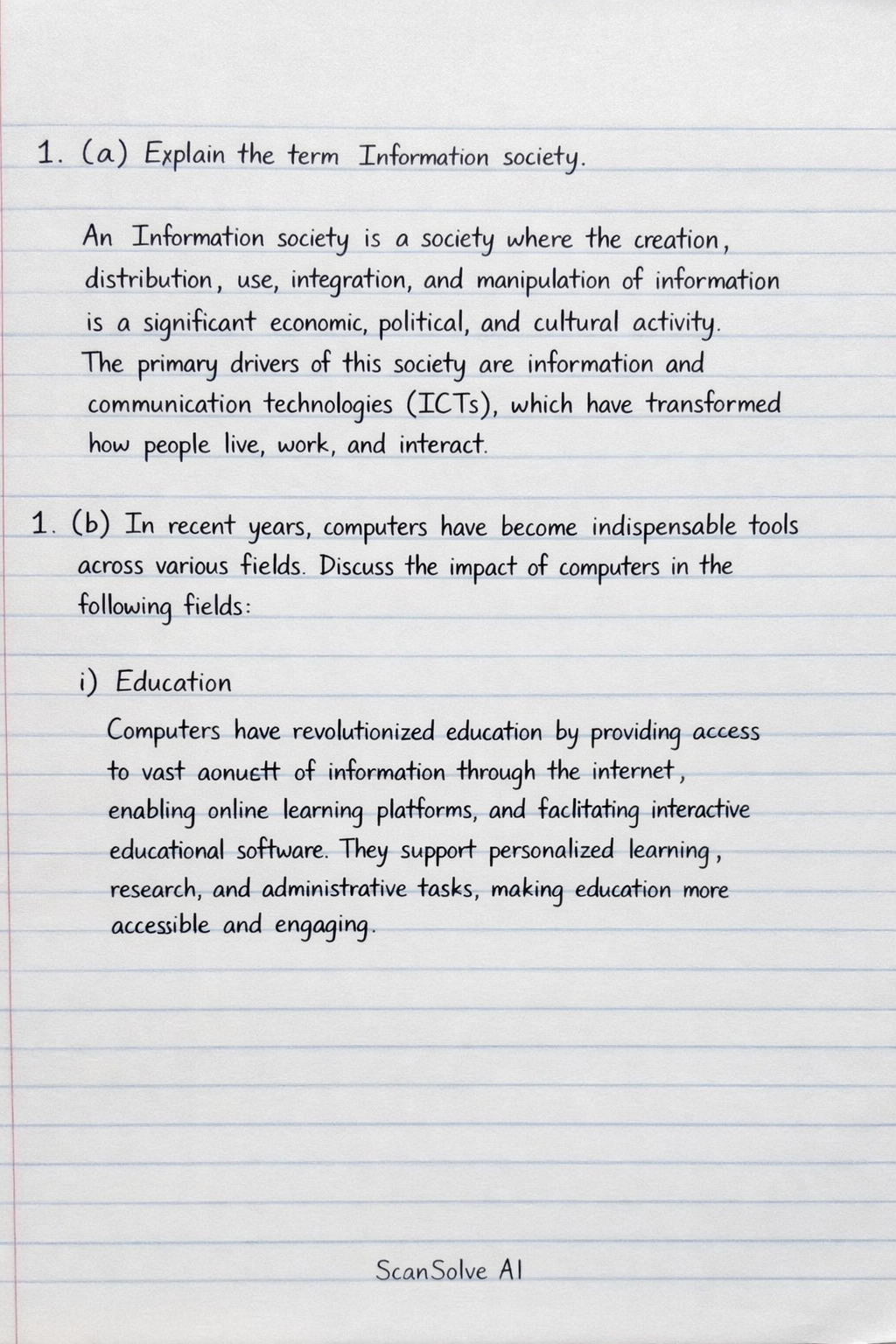
1. (a) Explain the term Information society.

An Information society is a society where the creation, distribution, use, integration, and manipulation of information is a significant economic, political, and cultural activity. The primary drivers of this society are information and communication technologies (ICTs), which have transformed how people live, work, and interact.

1. (b) In recent years, computers have become indispensable tools across various fields. Discuss the impact of computers in the following fields:

i) Education Computers have revolutionized education by providing access to vast amounts of information through the internet, enabling online learning platforms, and facilitating interactive educational software. They support personalized learning, research, and administrative tasks, making education more accessible and engaging.

ii) Medical In the medical field, computers are crucial for diagnostics (e.g., MRI, CT scans), patient record management (Electronic Health Records), drug discovery, and surgical procedures (robot-assisted surgery). They enhance accuracy, efficiency, and the overall quality of patient care.

iii) Manufacturing Computers have transformed manufacturing through automation, computer-aided design (CAD), and computer-aided manufacturing (CAM). They control machinery, optimize production processes, manage supply chains, and enable precision engineering, leading to increased efficiency, reduced costs, and higher quality products.

2. Input devices are important components of a computer system, bridging the gap between users and technology. State five (5) examples of input devices and explain how each one contributes to improving the overall computing experience.

• Keyboard: Allows users to input text, numbers, and commands. It improves the computing experience by enabling efficient data entry and interaction with software applications. • Mouse: A pointing device that allows users to control a cursor on the screen, select items, and navigate graphical user interfaces. It enhances user experience by providing intuitive and precise control for graphical tasks. • Microphone: Captures audio input, enabling voice commands, recording, and communication. It improves the experience by allowing hands-free operation and natural language interaction. • Scanner: Converts physical documents or images into digital files. It enhances computing by digitizing information for storage, editing, and sharing, reducing the need for physical copies. • Webcam: Captures video and still images, primarily used for video conferencing and surveillance. It improves communication by enabling face-to-face interaction over long distances and visual monitoring.

3. (a) What is an application programme/software?

An application program (or application software) is a type of computer program designed to perform a specific task or set of tasks for the end-user. Unlike system software, which manages the computer's operations, application software directly assists users in performing productive work or entertainment.

3. (b) Explain the following application software and give two (2) examples in each case:

i) Word processing software Word processing software is an application used for creating, editing, formatting, and printing text-based documents. It allows users to manipulate text, insert images, and apply various styles to produce professional-looking documents. Examples: Microsoft Word, Google Docs.

ii) Spreadsheet software Spreadsheet software is an application designed for organizing, analyzing, and storing data in tabular form, consisting of rows and columns. It allows users to perform calculations, create charts, and manage numerical information efficiently. Examples: Microsoft Excel, Google Sheets.

4. (a) What is hacking?

Hacking refers to the unauthorized access to or manipulation of computer systems, networks, or data. It typically involves exploiting vulnerabilities in software or hardware to gain control or extract information without permission, often with malicious intent.

4. (b) In modern times, digital privacy which is concerned with the protection of an individual's personal information and data when using digital technologies has become very necessary. As a student, briefly explain four (4) ways you can protect your digital privacy.

• Use strong, unique passwords: Create complex passwords for each online account, combining letters, numbers, and symbols, and avoid reusing them. This prevents unauthorized access if one password is compromised. • Enable two-factor authentication (2FA): Activate 2FA wherever possible, which requires a second form of verification (e.g., a code from your phone) in addition to your password. This adds an extra layer of security against unauthorized logins. • Be cautious about sharing personal information: Limit the amount of personal data you share online, especially on social media or unfamiliar websites. Think before you post or provide information to avoid oversharing. • Regularly update software and operating systems: Keep your operating system, web browsers, and applications updated. Updates often include security patches that fix vulnerabilities hackers could exploit.

Need help with your own homework?

Get instant step-by-step solutions to any question. Free to start.

Ask Your Question
Handwritten step-by-step solution

Handwritten Step-by-Step Solution

Get this solution as a handwritten image on WhatsApp — just like a tutor wrote it for you.

Try on WhatsApp

More Computer Science Questions

MS PowerPoint is an application software.Determine the domain of the argument of the tangent function.The primary function of ChatGPT, as illustrated by the example, is to generate text based on a given…about the type of machine learning algorithm used when the dataset includes labeled data with known…Define operating system1. File: A file is a collection of data or information stored on a computer under a specific name. I…
See all Computer Sciencequestions →