

This computer science problem involves algorithmic thinking and programming concepts. The solution below explains the approach, logic, and implementation step by step.
ScanSolve AI Answer
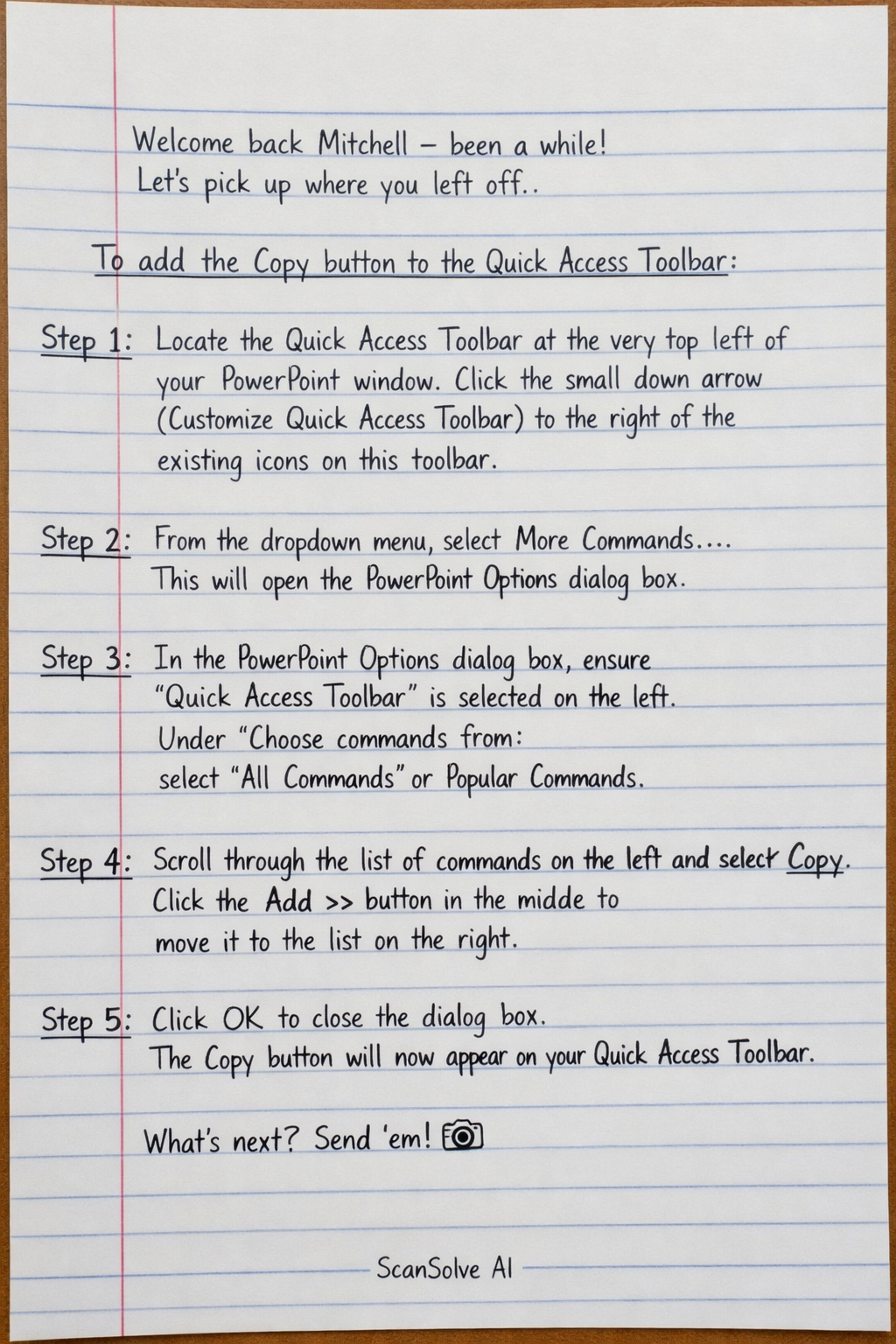
Welcome back Mitchell — been a while! Let's pick up where you left off. To add the Copy button to the Quick Access Toolbar: Step 1: Locate the Quick Access Toolbar at the very top left of your PowerPoint window. Click the small down arrow (Customize Quick Access Toolbar) to the right of the existing icons on this toolbar. Step 2: From the dropdown menu, select More Commands.... This will open the PowerPoint Options dialog box. Step 3: In the PowerPoint Options dialog box, ensure "Quick Access Toolbar" is selected on the left. Under "Choose commands from:", select All Commands or Popular Commands. Step 4: Scroll through the list of commands on the left and select Copy. Click the Add >> button in the middle to move it to the list on the right. Step 5: Click OK to close the dialog box. The Copy button will now appear on your Quick Access Toolbar. What's next? Send 'em! 📸