
We read your photo as:
How do I transfer handwritten log data into an Excel spreadsheet, including suggested column headers and formatting tips?
ScanSolve AI Answer
Answer
To transfer this data to Excel, you'll need to manually input the information into a spreadsheet.
Step-by-step solution
4 stepsOpen Excel and create column headers*.
Create the following column headers in the first row of your Excel sheet:
- SR NO
- DATE
- CAR NO
- SKM
- CKM
- TKM
- STIME
- CTIME
- TTIME
- TOLL
- PARKING
- NIGHT
- COMPANY NAME
- SING.
Input data row by row*.
Starting from the second row, enter the data from each line of your handwritten log into the corresponding columns. For example, for the first entry:
- SR NO: 1
- DATE: 08/09/25
- CAR NO: 8406
- SKM: 84681
- CKM: 84720
- TKM: 39Km
- STIME: 08:15am
- CTIME: 7:30am
- TTIME: 11:15
- TOLL: (empty)
- PARKING: (empty)
- NIGHT: (empty)
- COMPANY NAME: (empty)
- SING.: (empty)
Format data as needed*.
- For dates, you can use Excel's date format (e.g.,
DD/MM/YY). - For times, use a time format (e.g.,
HH:MM AM/PM). - For numerical values like SKM, CKM, TKM, TOLL, PARKING, and NIGHT, ensure they are entered as numbers.
- For dates, you can use Excel's date format (e.g.,
Calculate derived values (optional)*.
You can use formulas for columns like TKM (Total Kilometers) and TTIME (Total Time) if you prefer to calculate them in Excel rather than manually entering them.
- For TKM: If CKM is in column E and SKM is in column D, the formula would be
=E2-D2for the second row. - For TTIME: This calculation is more complex as it involves time differences across AM/PM and potentially different days. It's often easier to manually input the total time as written.
- For TKM: If CKM is in column E and SKM is in column D, the formula would be
Still stuck on this one?
Ask a follow-up, and the answer starts from this question.
More Computer Science Questions
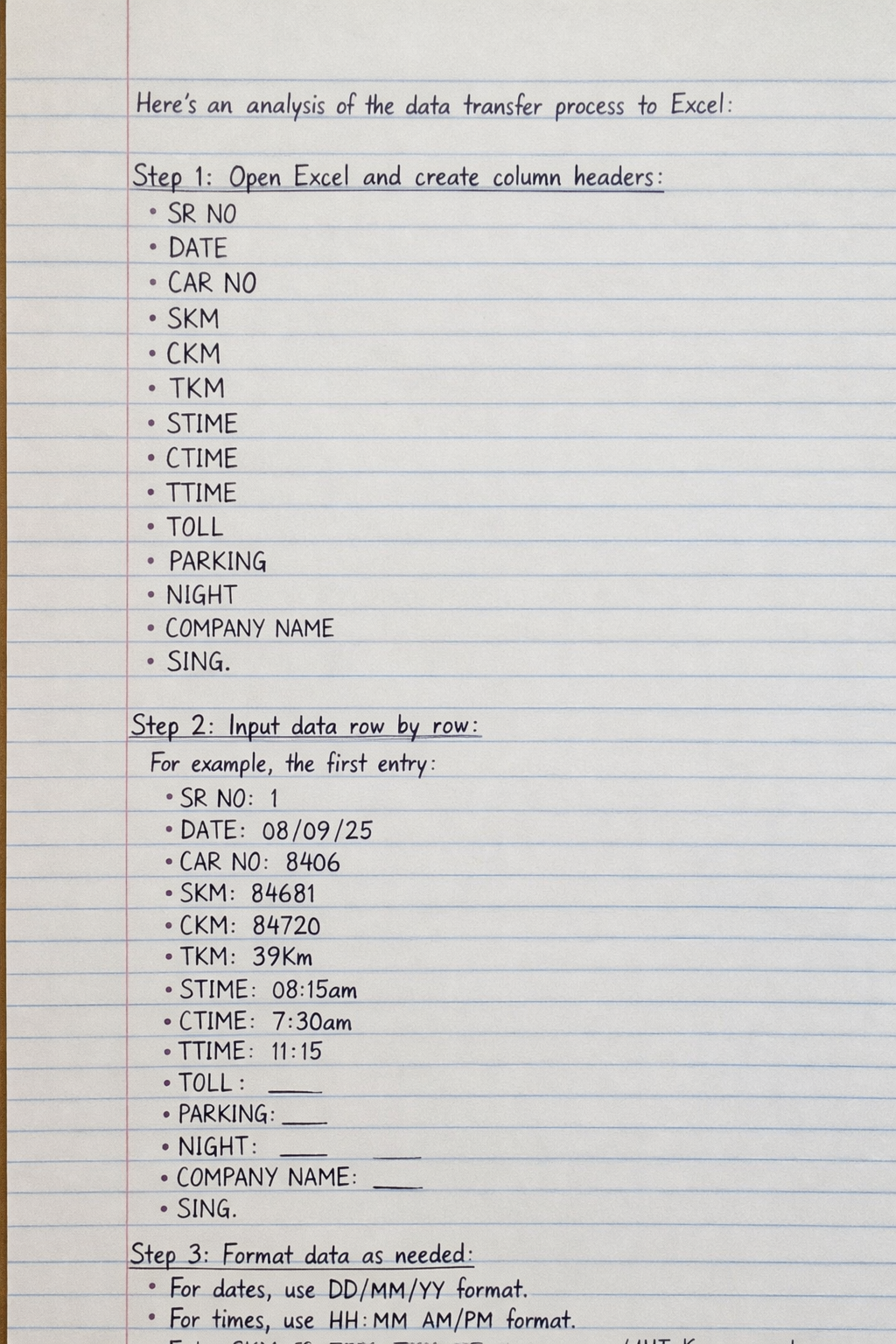
Handwritten Step-by-Step Solution
Get this as a handwritten image on WhatsApp — like a tutor wrote it for you.
Try on WhatsApp