
We read your photo as:
Outline the steps to add transitions to a PowerPoint presentation. List the steps to change desktop wallpaper. Mention the two types of file compressions and explain them.
Computer Science
ScanSolve AI Answer
Here are the answers to your questions:
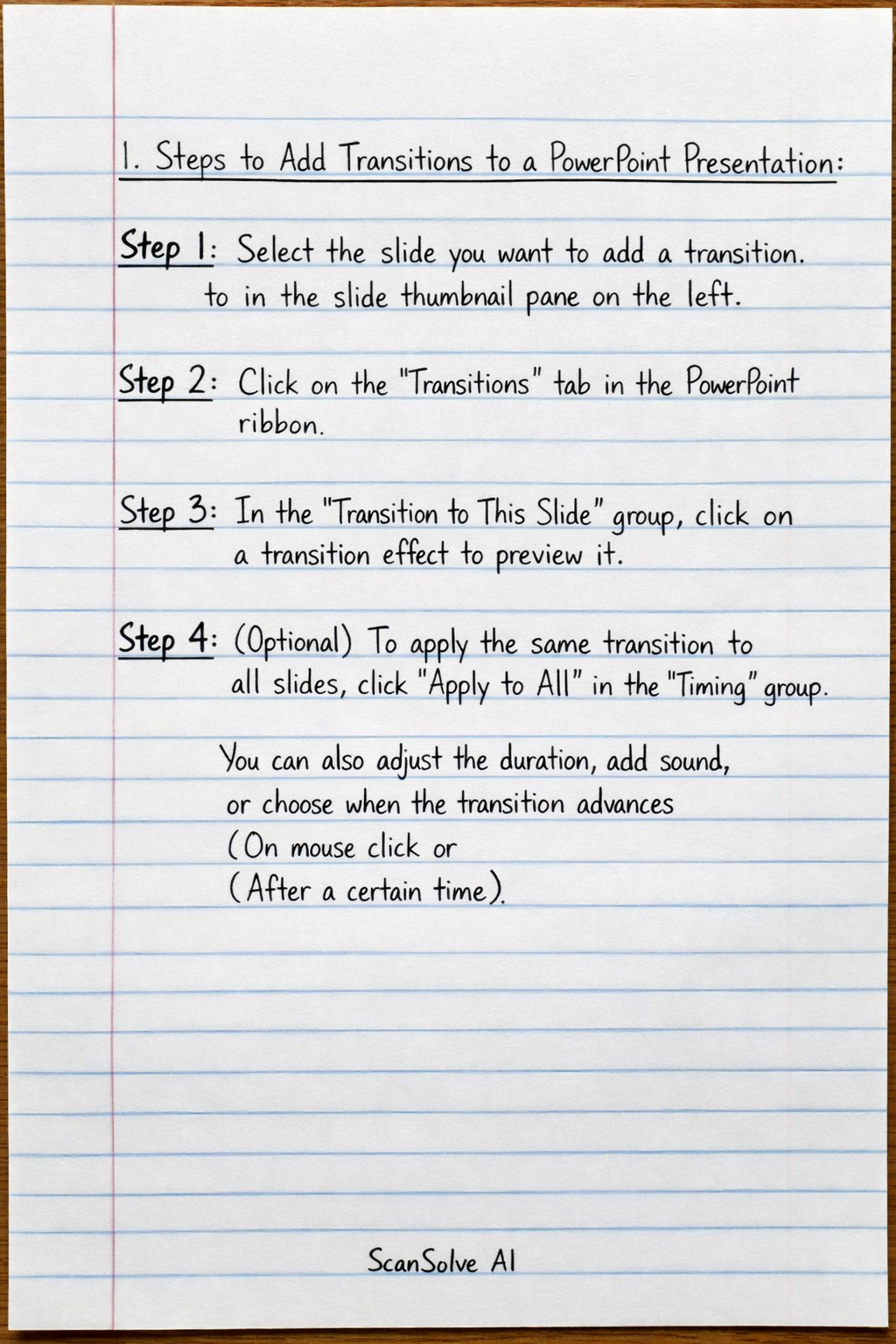
1. Steps to add transitions to a PowerPoint presentation:
- Step 1: Select the slide you want to add a transition to in the slide thumbnail pane on the left.
- Step 2: Click on the "Transitions" tab in the PowerPoint ribbon.
- Step 3: In the "Transition to This Slide" group, click on a transition effect to preview it.
- Step 4: (Optional) To apply the same transition to all slides, click "Apply to All" in the "Timing" group. You can also adjust the duration, add sound, or choose when the transition advances (on mouse click or after a certain time).
2. Steps to change desktop wallpaper (Windows):
- Step 1: Right-click on an empty area of your desktop.
- Step 2: Select "Personalize" from the context menu.
- Step 3: In the Personalization settings window, ensure "Background" is selected on the left pane.
- Step 4: Under "Background," choose "Picture" from the dropdown menu.
- Step 5: Select one of the default images or click "Browse" to choose an image from your computer.
- Step 6: Choose a fit option (e.g., Fill, Fit, Stretch, Tile, Center, Span) for your wallpaper.
3. Two types of file compressions:
There are two main types of file compression:
- Lossless Compression: This method reduces file size without losing any data. When the file is decompressed, it is an exact replica of the original. It works by identifying and removing statistical redundancy in the data. Examples include ZIP, PNG, and GIF formats.
- Lossy Compression: This method reduces file size by permanently removing some information from the file. This is often used for media files where some loss of quality is acceptable for a significantly smaller file size. Once data is removed, it cannot be recovered. Examples include JPEG (for images) and MP3 (for audio) formats.
Was this helpful?
Still stuck on this one?
Ask a follow-up, and the answer starts from this question.
Got a different question?Ask your own question
More Computer Science Questions
QOutline the steps for creating a presentation, adding slides, inserting text and images, applying…QWhat are the differences between transitions and animations, and how do you run a slideshow and…QHow do you preview a transition on a PowerPoint slide?QHow do you remove a slide transition in presentation software?QHow to perform common operations in presentation software, such as duplicating slides, adding new…
Handwritten Step-by-Step Solution
Get this as a handwritten image on WhatsApp — like a tutor wrote it for you.
Try on WhatsApp