
We read your photo as:
Explain the purpose and columns of a Purchases Journal in accounting.
ScanSolve AI Answer
Answer
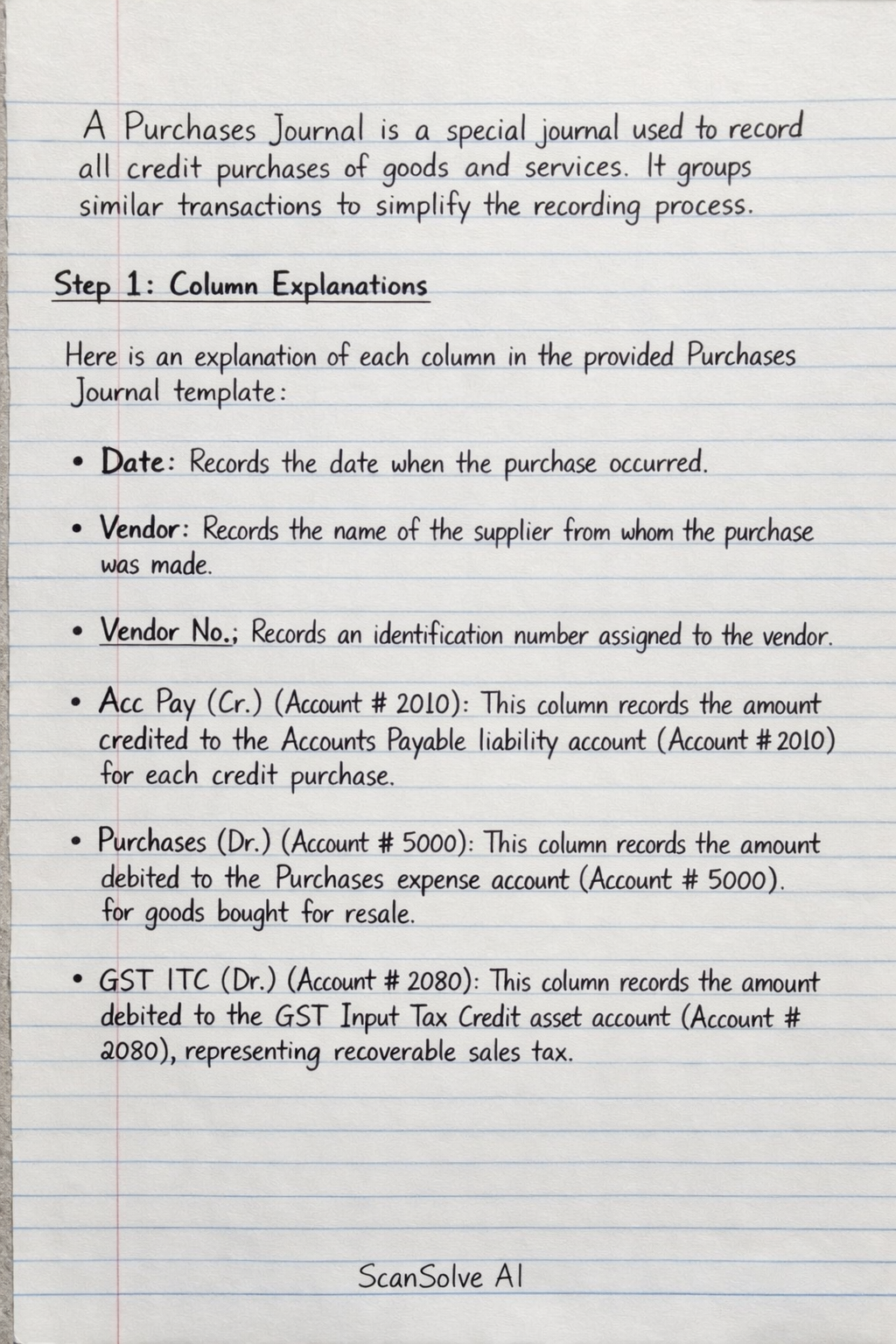
A Purchases Journal is a special journal used to record all credit purchases of goods and services. It groups similar transactions to simplify the recording process.
Step-by-step solution
3 stepsColumn Explanations
Here is an explanation of each column in the provided Purchases Journal template:
- Date: Records the date when the purchase occurred.
- Vendor: Records the name of the supplier from whom the purchase was made.
- Vendor No.: Records an identification number assigned to the vendor.
- Acc Pay (Cr.) (Account # 2010): This column records the amount credited to the Accounts Payable liability account (Account # 2010) for each credit purchase.
- Purchases (Dr.) (Account # 5000): This column records the amount debited to the Purchases expense account (Account # 5000) for goods bought for resale.
- GST ITC (Dr.) (Account # 2080): This column records the amount debited to the GST Input Tax Credit asset account (Account # 2080), representing recoverable sales tax.
- Travel & Ent. (Dr.) (Account # 6050): This column records the amount debited to the Travel & Entertainment Expense account (Account # 6050) for related purchases.
- Office Supplies (Dr.) (Account # 6060): This column records the amount debited to the Office Supplies Expense account (Account # 6060) for related purchases.
- Acc. # (General Ledger): This column is used to record the specific account number for any other General Ledger account that needs to be debited (e.g., Equipment, Utilities Expense) if it doesn't have a dedicated column.
- General Ledger (Dr.): Records the debit amount for the account specified in the "Acc. #" column.
- General Ledger (Cr.): This column is typically not used in a purchases journal, as all entries involve a credit to Accounts Payable. If another credit account were needed, it would usually be recorded in the General Journal.
Balancing Principle
For every transaction recorded in the Purchases Journal, the total of all debit entries (from the Purchases, GST ITC, Travel & Ent., Office Supplies, and General Ledger Dr. columns) must equal the total of all credit entries (from the Acc Pay Cr. and General Ledger Cr. columns).
Totaling and Posting
At the end of an accounting period (e.g., month), the amounts in each column are summed:
- The total of the Acc Pay (Cr.) column is posted as a credit to the Accounts Payable control account (2010) in the General Ledger.
- The totals of the Purchases (Dr.), GST ITC (Dr.), Travel & Ent. (Dr.), and Office Supplies (Dr.) columns are posted as debits to their respective General Ledger accounts (5000, 2080, 6050, 6060).
- Individual entries in the General Ledger (Dr.) and General Ledger (Cr.) columns are posted separately to their specific General Ledger accounts. The sum of all debit totals must equal the sum of all credit totals to ensure the journal remains balanced before posting to the General Ledger.
Without specific transaction details, the journal cannot be filled with entries.
Still stuck on this one?
Ask a follow-up, and the answer starts from this question.
More Accounting Questions
Handwritten Step-by-Step Solution
Get this as a handwritten image on WhatsApp — like a tutor wrote it for you.
Try on WhatsApp